

Managing construction projects becomes more complex as firms grow beyond a handful of active jobs. Spreadsheets, shared folders, and manual coordination may work at an early stage, but they begin to break down as teams start expanding.
For mid-sized construction firms, this often leads to limited visibility into progress, leading to delayed decisions and higher operational risk.
That's where construction project management software comes in, addressing this gap by centralizing planning, execution, and oversight in one platform.
This guide explores how mid-sized firms can evaluate construction project management software, what features matter most in 2026, and how to choose a solution that supports sustainable growth.
Best Construction Project Management Software for Mid-Sized Construction Companies
The best construction project management solutions for mid-sized companies go beyond simple scheduling or document storage. They consolidate critical functions from planning and task management to budgeting, communication, and reporting into a unified system that works for both office administrators and field teams.
This guide reviews the best construction project management software for mid-sized companies, focusing on tools that support scheduling, budgeting, document control, and the automation of routine tasks across teams.
It explains how modern construction software helps reduce repetitive tasks, improve visibility across active projects, and keep stakeholders aligned from planning to completion.
Designed for growing teams, the comparison helps decision-makers identify the best software to manage complexity without adding operational overhead in the construction industry.
Key Takeaways
- Construction delays and budget overruns usually stem from poor coordination, not from a lack of effort on-site.
- Spreadsheets and disconnected tools fail when teams manage multiple construction projects simultaneously.
- Construction project management software improves visibility across schedules, documents, and teams as firms grow.
- Centralized task management reduces missed handoffs and helps teams stay aligned across office and field work.
- Real-time insight into project costs enables firms to respond earlier rather than react after issues escalate.
Ready to See How Construction Teams Fix These Issues?
When projects scale, coordination gaps turn into delays and cost overruns. ConstructionBase brings tasks, schedules, and costs into one shared view, so your teams catch problems early and stay aligned.
Book a demo to see it in action.
The Real Cost of Managing Construction Projects Without Proper Software
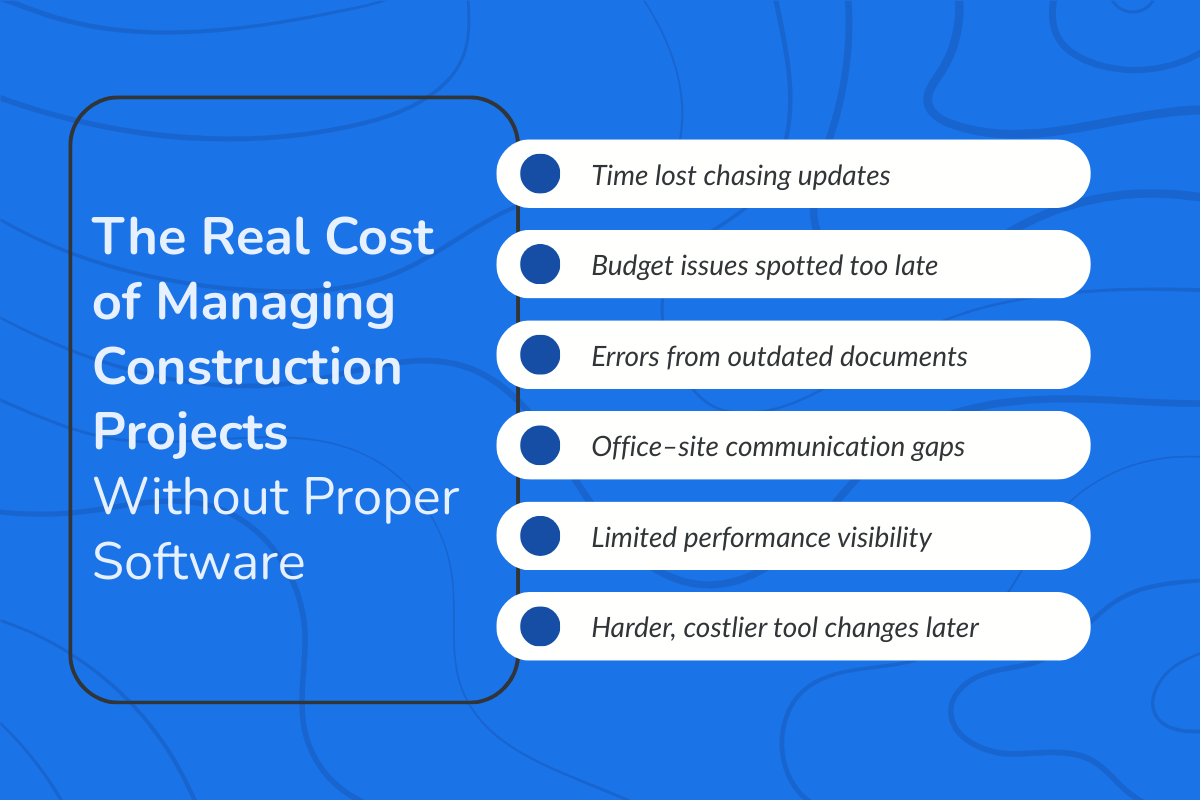
Many mid-sized construction firms continue to rely on spreadsheets, email threads, and disconnected tools longer than they should.
1. Lost Time Across Teams and Projects
Without a centralized system, project managers spend hours chasing updates, reconciling spreadsheets, and following up manually with teams. Field updates live in messages, documents live in folders, and schedules live somewhere else entirely.
This fragmentation doesn’t just slow individuals down; it multiplies wasted time across every project and every team involved.
2. Budget Overruns That Surface Too Late
When budgets are tracked manually or across multiple tools, cost issues often appear after they’ve already grown.
And delays in visibility make it harder to respond to change orders, labor overruns, or material cost increases in real time. By the time leadership has a clear picture, corrective action is limited, and margins take the hit.
3. Errors Caused by Outdated or Missing Documents
As firms grow, document control becomes harder to manage informally. Teams may unknowingly work from outdated drawings, contracts, or specifications, especially when updates aren’t clearly communicated across office and site teams.
These errors lead to rework, delays, and avoidable disputes, all of which increase project risk and cost.
4. Communication Breakdowns Between Office and Site
Without real-time collaboration tools, communication between office staff and field teams becomes reactive. Updates arrive late, context is lost, and decisions are made with incomplete information.
Over time, this disconnect erodes trust, slows execution, and creates friction between teams that should be aligned.
5. Limited Visibility Into Project Performance
Operating without a centralized system makes it difficult to understand what’s actually happening across jobs.
Leadership lacks consistent reporting on schedules, costs, and progress, forcing decisions based on assumptions rather than data. This lack of visibility becomes especially risky as firms scale and manage more projects simultaneously.
6. Scaling Problems That Force Costly Tool Changes Later
Many firms delay adopting construction project management software to avoid disruption. Ironically, waiting often makes the transition harder.
Processes become more entrenched, data becomes harder to migrate, and teams resist change once inefficiencies feel “normal.” At that point, switching tools becomes more expensive and more disruptive than it needed to be.
How Construction Project Management Software Supports Growing Teams?
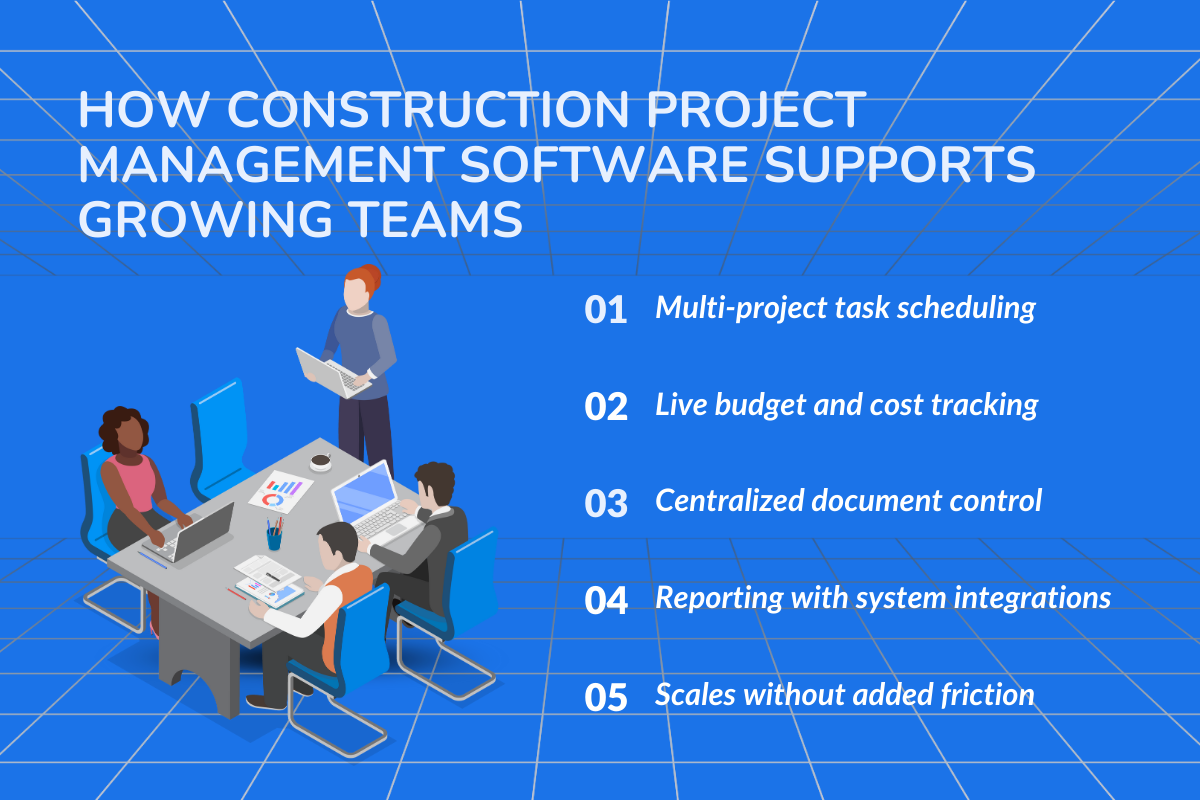
As construction firms grow, the challenge isn’t just managing more projects but keeping people, information, and decisions aligned across office and site teams.
Construction project management software helps growing teams replace spreadsheets and other tools with shared systems that scale without adding friction.
For mid-sized firms, the value lies in a focused set of capabilities that support coordination, visibility, and control as teams and job volume grow.
> Must-Have Features for Mid-Sized Construction Firms
A. Task Scheduling That Scales Across Projects
At the mid-sized stage, task scheduling needs to work across multiple concurrent construction projects, not just individual jobs.
Software-based scheduling allows teams to create tasks, set due dates, and track task progress in one place, so project managers aren’t relying on spreadsheets or verbal follow-ups.
More importantly, schedules stay connected to real project activity. When timelines shift, updates flow across teams without manual rework, helping firms maintain control as workloads grow.
B. Budget Tracking and Cost Visibility
Growing construction firms need consistent visibility into project budgets and costs, especially when managing multiple projects simultaneously.
Construction project management software centralizes budget tracking, enabling teams to monitor expenses, change orders, and cost impacts as work progresses.
This visibility helps project managers make informed decisions early, before small overruns turn into major budget issues, while leadership gains a clearer view of overall financial health across projects.
C. One Platform for Document Management
As team size increases, document management becomes a common failure point. Construction project management software provides centralized document control so everyone works from the latest drawings, contracts, and project files.
Version control, permissions, and mobile access ensure that field teams, engineers, and subcontractors stay on the same page, reducing errors caused by outdated or misplaced documents and improving communication between the office and the site.
D. Reporting and Integration with Accounting, BIM, and ERP Systems
For mid-sized firms, reporting is understanding performance across projects. Built-in reporting tools help teams monitor schedules, budgets, and resource usage without manual data consolidation.
Equally important are integrations with accounting, BIM, and ERP systems. When project data seamlessly integrates with financial and operational tools, firms avoid duplicate entries, reduce errors, and maintain a single place as operations scale.
For a deeper look at construction software for mid-sized firms, see our other resource: Construction Software for Mid-Sized Firms: How to Scale Without Breaking the Process.
What are the Top 5 Construction Project Management Software for Mid-Sized Firms in 2026?
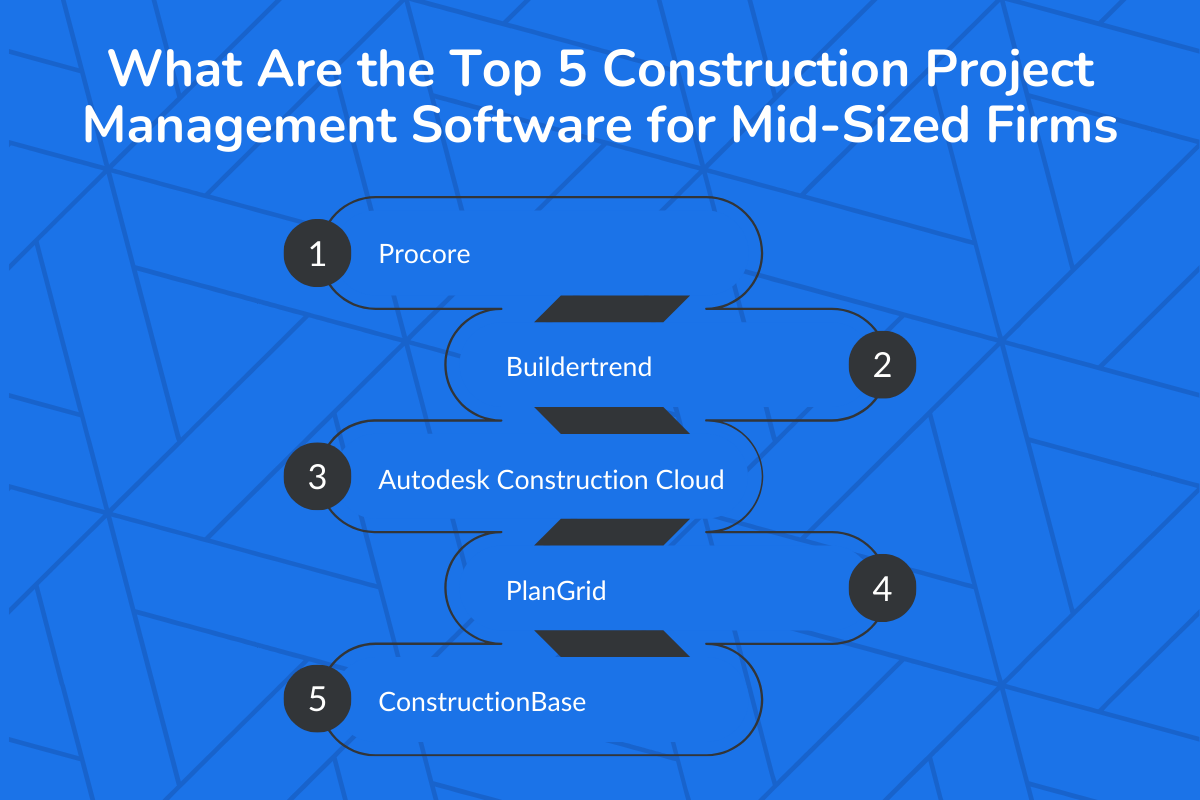
Mid-sized construction firms need software that can handle multiple active projects, growing teams, tighter budgets, and more coordination across sites without slowing everyone down.
Below are five construction project management platforms that consistently stand out in 2026 for firms operating in that growth stage.
1. Procore
Best for: Mid-sized to large contractors managing complex, multi-site construction projects
Procore is one of the most widely adopted construction project management platforms in the industry. It centralizes project information, documents, schedules, and communication into one system, making it easier for teams to stay aligned as project volume increases.
Why mid-sized firms choose Procore:
- Strong document control and collaboration across office and site teams
- Scales well as the number of projects, users, and contractors grows
- Widely supported ecosystem and integrations
Pricing signal for Procore (2026): Quote-based, typically positioned as higher-investment software (often $10k+/year depending on modules, volume, and contract structure).
Watch out for: Higher cost and onboarding effort compared to lighter tools.
2. Buildertrend
Best for: Residential and commercial mid-sized contractors transitioning from spreadsheets
Buildertrend is popular among growing firms because it’s easier to adopt than heavier enterprise systems. It covers scheduling, budgeting, communication, and client coordination without overwhelming smaller teams.
Why mid-sized firms choose Buildertrend:
- Faster onboarding for teams new to construction project management software
- Strong client and subcontractor communication tools
- Clear visibility into schedules and budgets
Pricing signal for Buildertrend (2026): Custom quote (plan cost depends on company size/workflows; vendors usually quote after discovery).
Watch out for: Less depth for highly complex commercial or infrastructure projects.
3. Autodesk Construction Cloud
Best for: Design-build and BIM-heavy construction firms
Autodesk Construction Cloud connects design, planning, and construction data in one environment. It’s especially valuable for firms that need tight coordination between architects, engineers, and construction teams.
Why mid-sized firms choose ACC
- Strong document and drawing management
- Excellent for projects where design changes are frequent
- Fits well into BIM-centric workflows
Pricing signal for ACC (2026): Often seen around $150–$200/user/month for Autodesk Build (varies by plan/region; other modules add cost).
Watch out for: Broader platform complexity and higher pricing tiers.
4. PlanGrid
Best for: Field-heavy teams that need fast, mobile access to drawings and documents
PlanGrid focuses on keeping field teams aligned with the latest plans, markups, and updates. It’s often used by mid-sized firms that prioritize on-site coordination and real-time updates.
Why mid-sized firms choose PlanGrid
- Mobile-first access for site teams
- Simple version control for drawings and documents
- Reduces errors caused by outdated plans
Pricing signal for PlanGrid (2026): Often bundled/packaged with Autodesk offerings or quoted depending on your setup.
Watch out for: Works best when combined with broader project or financial tools.
5. ConstructionBase
Best for: Mid-sized firms looking for an all-in-one construction management platform
ConstructionBase positions itself as a unified system for managing construction projects, schedules, tasks, documents, and teams from a single platform. It’s designed for firms that want to reduce tool sprawl as they scale.
Why mid-sized firms choose ConstructionBase
- Centralized project, scheduling, and document management
- Real-time visibility across projects and teams
- Suitable for firms that want one platform instead of multiple tools
Pricing signal for ConstructionBase (2026): Custom quote; pricing typically varies by modules and team size.
Watch out for: Smaller market footprint compared to long-established vendors.
How to Choose the Right Construction Management Software from This List?
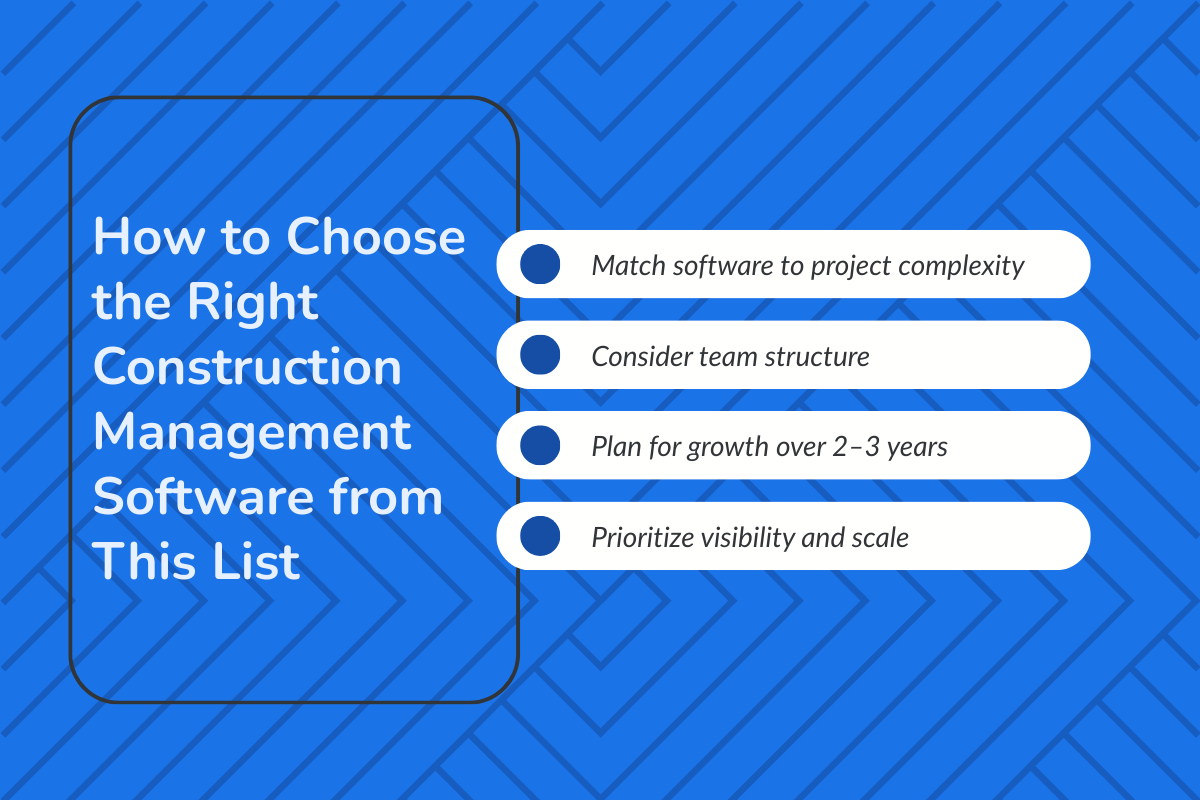
There’s no single “best” construction project management software for every mid-sized firm. The right choice depends on:
- Project complexity (simple builds vs. design-heavy projects)
- Team structure (field-heavy vs. office-driven)
- Growth plans (number of projects and users over the next 2–3 years)
Firms moving beyond spreadsheets should prioritize visibility, coordination, and scalability.
| Software | Estimated Pricing | Best For / Buying Signals | Why It Wins |
|---|---|---|---|
| Procore | ~$667+/mo for core PM; bundled PM + financial ~$811+/mo; enterprise can exceed $25,000+/yr depending on modules/volume (Construction Coverage) | Firms ready to invest in a full PM + financial suite. Managing multiple sites & complex contracts | All-in-one lifecycle control. Strong document & financial management |
| Buildertrend | Custom pricing (flat or tailored) (typical plans are tailored to team size + workflows) | Growing residential & light commercial contractors wanting predictable costs and full PM + client tools | All-in-one with scheduling, communication & budget visibility |
| Autodesk Construction Cloud | ~$170/user/month (~$1,680/yr/user) for Autodesk Build; other modules vary and are often quoted on request (Zapier) | Design-build firms and teams needing BIM + project coordination and deep document workflows | Great integration with design tools; strong for project data continuity |
| PlanGrid | Bundled under Autodesk pricing or quoted by plan — often part of a larger Autodesk package (Zapier) | Field-heavy crews that need mobile blueprints & simple field updates | Fast, field-ready access to plans + markups |
| ConstructionBase | Custom pricing, tiered plans available; contact sales for a tailored quote | Firms wanting a single unified system (PM + scheduling + estimating + CRM) without enterprise overhead | Modular, scalable solution for mid-market teams |
How to Use This Table for Buying Decisions?
A. Pricing Reality Check
- Procore & Autodesk have clearer starting price points, but always expect custom quotes based on volume, modules, and users.
- Buildertrend & ConstructionBase deliberately hold pricing behind quotes. This is common when software wants to align plans with business size and workflows.
- PlanGrid is often included with Autodesk deals, so separate pricing isn’t always published.
B. Buying Signals
- Choose Procore if you have 50+ active projects or complex financials: the platform scales into an enterprise.
- Choose Buildertrend if you’re in residential/light commercial builds and want predictability + client communication.
- Choose Autodesk Construction Cloud if design coordination (e.g., BIM/Revit workflows) is critical to delivery.
- Choose PlanGrid for field-first teams, especially where blueprints and markups drive daily work.
- Choose ConstructionBase if you want a single platform instead of stitching tools together, especially during scaling.
C. Pricing Notes & Best Practice
- Vendor pricing is typically user- or module-based, and exact figures often vary with contract length, the number of users, and the chosen modules.
- For cloud solutions, expect monthly subscriptions with possible annual discounts. Some providers also offer site-wide or volume discounts.
- Always request a custom quote and free demo: most mid-market vendors tailor offers to your project count and team size.
How Mid-Sized Construction Firms Use Project Management Software in Real Projects?
1. Managing 5–15 Active Projects Without Losing Visibility
Scenario: A mid-sized contractor is running 8 commercial and residential projects simultaneously. Each has its own subcontractors, deadlines, and budgets.
How software helps:
- Leadership views all active projects in one dashboard.
- Project managers track progress, delays, and budget status without switching tools.
- Resource conflicts (shared crews or equipment) are identified early.
Impact: Prevents reactive firefighting and allows proactive reallocation of labor and materials.
2. Controlling Budget Drift Before It Becomes a Margin Problem
Scenario: A project starts within budget, but material price increases and small scope changes begin adding up.
How software helps:
- Real-time cost tracking shows estimated vs. actual expenses.
- Change orders are logged immediately with cost impact visible.
- Alerts flag budget overruns early.
Impact: Project managers respond before small overruns turn into 5–10% margin losses.
What Questions Should You Ask During a Construction Project Management Software Demo?
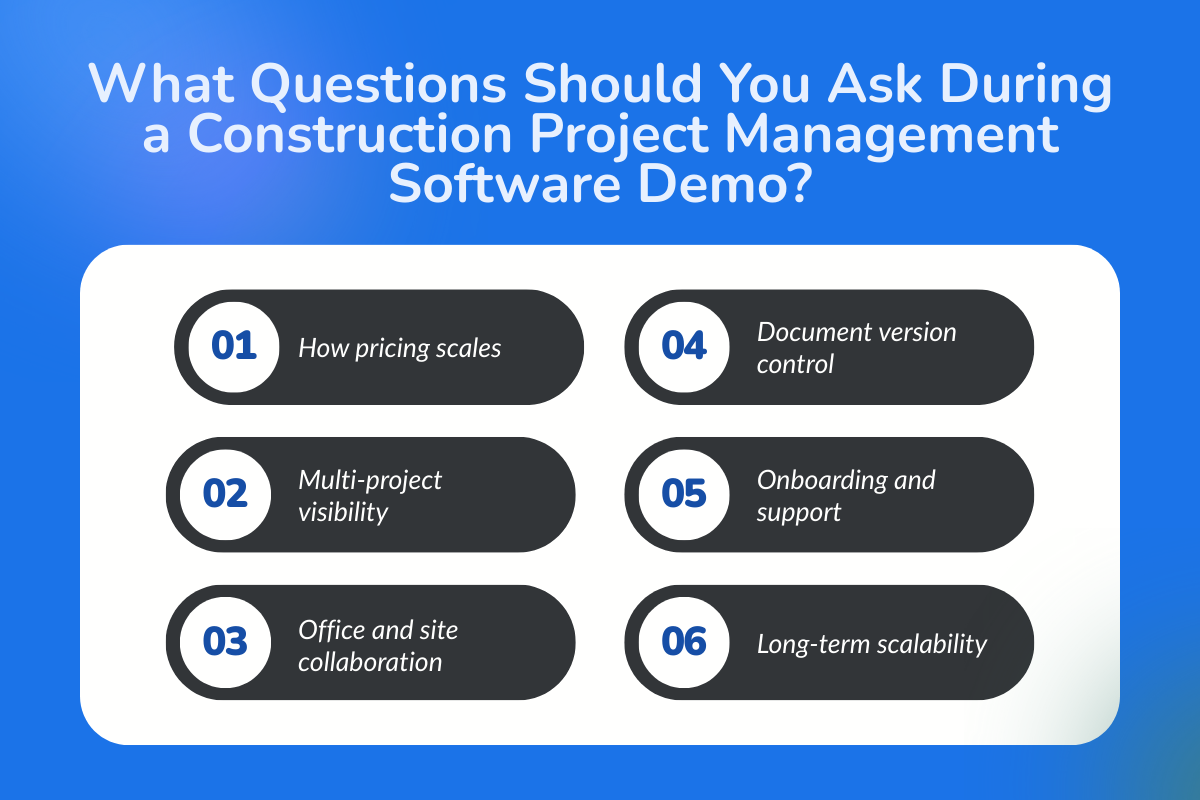
Asking the right questions helps you avoid buying software that’s either too basic or unnecessarily complex.
Below are the key demo questions mid-sized construction firms should ask before choosing a platform.
1. How Is Pricing Structured for a Mid-Sized Construction Firm?
Ask early, as pricing models vary widely.
Ask:
- Is pricing based on users, projects, revenue, or modules?
- What is the total annual cost, not just the base price?
- Which features are included vs. add-ons?
Why this matters: Many construction project management tools are quote-based, and costs can rise quickly as teams and projects scale.
2. How Does This Software Handle Multiple Construction Projects at Once?
Mid-sized firms rarely manage just one job.
Ask:
- Can we view all active projects in one dashboard?
- How are project tasks, schedules, and budgets separated by job?
- Can leadership see high-level performance across projects?
Why this matters: Software that works for one project often breaks down when managing several simultaneously.
3. How Do Field Teams and Office Teams Collaborate in Real Time?
Construction workflows depend on coordination across sites.
Ask:
- Do field teams get mobile access to tasks, documents, and updates?
- How do site updates sync with office reporting?
- What happens when internet access is limited on-site?
Why this matters: Poor field-to-office communication leads to rework, delays, and outdated information.
4. How Does Document and Drawing Management Work?
Documents are a major failure point as firms grow.
Ask:
- How is version control handled for drawings and documents?
- Can teams mark up and comment on documents?
- Who has access to what (contractors, engineers, subcontractors)?
Why this matters: Using outdated plans is one of the fastest ways to lose time and money on construction projects.
5. What Does Implementation and Onboarding Look Like?
Adoption matters more than features.
Ask:
- How long does onboarding typically take for a mid-sized firm?
- Is training included or paid separately?
- Who supports us during rollout?
Why this matters: Even the best construction management software fails if teams don’t use it correctly.
6. How Will This Software Scale Over the Next 2–3 Years?
Buy for where you’re going, not just where you are.
Ask:
- What happens to pricing as we add more users or projects?
- Can workflows and permissions scale with team growth?
- Do mid-sized customers typically upgrade or switch later?
Why this matters: Switching construction project management software later is costly and disruptive.
Conclusion
For mid-sized construction firms, choosing the right project management software is less about adopting new technology and more about preparing the business for its next stage of growth.
The platforms reviewed in this guide address that challenge in different ways, depending on how firms manage projects, coordinate teams, and plan for scale. The right choice will vary, but the evaluation process should always focus on long-term fit rather than short-term convenience.
By approaching selection thoughtfully and validating assumptions during demos, mid-sized construction firms can move forward with a system that supports growth, reduces risk, and adapts as operations evolve.
Ready to Run Projects With Fewer Surprises With ConstructionBase?
Stop reacting to delays, miscommunication, and surprise costs. See how the right construction software keeps schedules tight, teams aligned, and budgets under control from day one. Book a demo and experience what smoother projects actually feel like.
FAQs
1. What challenges do mid-sized companies face in the construction industry?
Mid-sized companies often struggle with coordination across teams, limited visibility into project progress, and manual processes that don’t scale as workloads increase.
2. How does construction project management software help growing teams?
It centralizes scheduling, task tracking, documents, and communication, helping teams work more efficiently and reducing delays caused by miscommunication or missing information.
3. What features should mid-sized companies prioritize in construction software?
Key features include real-time project tracking, document management, budgeting tools, team collaboration, reporting, and integrations with accounting or estimating systems.
4. Can project management software handle more than one project at a time?
Yes. Good software allows teams to manage multiple projects simultaneously while still drilling down into details for any one project when needed.
5. How does project management software help manage change orders?
It helps track approvals, document revisions, cost impacts, and timelines in one place, reducing disputes and keeping everyone aligned when changes occur.
6. Is project management software suitable for both office and site teams?
Yes. Most modern tools offer cloud and mobile access so office staff and field teams can view updates, share documents, and report progress in real time.
7. When should a mid-sized construction company invest in project management software?
It’s time to invest when spreadsheets become unreliable, projects are harder to track, or teams spend more time coordinating than executing work.
Have questions or need personalized advice?
Talk to an Expert Today and let our construction specialists guide you to success.
Related Posts
Building Construction Project Software: Key Integration Points You’re Missing





