

Every construction project runs on a tight rope with budgets, timelines, and crews all pulling in different directions. One missed update can set the whole build back, and that’s where construction project management software earns its place.
However, the problem is that every tool claims to “streamline your process,” yet few actually fit the messy reality of managing multiple sites, contractors, and clients at once.
So, instead of marketing promises, this guide provides a feature-by-feature comparison of the tools construction managers actually rely on to keep projects moving.
Top Construction Project Management Tools Compared (2026 Edition)
Before choosing a platform, consider how these tools address real-world challenges, such as scheduling, documentation, communication, and accountability.
Your goal should be to find software that can make life easier on-site and consistently deliver project success.
Key Takeaways
- Compare the top construction management tools based on price, features, and their best-fit use cases.
- Identify which platforms support your workflows, from scheduling and file storage to risk management and reporting.
- See which options are ideal for residential, commercial, or infrastructure-level construction projects.
- Find a tool that helps your construction managers deliver faster, cleaner, and more profitable builds.
Your smarter planning starts here.
Explore how ConstructionBase keeps your projects on track — from estimate to delivery. Try it for yourself.
What Is Construction Project Management Software?
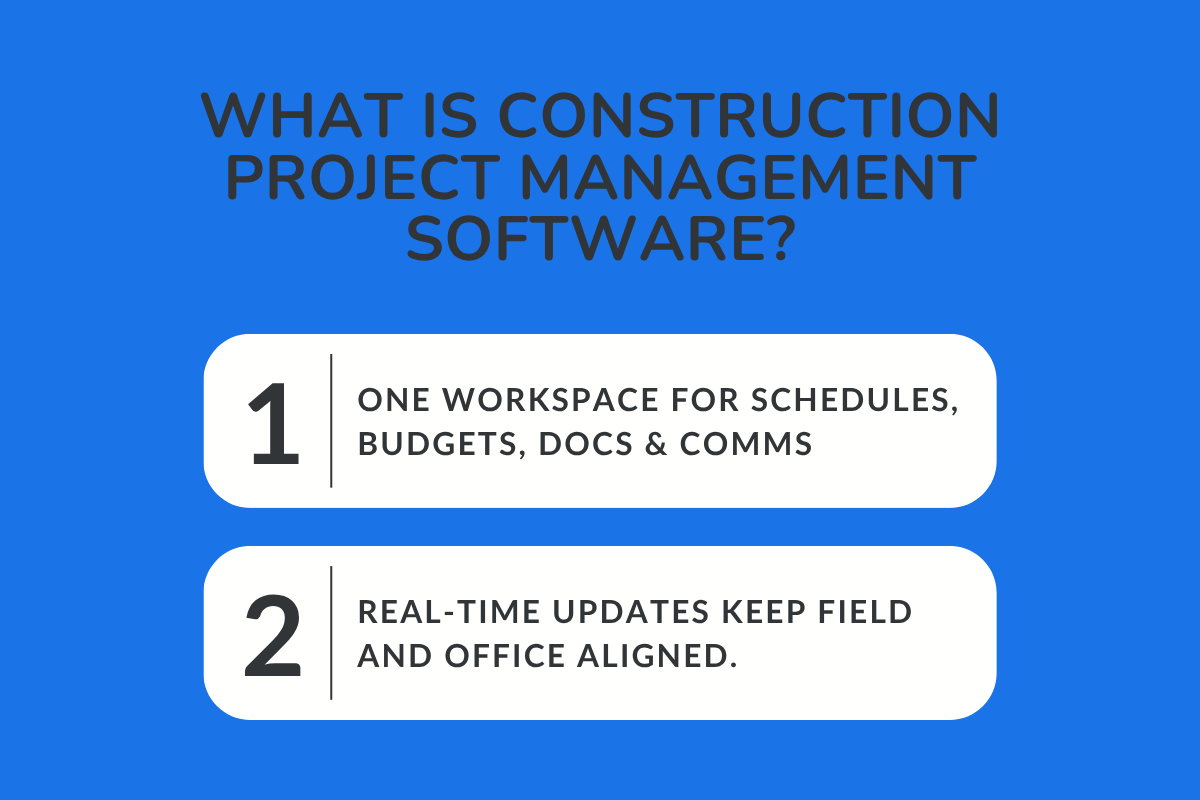
A construction project management platform combines schedules, budgets, documents, and communication in one place. Instead of switching between spreadsheets, emails, and group chats, everyone works from the same set of data.
The project manager can see progress, costs, and upcoming tasks as they change. Teams in the field and office stay aligned because updates are tracked in real time, not after the fact.
Core Features in Construction Management: Gantt Chart, Cost Management, and File Storage
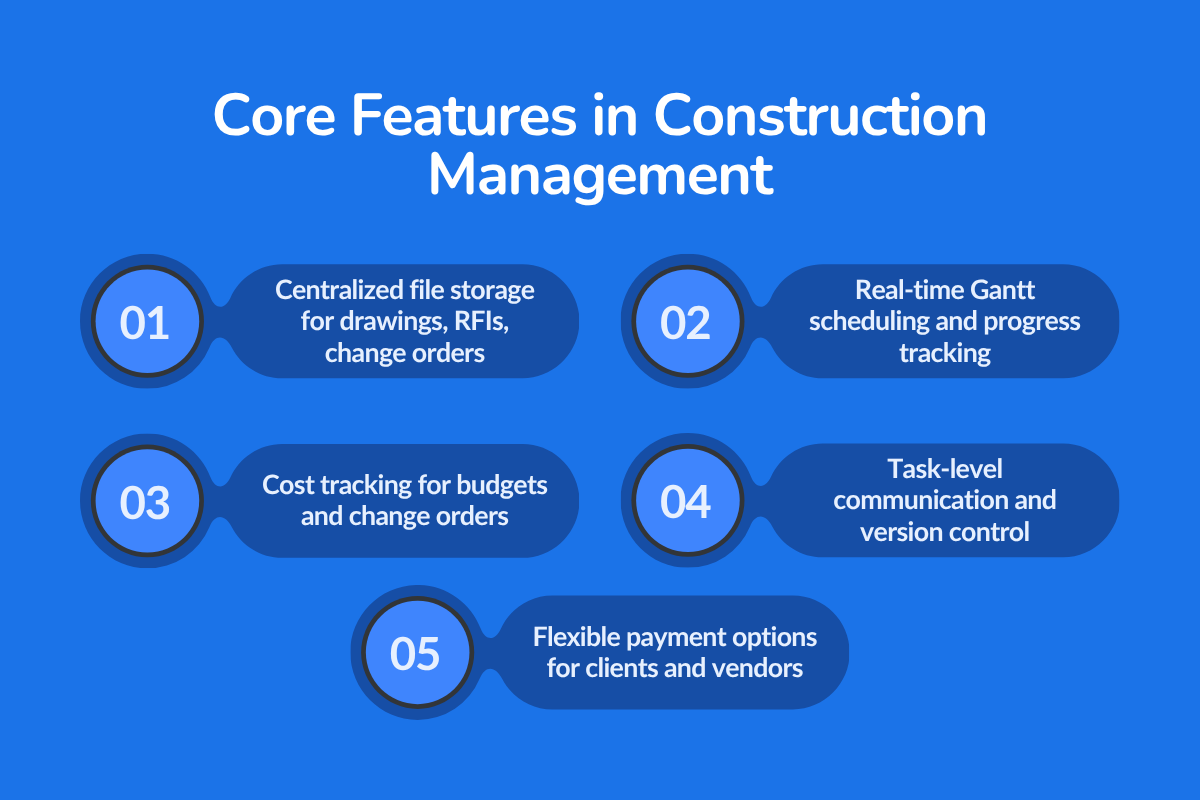
1. Centralized file storage for drawings, RFIs, and change orders
Instead of hunting through endless email threads or shared drives, all your project documents — blueprints, RFIs (Requests for Information), and change orders — are stored in one secure, centralized platform.
This ensures every team member works with the most up-to-date files, reducing confusion and keeping everyone aligned from bidding to project delivery.
2. Real-time Gantt chart scheduling and progress tracking
A visual Gantt chart provides a clear view of every project phase, including tasks, deadlines, and dependencies, all updated in real-time.
As field teams complete work, progress automatically reflects on the schedule, helping project managers identify delays early and make quick, informed decisions to stay on track.
3. Built-in cost management tools for tracking budgets and change orders
Budget overruns often start small and go unnoticed until it’s too late. With integrated cost management, you can monitor expenses, track approved change orders, and compare estimated vs. actual costs.
This level of financial visibility helps prevent budget creep and keeps project profitability intact.
4. Task-level communication to keep the field and office aligned
Each task within a project includes its own communication thread — so updates, questions, and clarifications stay directly linked to the work at hand.
Field technicians, subcontractors, and office teams can comment, upload photos, or tag issues instantly, reducing delays and miscommunication between teams.
5. Version control for the latest approved documents
Version control ensures everyone always accesses the latest, approved drawings and documents. So, there will be no more confusion over multiple file versions like Plan_v3 or Final_Updated_JohnEdits.pdf.
Previous versions are stored safely for reference, but the system automatically flags the most current file, minimizing costly mistakes caused by outdated plans.
6. Flexible payment options to simplify client billing and vendor payouts
With flexible payment options, clients can pay through multiple channels- ACH transfers, cards, or digital wallets, while vendors and subcontractors can receive automated payouts.
Also read: The Real ROI of Construction Project Management Software
How to Choose a Construction Project Management Program (Criteria That Matter)
The right construction project management software supports tracking progress, managing risks, and making confident decisions at every stage of the construction project life cycle. Here’s what to evaluate before committing to a platform.
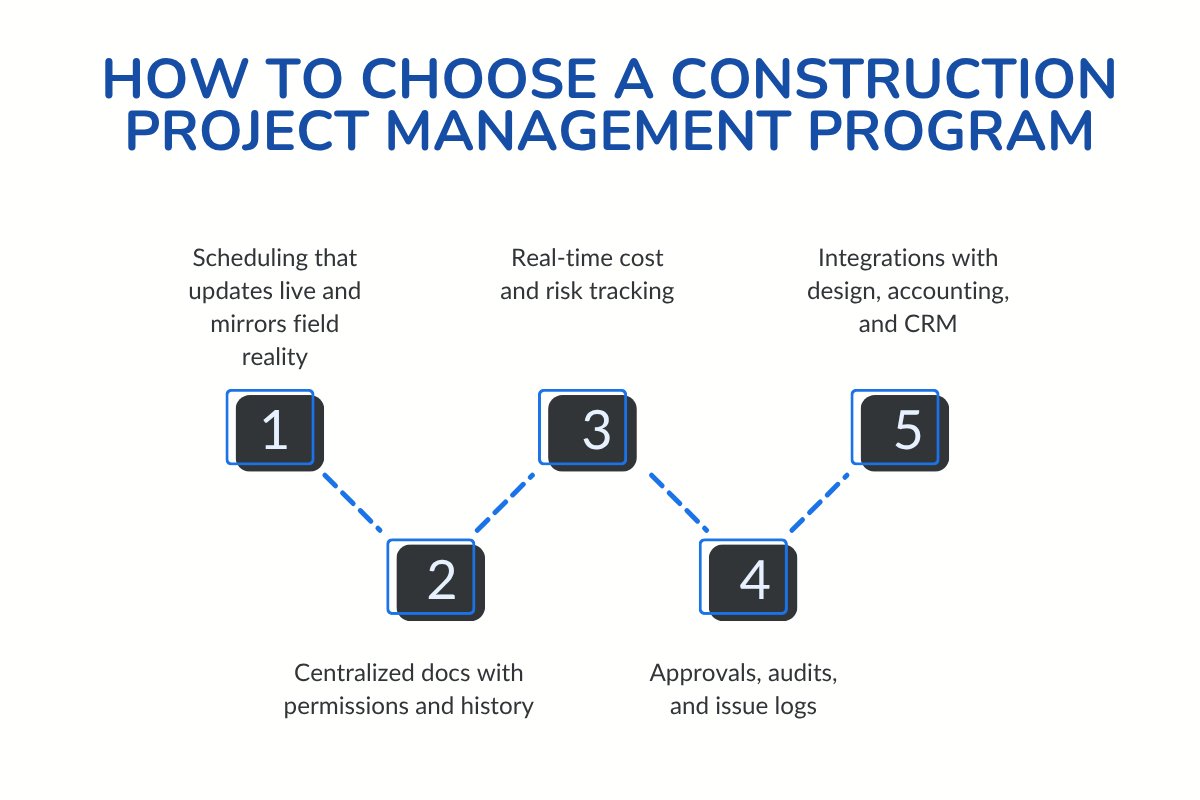
1. Scheduling That Matches the Field
A reliable project schedule keeps everyone accountable. Look for tools that offer live Gantt charts or task boards that automatically adjust when timelines shift.
Your construction managers, subcontractors, and office teams should always see the latest schedule, whether they’re in the field or back at headquarters.
Tip: If you’re used to working in Microsoft Project, choose software that integrates seamlessly with it or offers similar timeline control.
2. Centralized Documents and Team Collaboration
A construction project manager requires clear documentation. Choose a software that stores contract documents, drawings, and change orders in one secure space, with version history and permission control. When files are easy to find and linked to their tasks, communication improves and rework drops.
3. Real-Time Cost and Risk Management
Strong project planning also means proactive budgeting. Your tool should update cost management data, including labor, materials, and subcontractors, as changes occur.
A built-in risk management plan module helps identify and track potential issues before they affect delivery.
4. Quality and Accountability Throughout the Life Cycle
From initiation to closeout, every phase of the construction project needs traceability. Choose a construction project management program that can help you create audit trails, approvals, and issue logs to ensure compliance and protect your construction firm when questions arise.
5. Integrations and Scalability
The best systems should fit within your current workflow. Look for integrations with Microsoft Project, CRMs, and accounting software to maintain data consistency and prevent duplicate entries.
Deep Dive Reviews: Best Software for the Construction Project Managers
Each platform brings its own unique strengths to the table. This breakdown highlights the pros, cons, unique features, and current pricing, allowing you to make an informed decision.
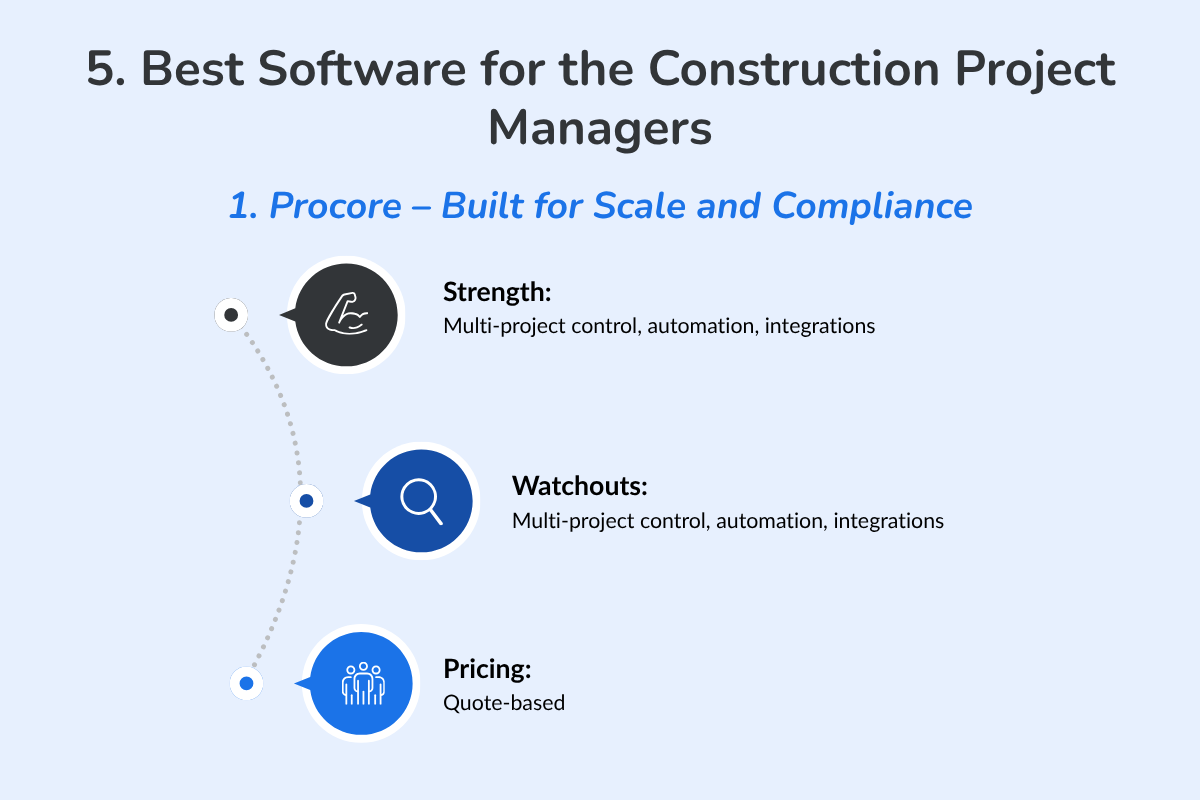
1. Procore – Built for Scale and Compliance
What It Is
Procore is an enterprise-grade construction management platform designed for large contractors handling complex, multi-phase projects. It centralizes everything from budgeting and RFIs to scheduling and compliance tracking.
Pros
- Handles large, multi-phase projects with strict documentation needs.
- Powerful dashboard for tracking budgets, RFIs, and subcontractor activity.
- Strong integrations across design, financial, and field tools.
Cons
- Complex setup and higher learning curve.
- Best suited for teams with dedicated project admins.
Unique Features
- Centralized control across hundreds of projects.
- Customizable reporting and workflow automation for enterprise-scale firms.
Pricing
Procore does not list public pricing. Custom quotes are provided based on company size, projects, and selected modules.
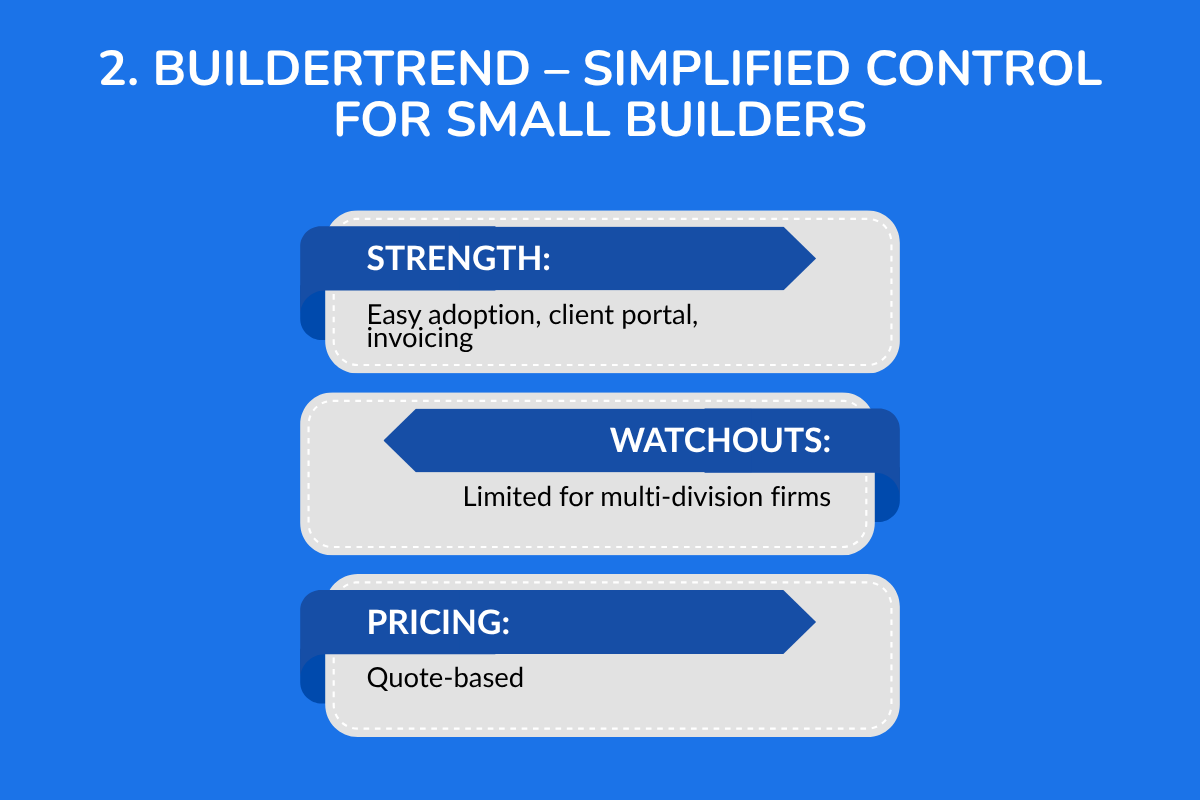
2. Buildertrend – Simplified Control for Small Builders
What It Is
Buildertrend is a cloud-based project management platform built for small contractors and remodelers. It streamlines communication, client management, and scheduling for residential and light commercial projects.
Pros
- Easy for small teams to adopt; minimal training needed.
- Combines client communication, scheduling, and invoicing in one place.
- Transparent financial tracking that improves client trust.
Cons
- Limited flexibility for large or multi-division firms.
- Fewer integrations compared to enterprise platforms.
Unique Features
- A robust client portal that keeps homeowners updated in real time.
- Excellent fit for remodeling and residential construction.
- Extensive onboarding, training, and customer support resources.
Pricing
Buildertrend provides pricing upon request. You’ll need to contact sales to get a plan tailored to your company.
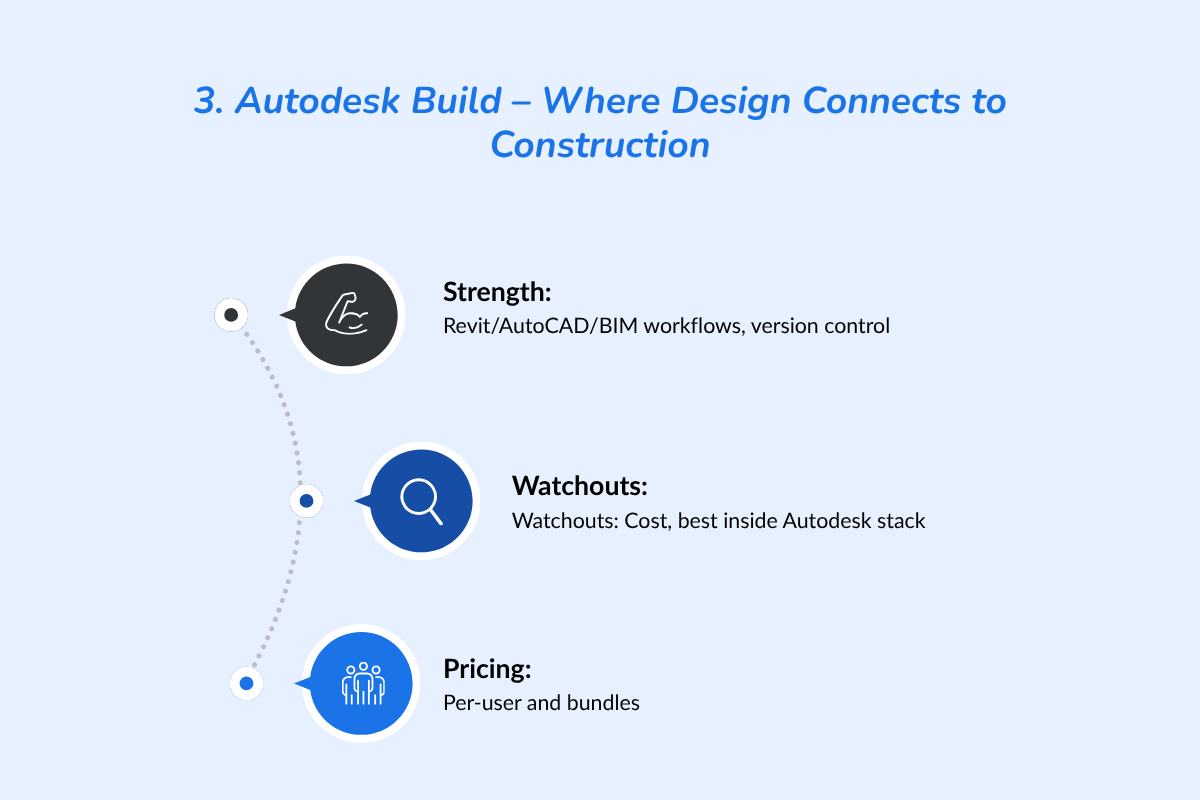
3. Autodesk Build – Where Design Connects to Construction
What It Is
Autodesk Build is part of the Autodesk Construction Cloud, merging design and construction workflows into one platform. It’s ideal for teams working with BIM and AutoCAD who need precise version control and data consistency.
Pros
- Seamless integration with AutoCAD, Revit, and BIM workflows.
- Reliable document version control for complex design files.
- Improves communication between design and field teams.
Cons
- Expensive for smaller contractors.
- Works best within Autodesk’s ecosystem.
Unique Features
- End-to-end project visibility from design approval to handover.
- Reduces translation errors between engineers and contractors.
Pricing
Per‑user pricing and bundle options; see Autodesk pricing page for current rates
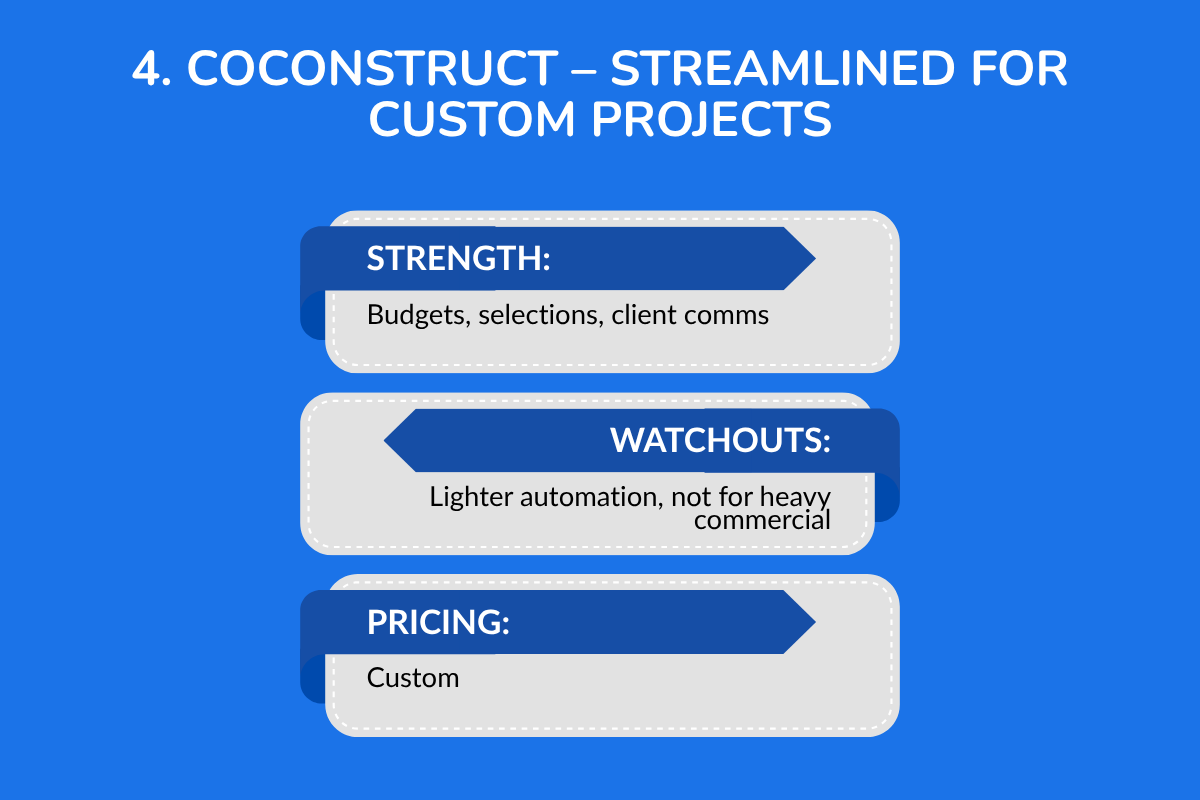
4. CoConstruct – Streamlined for Custom Projects
What It Is
CoConstruct is built for small construction businesses and custom home builders who need to manage clients, selections, and budgets without heavy enterprise tools.
Pros
- Keeps budgets, bids, and client choices organized.
- Simplifies communication with homeowners.
- Easy to use for one-off, custom projects.
Cons
- Limited automation compared to larger tools.
- Less effective for commercial-scale projects.
Unique Features
- Client selection tracking and financial forecasting in one dashboard.
- Ideal for smaller firms focused on high-touch service.
Pricing
CoConstruct does not display official pricing online. Industry listings suggest plans from ~$99/month to $349/month, but you’ll need to contact the vendor for an exact quote.
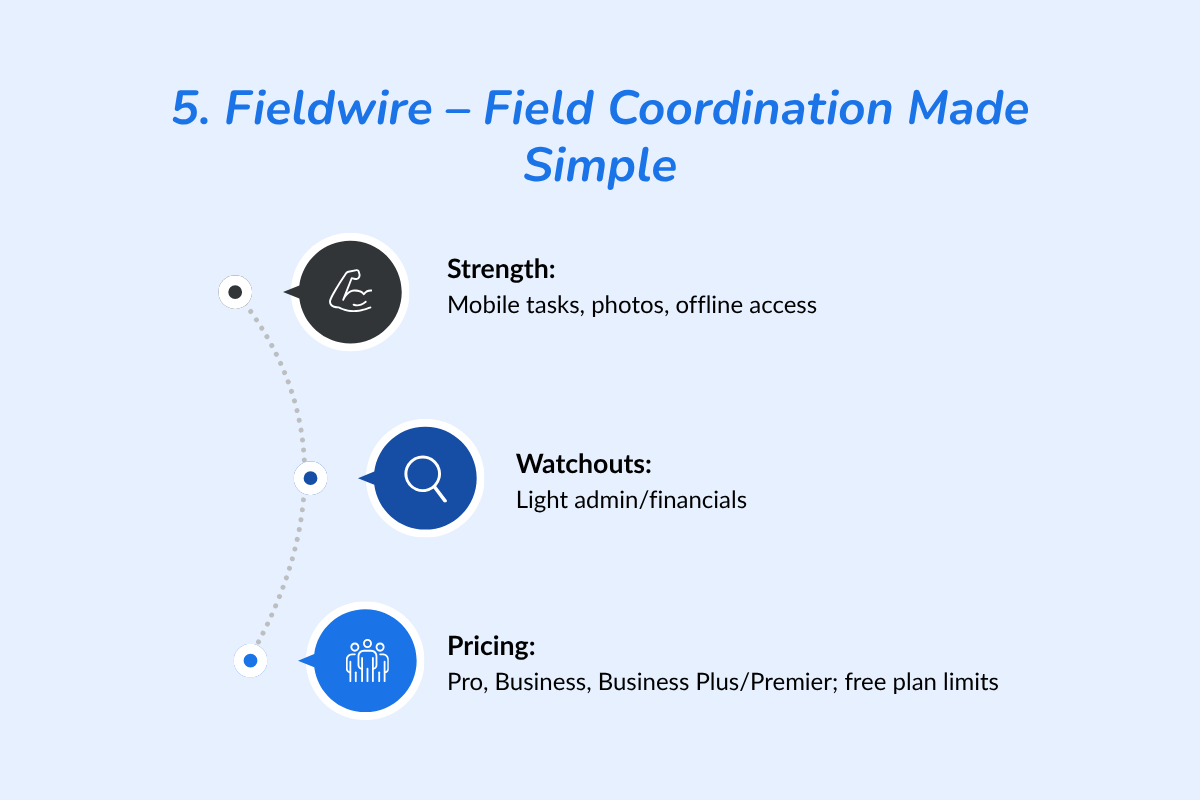
5. Fieldwire – Field Coordination Made Simple
What It Is
Fieldwire focuses on field operations, giving crews and supervisors a simple mobile app for task management, photo logging, and document access, even offline.
Pros
- Excellent mobile interface for on-site crews.
- Fast task assignment and photo documentation.
- Offline access supports remote or unstable job sites.
Cons
- Light on financial and administrative features.
- Reporting options can feel basic for managers.
Unique Features
- Built for field efficiency with instant updates.
- Keeps communication direct between site teams and office managers.
Pricing
- Current paid tiers are as follows: Pro, $39; Business, $64; and Business Plus/Premier, $89 per user per month, billed annually. Monthly billing is higher.
- Free plan limits: up to 3 projects, 100 sheets, and 5 users.
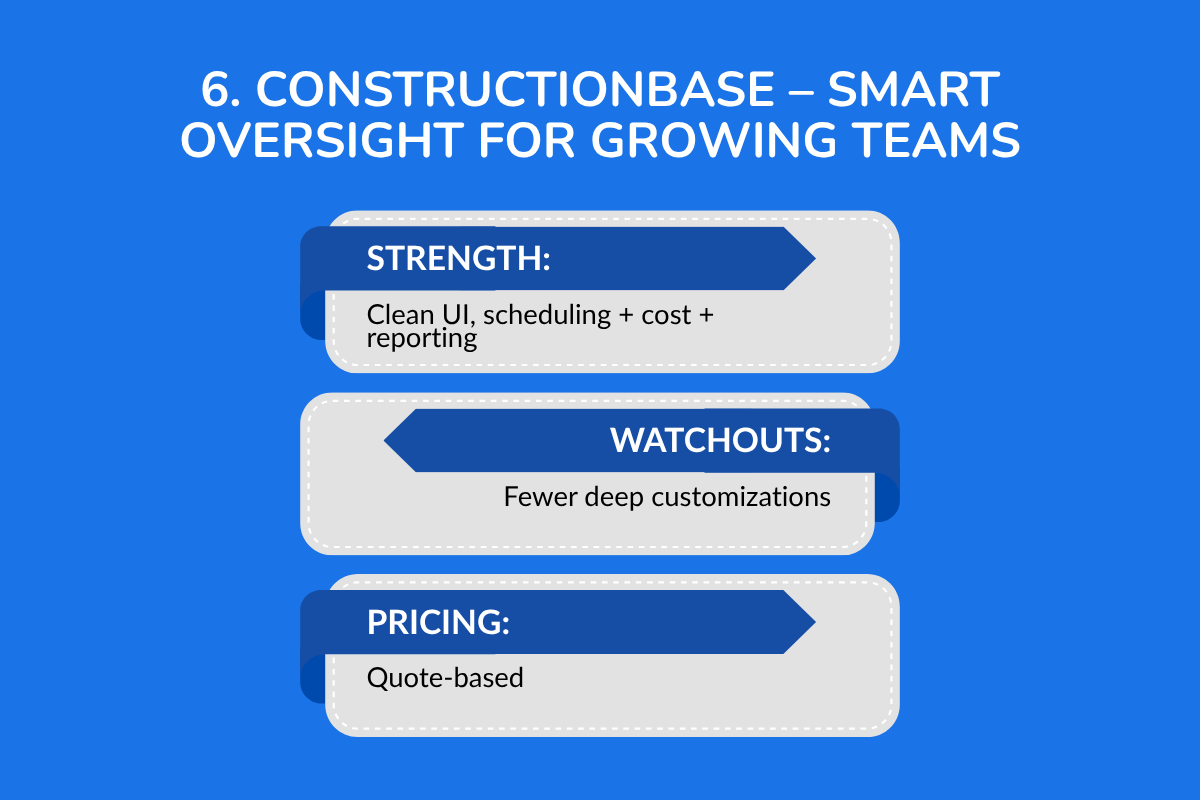
6. ConstructionBase – Smart Oversight for Growing Teams
What It Is
ConstructionBase is an all-in-one management solution for growing construction teams. It balances scheduling, reporting, and cost tracking without the complexity or cost of enterprise systems.
Pros
- Affordable and easy to implement.
- Clean interface that balances scheduling, reporting, and cost tracking.
- Scales easily as team size and workload increase.
Cons
- Limited customization compared to enterprise tools.
- Lighter analytics than large-scale systems.
Unique Features
- A unified dashboard connecting project scheduling, budgeting/cost tracking, estimating/takeoffs, and team communication in one central platform.
- Automated estimating and takeoff capabilities built into the platform: e.g., material takeoffs, live pricing, linking schedule and cost.
- Aimed at giving mid-size to smaller firms the kind of visibility and control often reserved for large-scale construction firms (according to vendor messaging).
Pricing
ConstructionBase does not list public pricing. You can request a demo or quote from their official site.
Top Tools for the Construction Industry: 2026 Comparison Table
Below is a concise comparison of tools built for construction project managers, field supervisors, and company owners who want complete visibility from project initiation to closeout.
| Tool | Best For | Key Features | Pricing | Integrations |
|---|---|---|---|---|
| Procore | Enterprise & capital projects | Budget tracking, RFI management, construction contracts, and dashboards for project communication | Quote-based | Integrates with Microsoft Project, QuickBooks, and DocuSign |
| Buildertrend | Residential builders & remodelers | Construction project schedules, cost tracking, site plan markup, and flexible payment options | Quote-based | Syncs with Xero and QuickBooks |
| Autodesk Build | Design-driven workflows | Combines BIM, drawings, and task tracking — ideal for most construction projects | Custom pricing | Deep integration with Revit, AutoCAD |
| CoConstruct | Custom home builders | Bidding, client communication, and construction contracts tracking | Custom | Integrates with QuickBooks |
| Fieldwire | Field coordination | Task boards, issue tracking, and Gantt-based scheduling for crews | Freemium | Google Drive, Dropbox |
| ConstructionBase | Small-to-mid-sized firms | Estimating & takeoffs, budget tracking, scheduling, documentation, reporting | Quote-Based | Integrates with Google Workspace, Slack and QuickBooks |
Choosing the Right Tool for Your Construction Projects
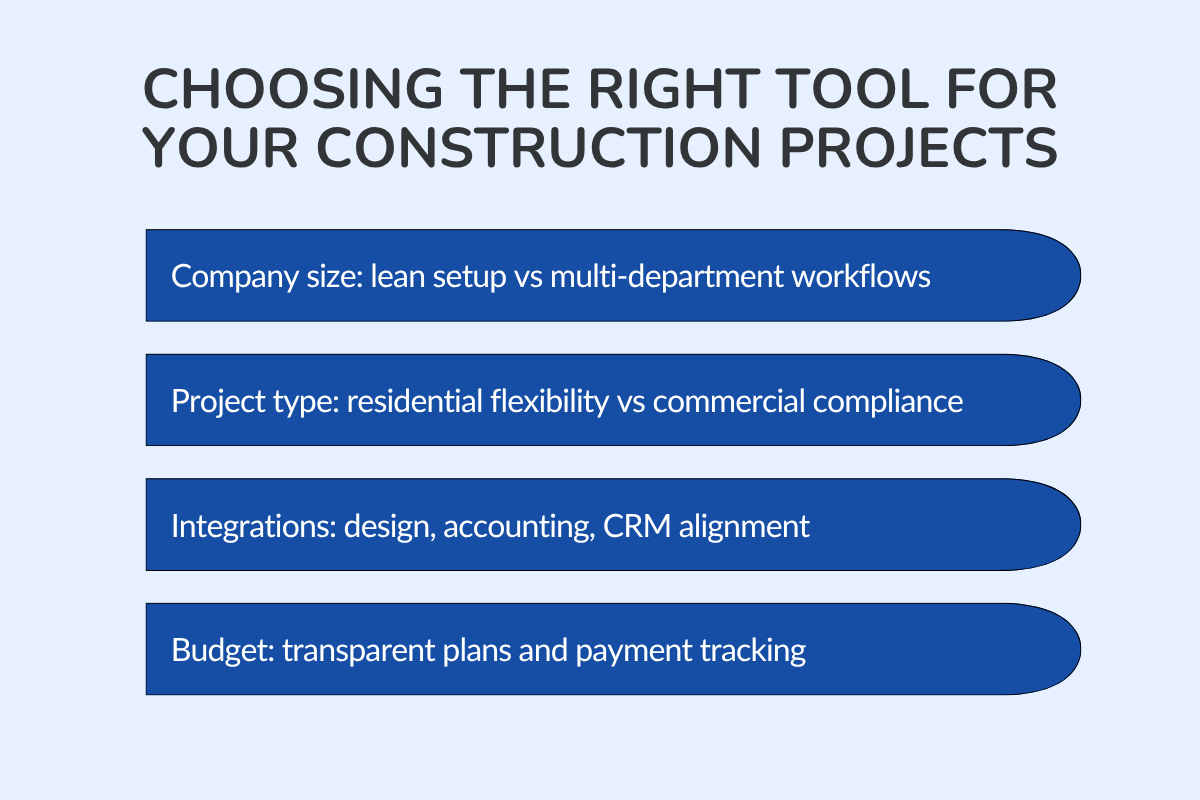
Selecting the right software depends on your company’s scale, type of work, and operational priorities.
Here’s how to evaluate each factor clearly:
1. Company Size (Freelancers vs. General Contractors)
Freelancers and small crews need lean systems that are easy to set up and maintain. They benefit from simple dashboards that help manage schedules, invoices, and documentation without added complexity.
Larger construction firms or general contractors often require deeper coordination across departments and roles. For them, project visibility, approval workflows, and compliance tracking are more important than the speed of setup.
For teams with newer staff or those in entry-level positions, look for tools that include in-app guides or structured course content to expedite onboarding.
Check out: Construction CRM for Contractors: Win More Bids
2. Project Type (Commercial vs. Residential Construction)
Residential builders prioritize flexibility and client-facing visibility. They need a clear view of payment plans, easy change-order management, and mobile access from the field.
Commercial teams, on the other hand, handle heavier documentation, more complex contract types, and a greater number of construction activities.
If your projects involve infrastructure or city planning, choose platforms that can scale with public compliance and specialized reporting needs.
3. Integration Needs (Design, Accounting, CRM)
Look for platforms that integrate seamlessly with other relevant programs, such as AutoCAD, Revit, QuickBooks, or HubSpot.
Teams that handle design coordination or cost tracking benefit from integrations that help manage costs in real time and simplify data transfer between departments.
This is especially helpful for professionals working in design, estimation, or project finance who require consistent and unified data flow.
4. Budget and Payment Plans
Pricing transparency is as important as features. Compare tools based on scalability, maintenance costs, and how they handle billing cycles. Some offer flexible payment options, while others require annual commitments.
If you work on multiple client-facing projects, pick a platform that lets you view payment plans and track invoices in real time. This reduces cash flow surprises and makes reconciliation faster.
Systems with program advisors or onboarding specialists are ideal for teams that want to shorten the planning stage and gain a deeper understanding of project finances before rollout.
Also read: How Construction Estimating Software Enhances Project Accuracy
Benefits of the Right Construction Project Management Software
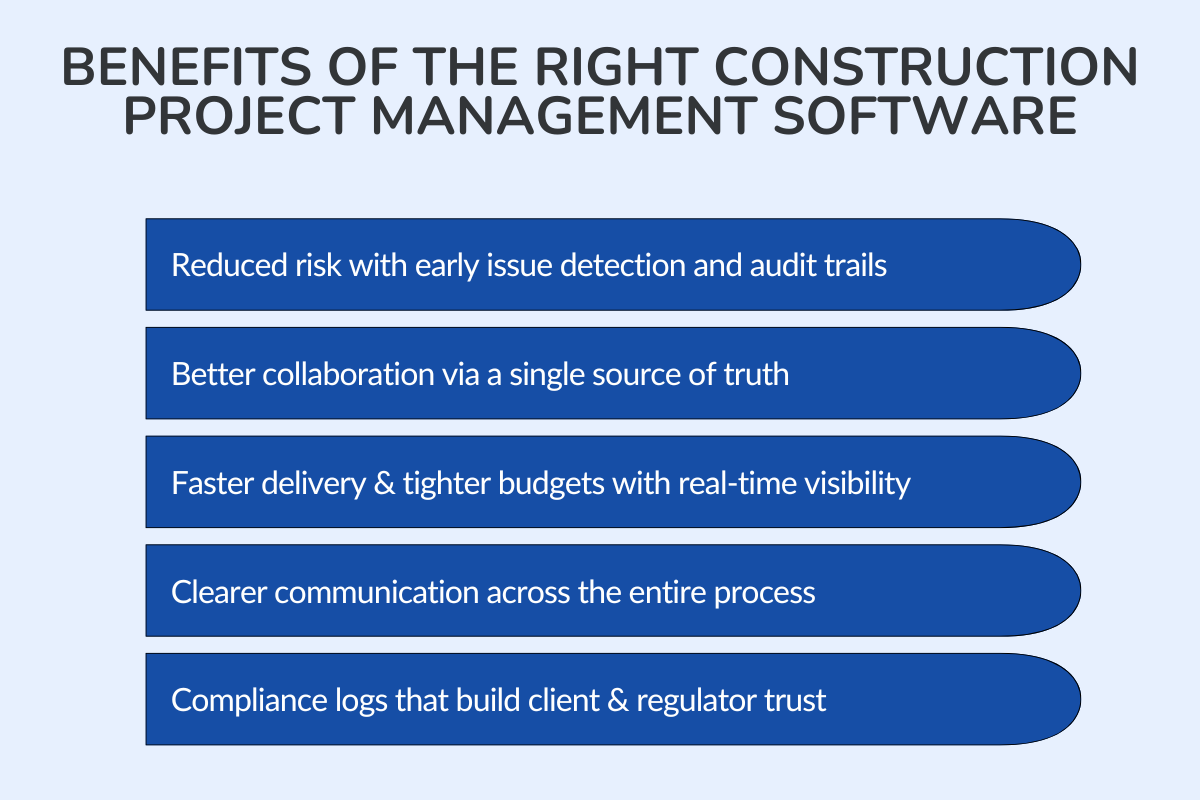
When everything from planning to reporting runs through one system, teams stop firefighting and start building with confidence.
1. Reduces Risk
A solid risk management system helps you spot issues early, whether it’s a delayed delivery or a missed approval. With clear audit trails and permissions, you always know who changed what and when. That transparency protects your team when problems come up.
2. Improves Collaboration
When everyone’s working off the same dashboard, communication feels effortless. Engineers, contractors, and accountants see the same data. That clarity keeps project execution smooth and decision-making quick.
3. Delivers Projects Faster and Within Budget
The right platform connects your schedule, budget, and progress in real time. You can see delays before they snowball, adjust timelines, and keep spending on track. That visibility is what drives successful completion, faster handoffs, fewer surprises, and a stronger bottom line.
4. Streamlines Communication Across the Construction Process
A single workspace keeps design, procurement, and field teams aligned throughout the entire project. Instant updates replace long email loops, and everyone sees the latest approved version of every file. That flow keeps the project life cycle predictable and stress-free.
5. Maintains Compliance and Trust
Features like verified digital certificates and compliance logs make it easy to prove you’re meeting safety and documentation standards. It’s the kind of visibility that builds trust with clients and regulators alike.
Conclusion
The right software keeps every project clear, connected, and on schedule. It provides your team with structure, visibility, and fewer opportunities for things to fall through the cracks. Select a platform that aligns with your workflow and enables you to build with confidence.
Ready to simplify how your team builds?
See how ConstructionBase can help you plan better, stay organized, and deliver projects on time, without adding complexity.
Book a demo to see it in action. See how ConstructionBase helps you plan smarter.
FAQs
1. Which is the best construction project management tool for small teams?
Platforms like Buildertrend and ConstructionBase are well-suited for small or residential home building teams that require quick setup, clear scheduling, and easy client communication.
2. How do construction teams stay on budget with software?
By linking costs, schedules, and task updates in real time, managers can track spending and progress together.
3. Can these tools handle both residential and commercial projects?
Yes. Most software supports both, but larger civil engineers and contractors often prefer advanced solutions like Procore or Autodesk Build for more technical coordination.
4. What features matter most in construction project management software?
Look for tools with live scheduling, document storage, and cost tracking, plus a strong work breakdown structure to keep every phase organized from start to finish.
5. How do I know if a software is compliant and secure?
Choose platforms that include compliance tracking or verified digital certificates. This ensures your data, contracts, and project documentation meet industry standards and safety requirements.
Have questions or need personalized advice?
Talk to an Expert Today and let our construction specialists guide you to success.
Related Posts
Building Construction Project Software: Key Integration Points You’re Missing





