Most communication problems on construction projects are not caused by silence. They happen because teams are working from different information in different project documents.
One specialty contractor is using last week’s drawing, and another team received an updated version by email. The project manager mentioned a change in a meeting, but it was never documented. Everyone believes they are aligned, yet they are operating from separate versions of the truth.
Construction projects move fast. As many subcontractors, supervisors, engineers, and vendors are involved, information flows constantly through calls, texts, printed plans, emails, spreadsheets, and messaging apps. The problem is not a lack of communication; the problem is fragmented communication.
This is where construction management software changes everything. When field crew teams work from a single, shared system that holds current drawings, tasks, updates, and approvals, communication becomes clear.
Fixing Miscommunication in Construction With the Right Construction Software
A construction software helps with project management tools to gain profitable projects and streamlined workflows, which help you increase efficiency and customer relationship management through CRM tools.
When everyone works from the same current information, confusion drops, improves cash flow, and daily coordination becomes easier across office and field teams.
This blog explains how construction software improves communication by creating one reliable source of truth where drawings, updates, responsibilities, and decisions live together.
Key Takeaways
- Miscommunication usually comes from teams using different tools for communication.
- Too many tools create confusion and missed updates.
- More emails and messages increase noise rather than clarity.
- A single source of truth improves coordination across office and field teams.
- Construction software connects updates directly to tasks, drawings, and responsibilities.
Bring your field and office together on one system that keeps every job on track. Book a call with ConstructionBase today.
What “Miscommunication” Actually Looks Like on Site?
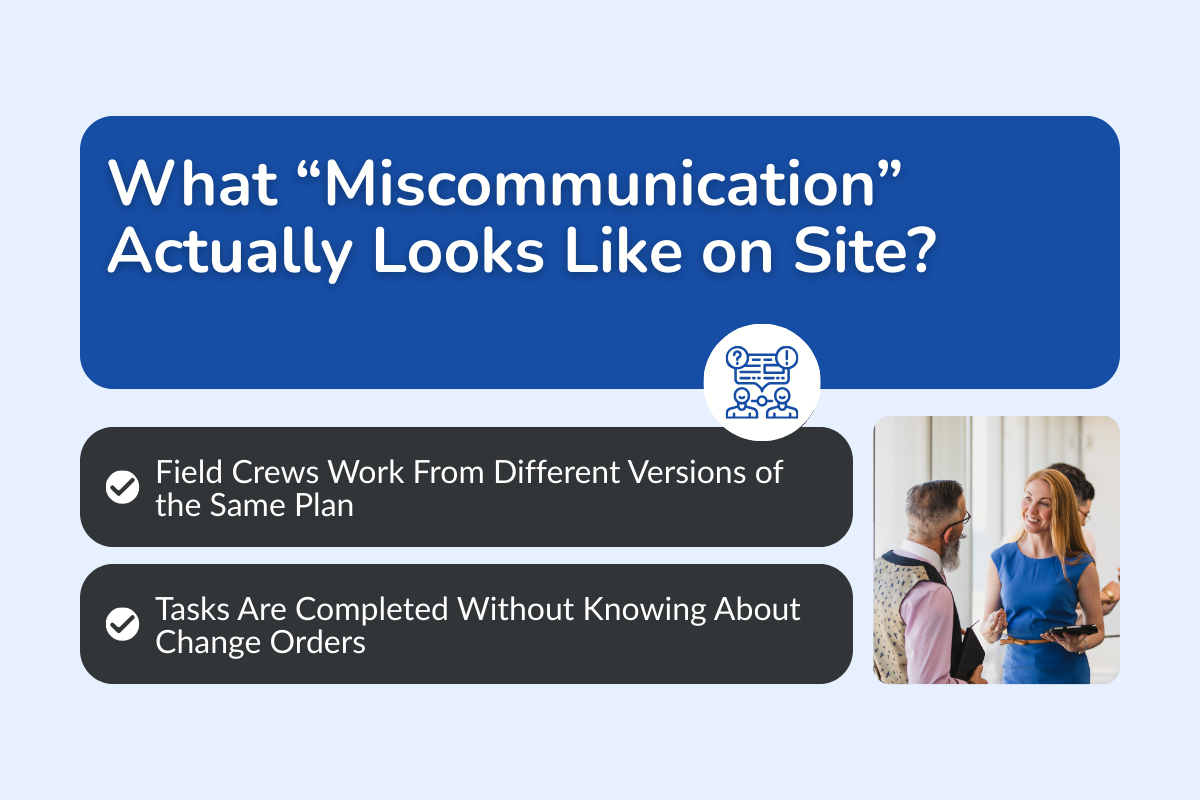
A. Field Crews Work From Different Versions of the Same Plan
A framing crew in the construction industry starts building according to the printed plan in the trailer. Meanwhile, the architect issued a revised drawing the previous afternoon. The project manager received it by email and planned to discuss it in the next meeting.
The framing continues. Hours later, someone notices that the window dimensions are wrong because the updated drawing was never shared on-site.
No one refused to communicate. The issue came from two versions of the same plan existing at the same time. When drawings live in multiple places, confusion becomes predictable.
B. Tasks Are Completed Without Knowing About Change Orders
A subcontractor finishes electrical rough-ins. Later that same day, a change order is approved that moves several outlet locations. The approval was discussed verbally during a short call between the project manager and the client. It was not immediately tied to the task list or drawing set.
The update was discussed during a short phone call between the project manager and the client but was never immediately reflected in the task list or updated drawings. By the time the change reaches the field crew, the electrical work has already been completed.
Now the team must redo the work, causing delays and additional costs. This type of issue often happens when project updates are discussed but not directly linked to the tasks or drawings that crews rely on during the workday.
C. Questions Are Answered Once but Not Shared Widely
A field supervisor asks a quick question about material substitution. The project engineer provides an answer in a private message.
The next day, another crew encounters the same situation and asks the exact same question because they never saw the earlier discussion. Since the answer only existed in a private chat, the rest of the team had no access to that information.
When answers live in inboxes or private chats, valuable knowledge never reaches the entire team, leading to repeated questions and inconsistent decisions across the project.
Why Communication Breaks Down on Construction Projects?
Reason 1: Information is spread across too many tools
Most construction businesses rely on a mix of tools to get through the day:
- Email for official updates and data
- Messaging apps for quick conversations
- Spreadsheets for tracking budgets or schedules
- Printed drawings stored on site
- Cloud drives for document management
- Phone calls for urgent decisions
Each tool helps a bit in managing the project, but none of them holds the full picture, and they are not on the same page. When drawings are in a single platform, schedules in another, and task updates in a third, there is no clear place to confirm what is current.
Reason 2: Updates reach some teams but not others
Communication often flows unevenly between the back office and field teams. An office project manager may update the master schedule in a planning system for that one project. Field crews might still be working from a printed copy posted on a trailer wall.
If that revised schedule is not shared clearly and consistently, crews continue operating under outdated timelines. This creates gaps in understanding.
Some general contractors believe the project is ahead of schedule, while others believe it is behind. Everyone feels informed within their own circle, yet alignment across the project is missing.
Reason 3: Decisions are shared verbally and never documented
Verbal communication feels efficient in the moment. A quick call or on-site conversation can resolve an issue immediately. The problem appears later.
If that decision is not recorded in a shared system, it exists only in memory. Weeks later, when questions arise about what was approved or agreed upon, there is no written record to confirm the details.
Why More Messages Don’t Fix the Problem in the Construction Industry?
When communication problems appear on construction projects, the common reaction is to send more messages, more emails, more texts, more chat updates.
But more communication channels don’t always solve the issue. In fact, they can sometimes make the problem worse.
Here are some of the common reasons why simply sending more messages does not fix coordination problems.
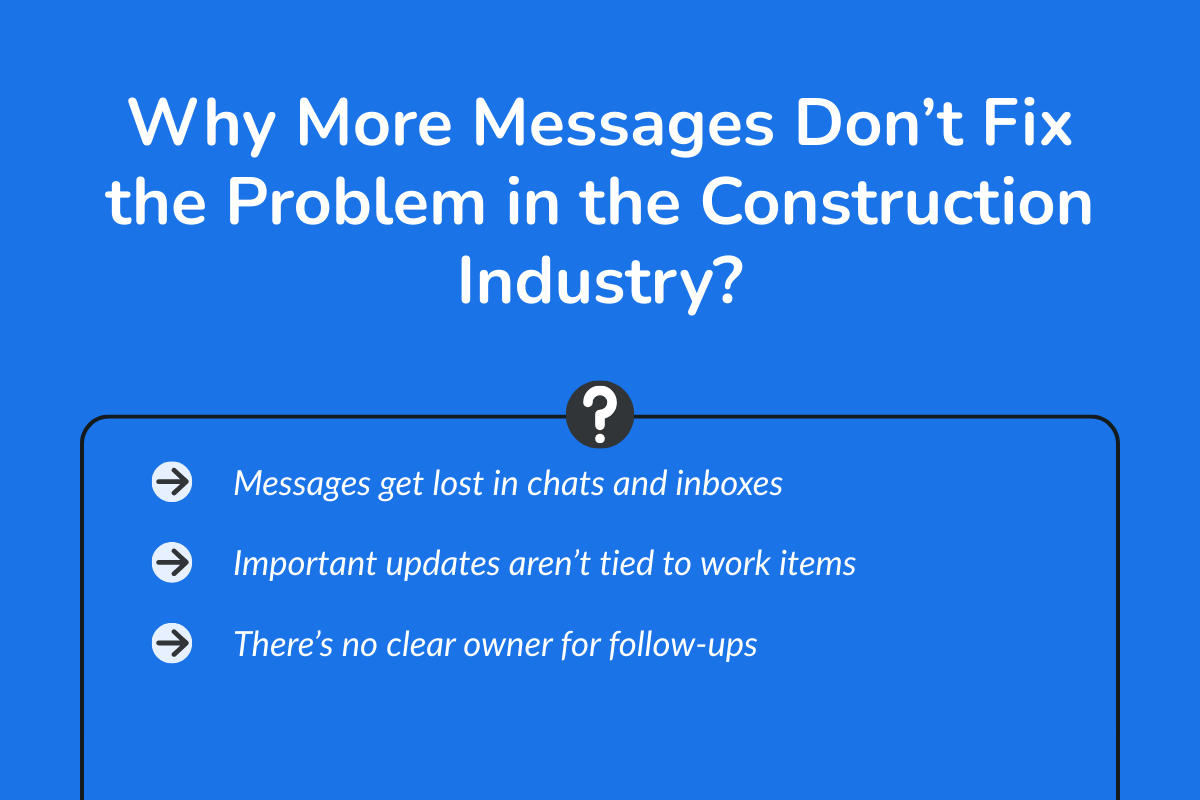
Cause 1: Messages get lost in chats and inboxes
Think about a typical day on a construction project. Your phone keeps buzzing with notifications, and emails arrive from suppliers, inspectors, project managers, and subcontractors. At the same time, group chats are active with photos, quick questions, and jobsite updates.
Some of these messages are important. Others are routine updates that quickly fade into the background.
When important instructions or decisions are buried in long chat threads or crowded inboxes, it becomes difficult for teams to find them later. As a result, critical information can easily be missed or forgotten.
Cause 2: Important updates aren’t tied to work items
Another issue in the company is that messages usually live separately from the actual tasks. For example, a revised drawing might be emailed to the team, but the task list or project schedule remains unchanged. The field crew has to remember that an email sent yesterday affects the work they are doing today.
This extra mental step creates confusion and increases the risk of mistakes. When updates are not directly tied to the work items they affect, teams can easily continue working from outdated information.
Cause 3: There’s no clear owner for follow-ups
A message might say, “Please review this,” or “We need to confirm this detail.” But after that message is sent, the next steps are unclear.
Who is responsible for reviewing the update? When should it be completed? Who confirms that the task has actually been addressed? In email or chat, those answers are rarely clear. People assume someone else will handle it. Days pass, and the issue resurfaces later, usually at the worst time.
Why Construction Teams Need One Place for Project Information?
Clear communication improves when everyone works from the same current information. That is the core shift.
| What It Means | What Happens | Result |
|---|---|---|
| Everyone sees the same version | One active version of drawings and documents is available. Old versions are archived. | No confusion about which file is correct. |
| Updates are tied to the work. | Changes connect directly to tasks, drawings, or RFIs. | Teams understand what changed and why. |
| Responsibilities are visible | The system shows who owns each task and its status. | Clear accountability and fewer status questions. |
| Everything is documented in one place. | Updates, approvals, and comments live in the same platform. | Less chasing for confirmation and smoother coordination. |
How Construction Software Changes Day-to-Day Coordination?
Construction software solutions make the biggest difference in the areas where confusion usually shows up. These are the moments in a project where small gaps in information turn into delays, rework, or frustration.
1. Coordination Between Multiple Trades
Construction sites rarely involve just one team. Electricians, plumbers, HVAC technicians, structural crews, and finishing teams often work in the same areas at different times.
Without clear coordination, crews may arrive at a location only to discover another team is already working there, or that a previous task has not been completed yet.
With shared project coordination tools, teams can see the sequencing of work and understand which tasks are scheduled before or after theirs. This helps different trades plan their work better and reduces conflicts on-site.
2. Field Reports and Progress Updates
Field teams gather important information every day, including progress updates, billing and costs, photos, security notes, and material deliveries.
When those updates are entered accurately into the system, office teams can see what is happening in real time. There is no waiting for end-of-week summaries or secondhand updates.
Communication flows both ways. The field stays connected to the office, and the office stays connected to the field.
3. Change Approvals and Scope Updates
If change requests move through text messages or verbal discussions, confusion follows. Someone thinks it was approved, while someone else believes it is still pending.
With a structured system, change requests move through clear approval steps. Once approved, the update appears next to the related task or scope item.
Everyone can see what changed and when it was confirmed. That clarity prevents disputes later, and work gets done efficiently.
4. Handoffs Between Organization and Field Teams
One of the most fragile moments in any project is the handoff between planning and execution of operations.
When designs are finalized, documents are uploaded into the system and assigned clearly, field teams know exactly where to look for instructions and what version to follow.
Because everything is documented and reported, transitions feel organized rather than rushed. Construction software does not eliminate communication; it organizes it. By connecting updates directly to the work itself, it reduces the gaps where mistakes usually happen.
What to Look for in Construction Software That Supports Clear Communication?
Not every platform improves communication equally. Look for these features for better customer service and high productivity:
I. One Place for Documents, Tasks, and Updates
Construction projects generate drawings, specifications, schedules, field reports, and daily updates. These items should live in a single project workspace rather than scattered across email threads or personal folders.
A construction platform should provide a centralized workspace where documents, tasks, and project updates are stored together. This ensures that everyone involved in the project can access the same information when they need it.
II. Clear Ownership and Status Tracking
Tasks, approvals, and project items should always display who is responsible and what stage the work is currently in.
Construction software should make ownership and progress visible for every item in the project. Each task, issue, or request should clearly display who is responsible and what stage the work is in.
III. Easy Access for Office and Field Teams
Project information should be available to everyone involved, whether they are working in the office or on-site. Construction platforms typically support mobile-friendly interfaces that allow supervisors and technicians to review drawings, submit reports, or update task status directly from the field.
Some systems also provide offline functionality so information can still be accessed when connectivity is limited.
IV. Controlled Updates Instead of Free-Form Messaging
Construction software should support structured communication, where updates are directly connected to tasks, drawings, or project issues. Instead of sending standalone messages, teams add comments, notes, or updates inside the relevant project item.
V. Mobile Access Without Extra Logins
Adoption often depends on how easy the system is to use in daily work. If accessing the platform requires multiple steps, complicated authentication processes, or slow interfaces, teams may avoid using it consistently.
Construction software should offer simple and secure mobile access so field teams can quickly open the platform when they need it. When access is simple and reliable, teams are more likely to use the system consistently, which helps maintain accurate and up-to-date project information.
How ConstructionBase Helps Teams Stay Aligned?
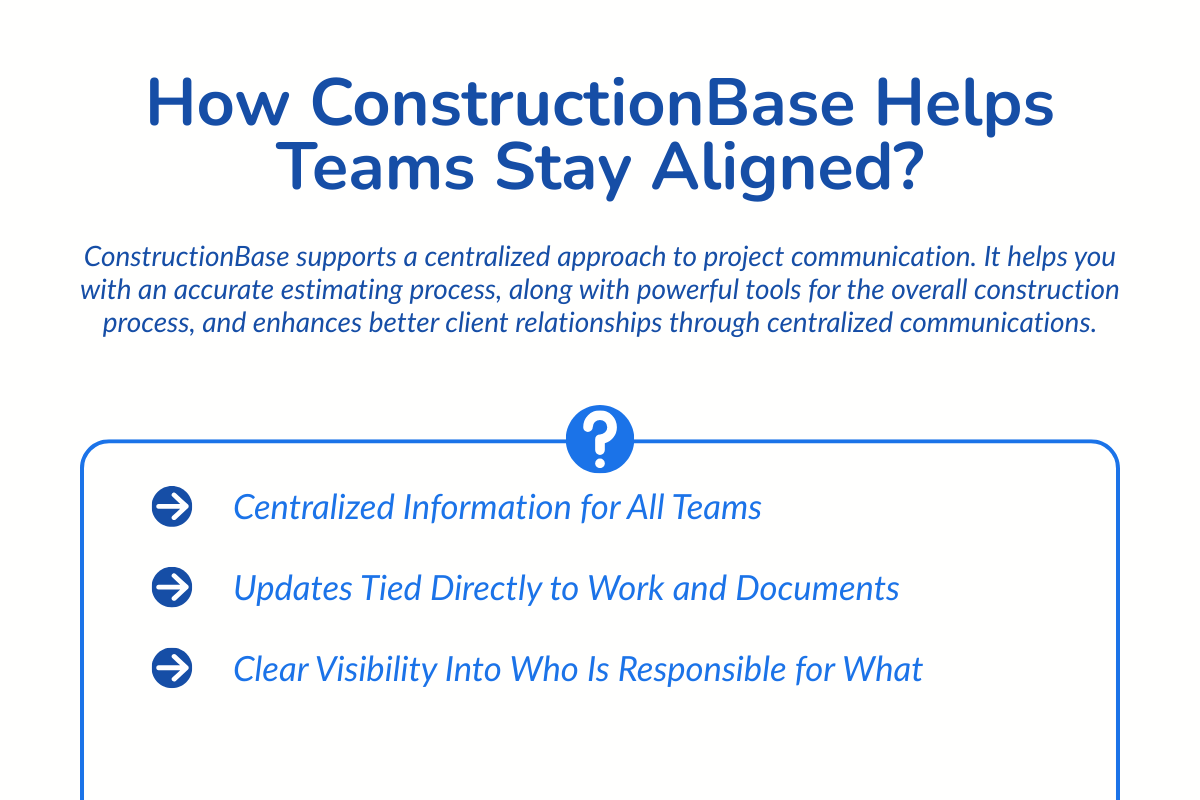
ConstructionBase supports a centralized approach to project communication. It helps you with an accurate estimating process, along with powerful tools for the overall construction process, and enhances better client relationships through centralized communications.
1. Centralized Information for All Teams
- All project information lives in a single platform, including drawings, documents, task lists, schedules, field reports, and progress updates. This reduces the need for teams to search across emails, shared drives, and messaging apps to find the latest project details.
- Project data is organized around the job itself, allowing teams to view related documents, updates, and tasks together instead of switching between disconnected tools.
- Role-based access controls ensure the right people see the right information. Office teams, field supervisors, subcontractors, and clients can access relevant project materials without exposing sensitive internal data.
- Searchable document libraries allow teams to quickly locate files such as plans, contracts, inspection reports, or compliance documents, which helps reduce time spent looking for information during active workdays.
2. Updates Tied Directly to Work and Documents
- Real-time activity feeds track project changes, allowing teams to see when updates are made, who made them, and how they affect current tasks or project milestones.
- Change tracking tools link revisions to specific work items, helping field teams quickly understand what has changed and whether it impacts their responsibilities.
- Comments and discussions remain attached to the relevant task or document, so teams can review the full context behind decisions instead of searching through old conversations.
- Automatic notifications alert relevant team members when a document is updated, a task status changes, or a new issue is logged in the system.
- Integrated progress tracking helps teams monitor project activity in real time, providing visibility into job progress, task completion, and any outstanding issues that may affect timelines.
3. Clear Visibility Into Who Is Responsible for What
- Task assignment tools allow project managers to designate a specific owner for each task, request, or issue, ensuring that responsibilities are clearly defined.
- Status indicators such as pending, in progress, under review, or completed help teams track progress without repeatedly asking for updates through email or chat.
- Resource management tools provide visibility into team workloads, helping managers allocate tasks based on availability and skill sets.
- Deadline and milestone tracking ensure that critical project activities stay aligned with the overall project schedule. Teams can see upcoming deadlines and adjust priorities when necessary.
- Activity logs record when tasks are created, updated, or completed, providing a transparent timeline of project actions and decisions.
- Clear ownership reduces confusion across teams, especially when multiple contractors or departments are involved in the same project area.
Final Takeaway
Most communication problems in construction are not about effort. Teams already call, text, email, and meet every day. The real problem is that information sits in too many different places.
When teams shift to one shared, up-to-date system, communication gets easier. Updates stay clear, changes link directly to the job, and responsibilities stay visible.
Instead of chasing details, crews focus on the work in front of them. With one source of truth, confusion drops, and steady progress takes over.
ConstructionBase: Bring everything into one place
If you want your projects to run with clearer communication and stronger alignment between the office and field, it may be time to centralize how your team works.
Keep every team on the same page. Book a demo now.
FAQs
1. Can construction software help reduce project delays?
Yes. Construction software helps reduce delays by improving visibility into project progress, task ownership, and schedule updates. When teams can quickly see what has changed and who is responsible for the next step, decisions happen faster, and mistakes are less likely to occur.
2. Is construction management software useful for small contractors?
Yes. Even small construction companies benefit from construction software because it simplifies document sharing, task tracking, and communication between office staff and field crews. As projects grow in complexity, having a centralized system makes it easier to manage multiple trades and maintain clear coordination
3. What are the top 5 construction platforms?
Some of the most popular construction platforms include ConstructionBase, Procore, Autodesk Construction Cloud, Buildertrend, and CoConstruct. All five of these are known for providing tools to track projects, control documents, and collaborate with team members.
4. What is the difference between project management software and construction software?
Project management software is designed for general business workflows, while construction software includes features specifically built for construction projects. These may include drawing management, RFIs, change orders, site reporting, and coordination between contractors and field teams. Construction software is tailored to the operational needs of building projects.
Have questions or need personalized advice?
Talk to an Expert Today and let our construction specialists guide you to success.
Related Posts
Building Construction Project Software: Key Integration Points You’re Missing