

Did you know that the tools your mid-sized construction firms rely on most, spreadsheets and manual trackers, are also the first to break under pressure?
The more projects you take on, the harder it gets to keep visibility and control. Miscommunication, version errors, and slow reporting eat into productivity before anyone notices. It’s the natural growing pain of success, but one that you can avoid early by restructuring how your work flows.
If you're ready to move on to the next step, it’s time to consider how improved systems, visibility, and collaboration can support the next stage of your growth before something slips.
The Best Construction Software for Mid-Sized Firms: Scale Smarter, Not Slower
For mid-sized construction firms, the best software balances robust features with affordability, focusing on streamlined project management, financials, and field communication.
What you might find challenging is finding tools that support expansion without disrupting your existing workflows or overwhelming your team.
In the sections ahead, we will solve this exact problem by explaining what modern construction management software does differently and how to choose systems that scale in sync with your operations.
Key Takeaways
- Mid-sized construction teams quickly outgrow spreadsheets as projects increase.
- The right construction project management software brings clarity and control to your construction projects.
- Key features like budgeting, scheduling, document control, and mobile access help teams work faster and with fewer errors.
- A gradual rollout keeps your workflow stable while your team adapts.
- With the right platform, you can scale confidently without disrupting how your business already works.
The Scaling Challenge for Mid-Sized Construction Firms
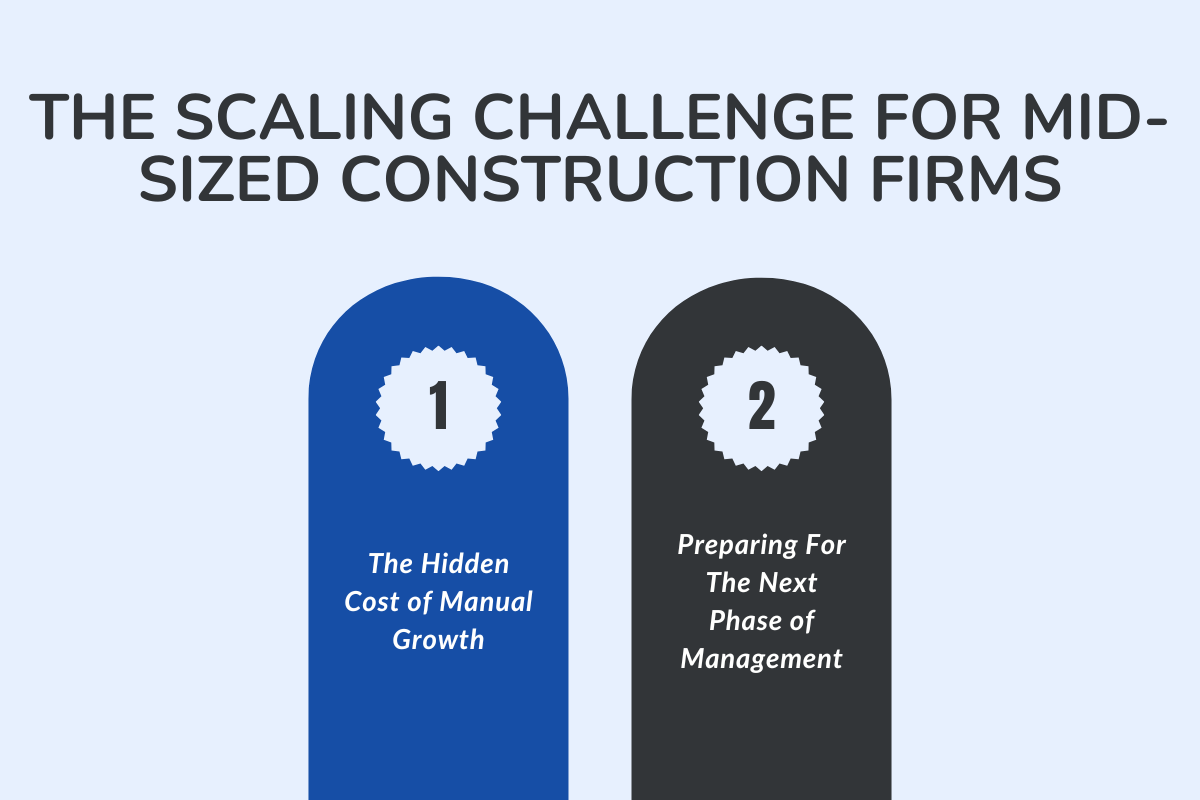
As a scaling mid-sized construction company, your biggest struggle becomes visibility, which is knowing what's happening across all your projects.
Adding more people and multiple spreadsheets rarely solves this issue. In the sections forward, we discuss the potential issues and the steps you can take to overcome them.
A. What's The Hidden Cost of Manual Growth
The highest price you pay is the loss of productivity because most of your time is spent in repeated data entries, holding people accountable, or unknowingly repeating work that's already done!
These small inefficiencies accumulate as your projects increase. The question now becomes, how can you prepare for this phase of management for your small construction business?
B. Preparing For The Next Phase of Management
By this point, leadership priorities need to shift. The focus needs to change from controlling every detail to building systems that display every detail in real-time.
Your first step: Creating space for smarter, data-driven management and setting the stage for scalable, sustainable growth.
Once you understand what needs to be fixed and who’s involved, it’s time to look at solutions that scale alongside your projects, rather than tools that reset your entire workflow.
Why Mid-Sized General Contractors Need Construction Management Software?
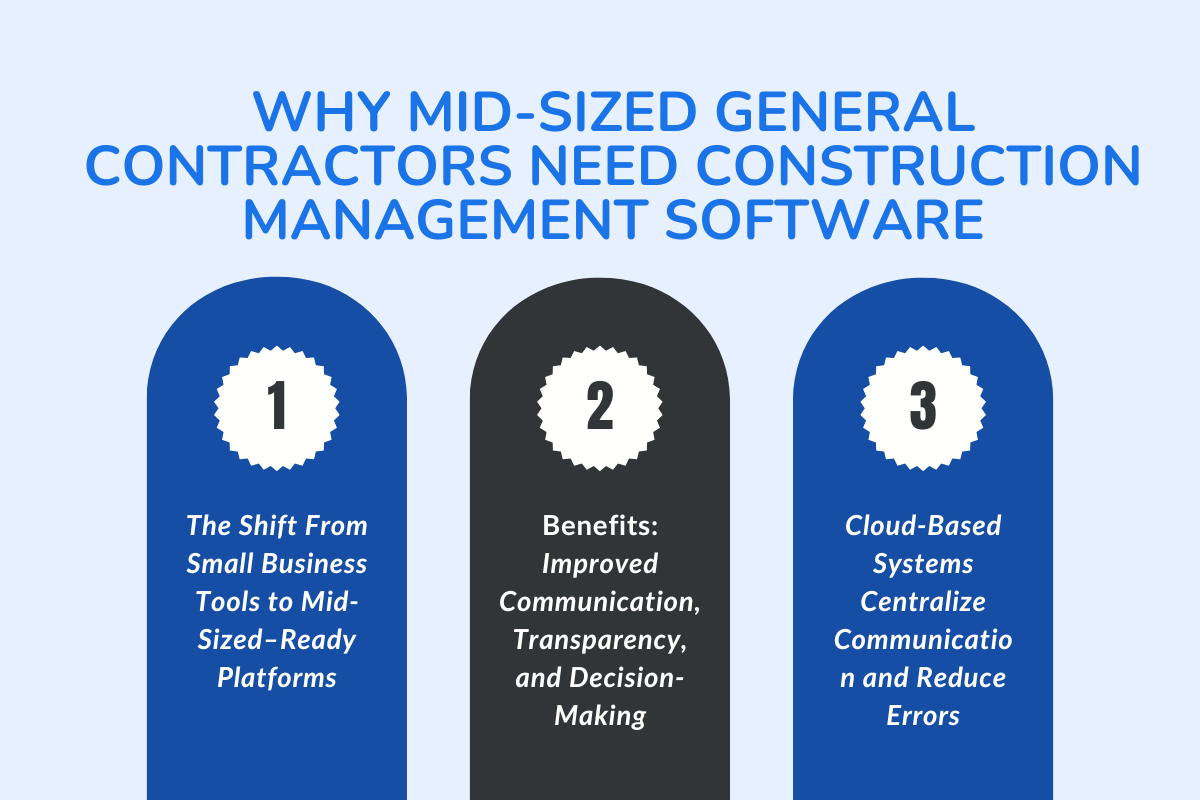
Below, we discuss how construction management software can help you stay efficient, improve visibility, and manage every project with confidence.
A. The Shift From Small Business Tools to Mid-Sized–Ready Platforms
Most small construction businesses begin with basic project management tools, such as spreadsheets, messaging apps, or simple scheduling software. But as your workload expands, these tools quickly reach their limit.
You need software that’s designed to handle multiple jobs, different teams, and complex workflows.
B. Benefits: Improved Communication, Transparency, and Decision-Making
With one platform in place, your problem with coordination and visibility is removed. Field teams update progress in real-time, office teams review changes instantly, and managers make faster, data-backed decisions.
This is how improved communication builds transparency and trust, helping you create smoother, faster projects that finish on time and within budget.
C. How Cloud-Based Systems Centralize Communication and Reduce Errors
With your scaling business, the number of drawings, budgets, updates, and client requests increases. Keeping all that information centralized is another step you can take to avoid confusion and repeated mistakes.
A cloud-based construction software like ConstructionBase can solve this problem by centralizing everything in one secure place. Get your customized walkthrough and see how it can help your business scale with ease.
Construction Software Mid-Sized: A Scalable Blueprint For Firms
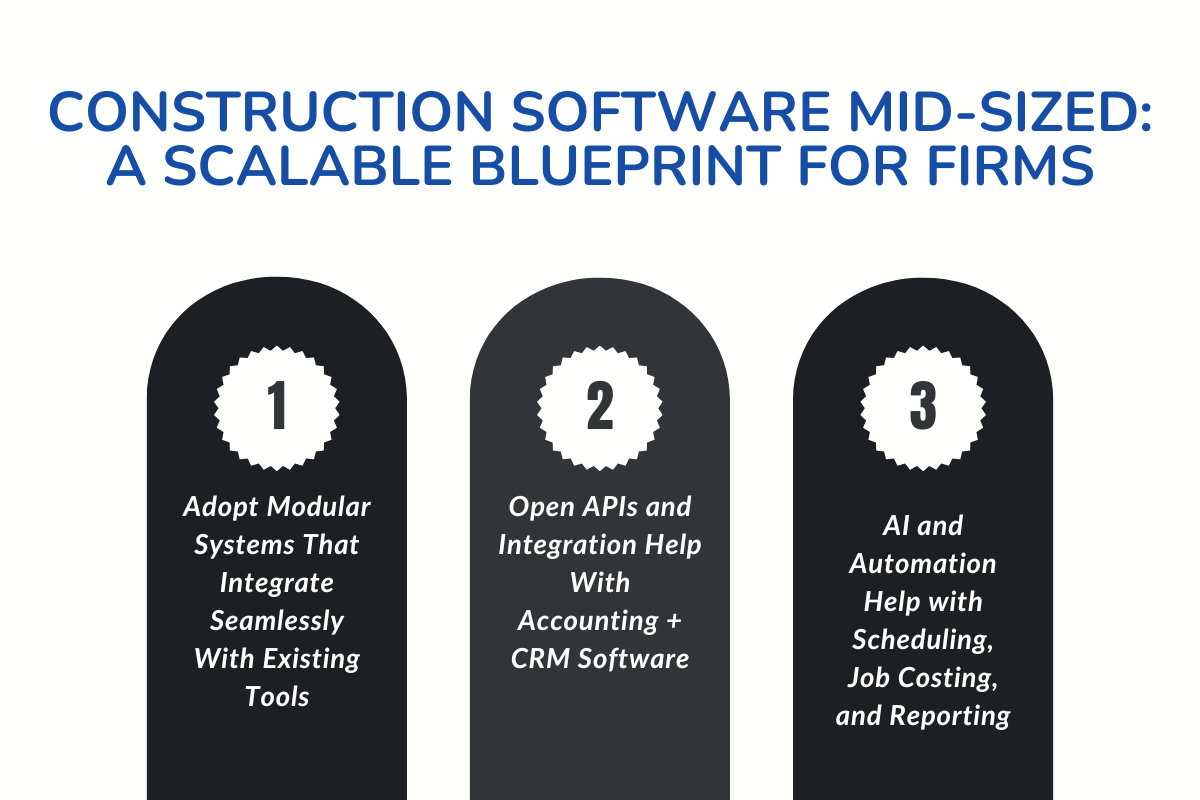
At this stage, your biggest advantage comes from adopting modular systems that fit into your existing workflow, rather than replacing everything at once.
Below, we'll discuss how to build a scalable framework using the right tools, integrations, and construction technology designed for mid-sized firms.
A. Adopt Modular Systems That Integrate Seamlessly With Existing Tools
Instead of switching platforms and starting over, the smarter way for you can be to adopt tools that work alongside what you already use.
For example, project tracking tools can connect directly to scheduling or estimating software without interrupting your daily workflow.
These modular systems save time, reduce the learning curve, and allow your teams to keep using familiar tools while gradually improving how they manage work.
B. Open APIs and Integration With Accounting + CRM Software
When your systems talk to each other, your business runs smoothly. Integration connects data across departments, from project management to accounting and client communication, facilitating seamless collaboration.
Open APIs make this possible by helping your firm link construction software with your CRMs, HR systems, or budgeting tools, bringing the entire construction industry workflow under one digital roof.
C. The Role of AI and Automation in Scheduling, Job Costing, and Reporting
Modern construction software uses AI and automation to streamline repetitive tasks, including scheduling, cost tracking, and report generation.
AI can predict scheduling delays, alert managers before issues escalate, and even generate cost forecasts based on previous projects.
For mid-sized firms, this means improved accuracy, faster insights, and more time to focus on decision-making rather than data management.
Pro Tip: Start small with integrations that automate one process at a time, choose job costing, scheduling, or performance reporting. Over time, these incremental upgrades build a fully scalable construction technology stack.
Also read: How to Scale Your Contracting Business with Construction Software for in-depth guidance on scaling your small business.
7 Key Features to Look For in Construction Software for Mid-Sized Firms
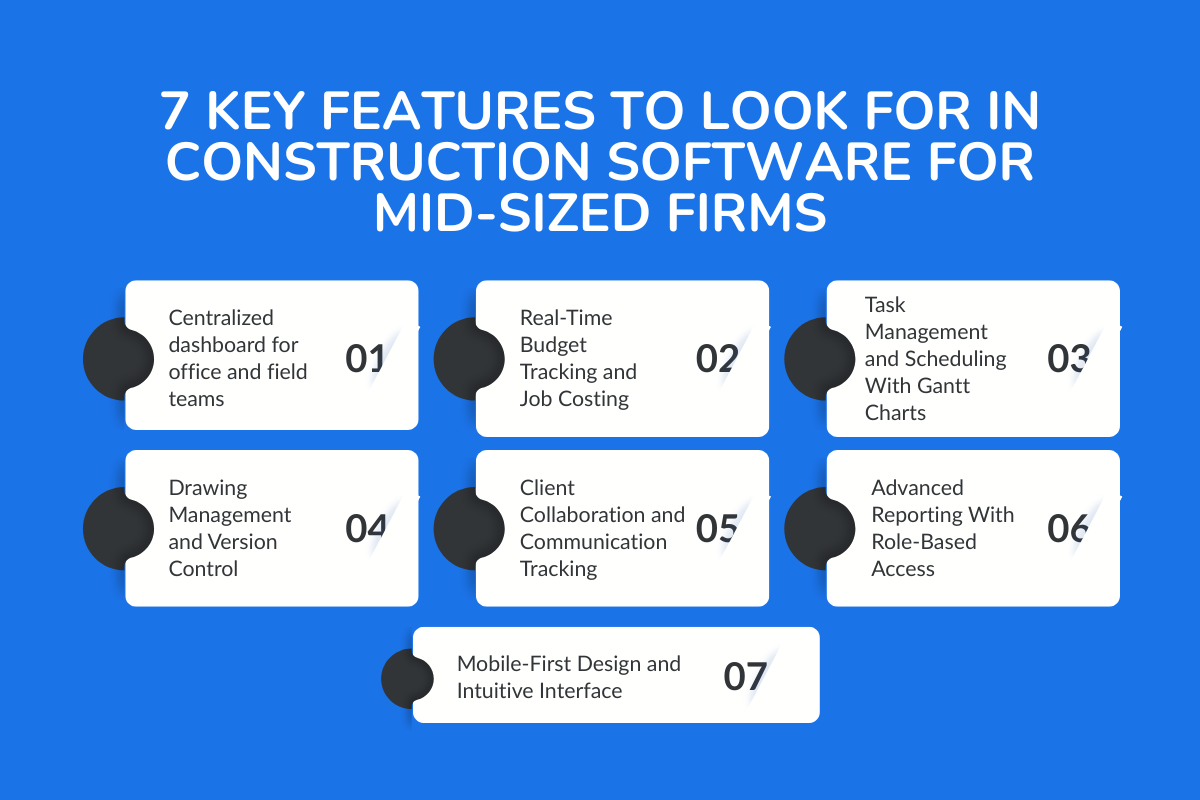
Once you know that upgrading your systems is the next step, the question becomes, what should you actually look for?
Below, we’ll cover the seven key features that help small to mid-sized construction companies manage projects efficiently and grow without friction.
A. Centralized dashboard for office and field teams
What it is:
A single dashboard that connects your office and field teams in one place. It displays project progress, schedules, budgets, and updates in real time.
How it helps:
Instead of chasing updates across calls or chats, everyone sees the same data instantly. This improves coordination, eliminates guesswork, and gives you full visibility across ongoing projects.
B. Real-Time Budget Tracking and Job Costing
What it is:
A live budget-tracking feature that automatically adjusts numbers as expenses, materials, or timelines change. It ties directly into job costing and estimating tools.
How it helps:
You’ll always know where your money goes and whether a project is on track financially. Real-time data reduces manual updates, prevents overruns, and helps you generate estimates faster and more accurately.
C. Task Management and Scheduling With Gantt Charts
What it is:
An organized way to plan and visualize every stage of your projects using task lists and Gantt charts. Tasks can be assigned, tracked, and updated as work progresses.
How it helps:
This gives your teams a clear timeline to follow and helps prevent missed deadlines. Everyone understands priorities, dependencies, and responsibilities, keeping projects on schedule without chaos.
D. Drawing Management and Version Control
What it is:
A secure document management system that stores all drawings, blueprints, and revisions in one place. Each version is tracked, labeled, and easy to access.
How it helps:
Field teams and designers always work from the latest plans. This prevents rework, reduces costly errors, and makes collaboration between departments much smoother.
E. Client Collaboration and Communication Tracking
What it is:
A built-in space where your office and field teams, along with clients, can review project updates, approvals, and feedback all in one place.
How it helps:
It bridges the communication gap between the site and the office. Field teams can upload progress photos or punch-list updates in real time, while office staff and clients see them instantly.
That transparency cuts approval time, reduces confusion, and keeps everyone accountable throughout the entire project lifecycle.
F. Advanced Reporting With Role-Based Access
What it is:
An analytics feature that compiles data from your projects into detailed, customizable reports. Role-based access ensures each team member only sees what they need.
How it helps:
Leaders gain insight into project performance, resource use, and profitability, without data overload. This makes decision-making faster, more confident, and backed by real numbers.
G. Mobile-First Design and Intuitive Interface
What it is:
A mobile-friendly, user-friendly interface that allows your teams to update progress, upload photos, and manage tasks directly from their devices.
How it helps:
Work doesn’t stop at the office. Mobile access keeps both field and office teams connected in real-time. A simple, intuitive interface means faster adoption and fewer training hours.
Choose a software company that offers these features by default and provides transparent pricing. The best construction management software supports how your team already works and helps you scale confidently with every new project.
Comparing the Best Construction Management Software for Mid-Sized Construction Teams
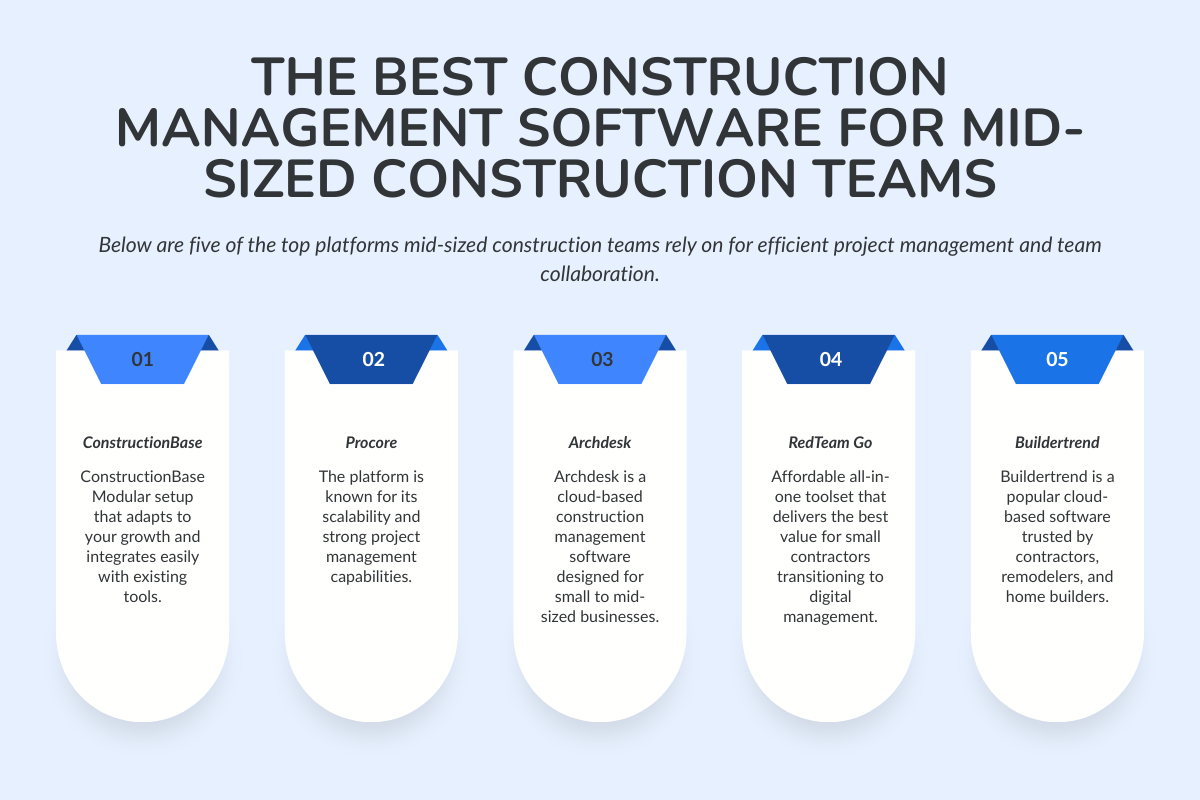
Below are five of the top platforms mid-sized construction teams rely on for efficient project management and team collaboration.
A. ConstructionBase
ConstructionBase is an all-in-one platform built specifically for contractors. It brings estimating, scheduling, job costing, and CRM together in one cloud-based system. Its modular design allows small to mid-sized companies to scale gradually without rebuilding their workflow.
Key Features:
- Estimating: Generate accurate estimates using built-in templates and cost databases, helping contractors create professional proposals quickly and consistently.
- Job Costing: Track labor, materials, and subcontractor expenses in real time to keep projects profitable and avoid budget overruns.
- Scheduling: Assign crews and manage timelines through a centralized calendar that updates instantly across office and field teams.
- CRM & Lead Management: Organize leads, track client interactions, and manage follow-ups from one dashboard to streamline your sales pipeline.
- Document Management: Store blueprints, change orders, permits, and contracts in one cloud-based location accessible to both office staff and field crews.
- Field Reporting: Enable technicians and on-site teams to submit photos, notes, and progress updates directly from their mobile devices.
- Modular Architecture: Add features gradually as your business grows without disrupting existing workflows or retraining your team.
- Integrations: Connect with accounting and payroll systems to ensure smooth data flow and eliminate manual double-entry.
Key Benefit: Modular setup that adapts to your growth and integrates easily with existing tools.
Best for: Contractors ready to move beyond spreadsheets but not yet into complex enterprise systems.
Pricing: Transparent, tier-based pricing with custom plans available. No free plan, but flexible packages let firms start small and expand over time.
B. Procore
Procore is one of the top platforms in the construction industry, known for its scalability and strong project management capabilities. It centralizes document sharing, scheduling, and reporting, providing teams with real-time control from pre-construction to closeout.
Key Features:
- Document Control: Stores drawings, plans, and revisions in one location, ensuring everyone works from the most up-to-date documents.
- Field Collaboration: Allows crews to upload photos, notes, punch lists, and observations directly from the job site through the mobile app.
- Reporting & Dashboards: Provides customizable dashboards with insights into budgets, schedules, project health, and potential risks.
- Integrations: Connects seamlessly with accounting, ERP, and other construction software, eliminating duplicate data entry.
- Quality & Safety Tools: Includes inspections, checklists, and incident tracking to maintain compliance and reduce on-site risks.
Key Benefit: Unlimited users and responsive support make onboarding and collaboration seamless.
Best for: Mid-sized and large contractors managing multiple projects at once.
Pricing: Quote‑based pricing tied to annual construction volume with annual contracts; no free plan; unlimited users included.
Read: Procore: Features, Pricing, and Limitations Explained for a better view into Procore Software
C. Archdesk
Archdesk is a cloud-based construction management software designed for small to mid-sized businesses. It combines budgeting, scheduling, and financial oversight into one user-friendly dashboard.
Key Features:
- Job Costing & Budget Tracking: Estimate project costs accurately and monitor expenses in real time to stay on budget and maximize profitability.
- Document Management: Centralize all project documents—drawings, contracts, revisions—with version control and easy retrieval so everyone works from the latest information.
- Scheduling: Optimize project timelines and resource assignments with cloud-based scheduling that tracks site labor and key milestones.
- Procurement Management: Handle material purchases, supplier relationships, and subcontractor agreements efficiently within the system.
- Cost Controlling & Financials: Monitor budgets, manage invoicing, track revenues, and access financial reports for clearer insights into project financial health.
Key Benefit: Easy integration with accounting and resource management tools, reducing administrative work.
Best for: Small contractors and design-build firms needing visibility without the complexity of enterprise software.
Pricing: Transparent pricing available on request, based on company size and number of users. No free plan, but includes a live demo.
D. RedTeam Go
RedTeam Go focuses on simplifying project workflows and improving collaboration. It offers estimating, scheduling, and reporting tools that integrate with accounting and CRM systems for complete visibility.
Key Features:
- Project Management: Plan, schedule, and track all project activities from preconstruction through closeout in one centralized platform.
- Document Management: Store and manage drawings, RFIs, submittals, and daily reports with full version control to ensure teams use the most updated documents.
- Change Order & Budget Control: Monitor change orders, job costs, and financial impacts in real time to keep projects on budget.
- Subcontractor Collaboration: Coordinate seamlessly with subs, share updates instantly, and streamline communication between office and field teams.
- Scheduling: Build and update project schedules, assign tasks, and track milestone progress with real-time visibility.
- Financial Management: Oversee billing, budgeting, and financial performance across all active projects.
- Reporting & Dashboards: Generate real-time reports and customizable dashboards for transparency into project status, risks, and profitability.
Key Benefit: Affordable all-in-one toolset that delivers the best value for small contractors transitioning to digital management.
Best for: Small contractors or growing firms looking for quick adoption and dependable customer support.
Pricing: Demo/trial available; pricing varies by plan and deployment.
E. Buildertrend
Buildertrend is a popular cloud-based software trusted by contractors, remodelers, and home builders.
It simplifies communication, scheduling, and client collaboration, with a strong focus on ease of use.
Key Features:
- Estimating & Proposals: Create accurate estimates and professional proposals with built-in templates and cost tools.
- Customer Communication: Use a client portal to share updates, photos, and messages, improving transparency and trust.
- Financial Tools: Manage budgets, invoices, payments, and expenses in one place for stronger financial control.
- Scheduling: Build and adjust project timelines with real-time visibility for office and field teams.
- Document Management: Store drawings, contracts, and job-site files in a cloud-based hub accessible to the entire team.
- Time Tracking: Crews can log their hours from the field using a mobile time clock feature, which helps with accurate payroll and job costing.
Key Benefit: User-friendly interface and responsive support that make implementation smooth for any team.
Best for: Residential builders and remodeling companies focused on communication and transparency.
Pricing: Customized, sales‑led pricing with demo/trial options; request a quote for current rates.
| Platform | Key Benefit | Best For | Pricing Type |
|---|---|---|---|
| ConstructionBase | Modular contractor suite with estimating, scheduling, and CRM. | Contractors moving off spreadsheets, seeking a gradual scale‑up. | Sales‑led pricing; contact for tiers. |
| Procore | ACV‑based platform with broad modules and unlimited users under annual contracts. | For Mid-sized and large contractors managing multiple projects at once. | Quote‑based; ACV model; annual contracts; no free plan. |
| Archdesk | Cloud PM with budgeting/scheduling and finance visibility for SMBs. | Small to mid‑sized contractors needing integrated PM and finance views. | Quote‑based; pricing on request. |
| RedTeam Go | All‑in‑one project workflows with demo‑first sales motion. | For Small contractors or expanding firms, digitizing their operations. | Demo/trial available; pricing varies by plan. |
| Buildertrend | Residential‑focused workflows with client comms and scheduling in one app. | Residential builders and remodelers who prioritize communication. | Sales‑led customized pricing; demo/trial available |
Note: Vendors frequently adjust pricing and packaging; confirm current plans with sales.
Implementation Playbook: Roll Out Construction Software Without Breaking Process
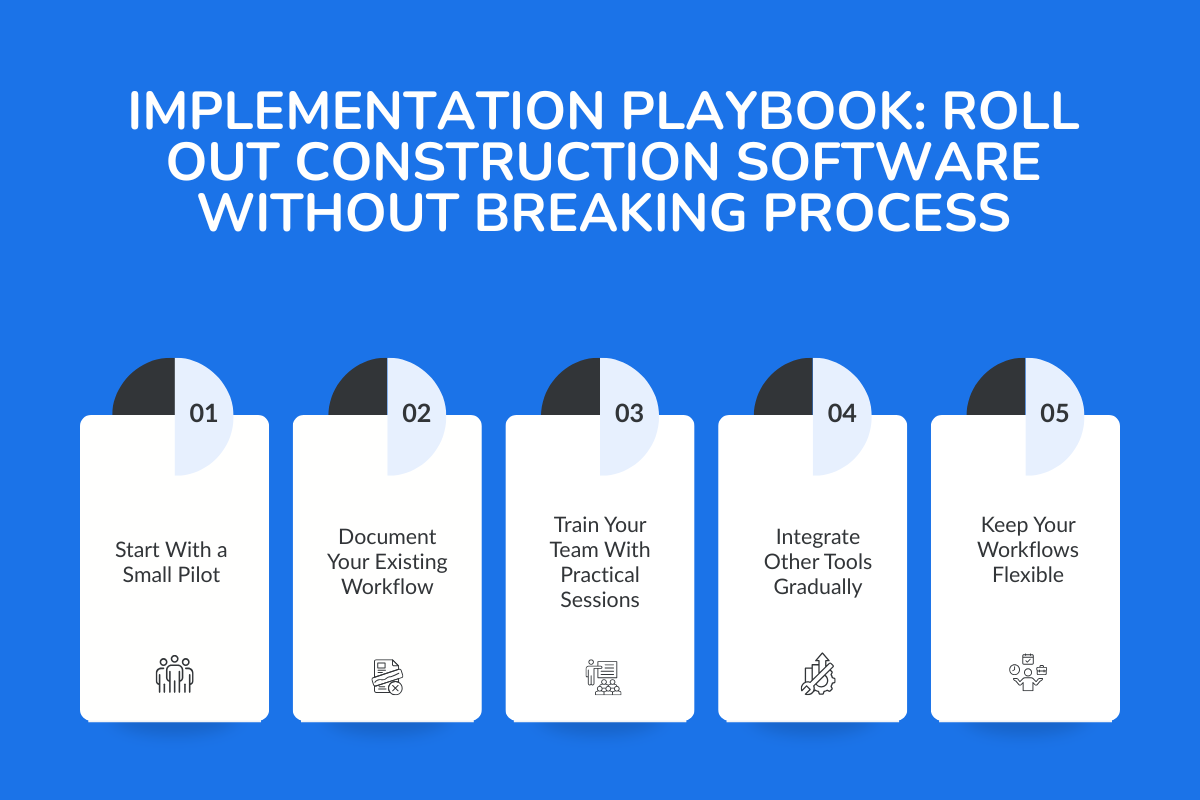
After choosing the right software, your goal shouldn't be to overhaul your entire workflow overnight but to introduce construction-specific tools in a way that feels natural for your teams.
A. Start With a Small Pilot
Start with one team, department, or project. A focused pilot will help you understand how the software fits into your daily routines and where adjustments are needed. It also reduces the learning curve because your team isn’t overwhelmed with changes all at once.
B. Document Your Existing Workflow
Before switching tools, map how your processes currently work, where information comes from, how tasks move, and who updates what. This helps you spot the bottlenecks and decide which construction-specific tools should be prioritized first.
C. Train Your Team With Practical Sessions
Keep training short, relevant, and tied to real tasks: scheduling, updating progress, or managing project documents. Most software companies offer responsive support during onboarding, use it to address questions quickly and prevent confusion.
D. Integrate Other Tools Gradually
Connect your accounting system, estimating tools, or CRM one step at a time. A gradual approach prevents workflow clashes and allows your team to adjust smoothly. Even small integrations can make a big difference in day-to-day efficiency.
E. Keep Your Workflows Flexible
As your team becomes familiar with the new system, you’ll notice which features improve productivity and which need fine-tuning. Use that feedback to adjust permissions, templates, and process steps.
Pro Tip: Treat implementation as a phased upgrade. With the right pace and support, you can roll out new software without breaking the processes your contractors already rely on.
How to Choose the Right Platform for Sustainable Growth
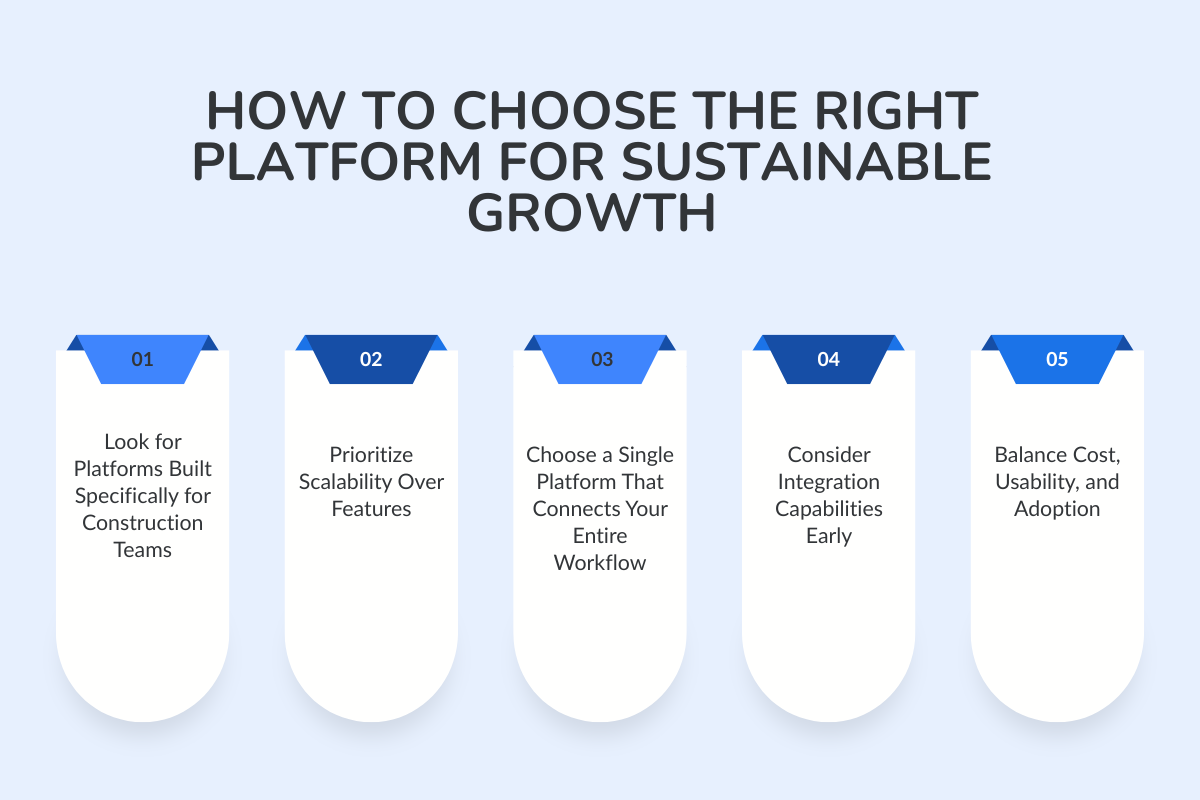
Most platforms offer similar tools on the surface, but the difference lies in how well they adapt to your workflow, your project volume, and how your teams collaborate.
Below are the core factors mid-sized firms should focus on when comparing their options.
1. Look for Platforms Built Specifically for Construction Teams
Not all software is made with contractors in mind. Choose a platform built specifically for construction workflows, scheduling, budgeting, document control, and field updates.
This saves time, reduces training, and ensures the system actually supports the way you manage projects.
2. Prioritize Scalability Over Features
Many tools appear promising at first, but fall short when you increase the project load or team size.
Instead of choosing the flashiest features, focus on platforms that scale from small to mid-sized and beyond. The right construction management software will grow with you, not force you to switch systems later.
3. Choose a Single Platform That Connects Your Entire Workflow
Look for a single platform that combines project management, scheduling, communication, and reporting in one space. A unified workflow helps you stay consistent across teams and reduces errors that occur when switching between systems.
4. Consider Integration Capabilities Early
Integrations matter more than most contractors realize. Your software should work smoothly with your accounting tools, CRM, estimating software, and other systems you already rely on. This ensures your data stays consistent, accurate, and easy to track as you scale.
5. Balance Cost, Usability, and Adoption
The right platform is the one your team actually uses. Avoid systems that feel too complex or require weeks of training.
Choose software with an intuitive interface, clear navigation, and straightforward processes to reduce your team’s learning curve instead of adding to it.
Conclusion: Grow with the Right Tools, Not Growing Pains
As your construction company scales, your focus needs to be on strengthening your workflow. The right construction management software will help you move from manual coordination to organized, data-driven project management.
It provides your contractors with the clarity they need, connects your teams in real-time, and keeps every project moving in the right direction.
Instead of starting from scratch, you’re simply evolving the way you work. With the right tools in place, mid-sized firms can improve visibility, reduce errors, and manage growth without slowing down.
Take the Next Step With ConstructionBase
Book your 15-minute customized walkthrough and see how ConstructionBase can support your team today while preparing you for tomorrow’s growth.
FAQs
1. How does construction management software help mid-sized contractors specifically?
It gives you full visibility across projects without adding extra administrative work. With real-time updates, centralized communication, and accurate job costing, mid-sized teams can manage more projects confidently without relying on spreadsheets or manual follow-ups.
2. How long does it take to get my team onboarded?
Most mid-sized teams can get started within a few days. The learning curve depends on the platform you choose, but with guided onboarding and simple, construction-specific workflows, adoption is much faster than switching between multiple disconnected tools.
3. Do I need to replace all my existing tools to start using a new platform?
No. Modern construction management software is designed to integrate with your current systems. You can start small, connect the tools you already use, and scale the platform gradually.
Have questions or need personalized advice?
Talk to an Expert Today and let our construction specialists guide you to success.
Related Posts
Building Construction Project Software: Key Integration Points You’re Missing





