

Rework rarely hits you like a sudden disaster on day one. It usually sneaks in quietly, almost unnoticed. A crew builds from an older set of drawings. A detail gets interpreted differently by two trades.
A subcontractor makes a quick assumption to stay on schedule. An RFI sits open for days while the field keeps moving. Then, out of nowhere, you rip out finished work, waste labor hours, burn through material costs, and watch your timeline slip for reasons that feel completely unnecessary.
If you have ever managed construction projects, you know how painful it can be.
The truth is, rework is rarely a “field mistake.” Most of the time, it is a workflow failure. This blog breaks down the construction project mgmt workflows that reduce rework and protect margins.
Stop Fixing the Same Mistakes Twice: Construction Workflows That Cut Rework Fast
Rework is one of the biggest margin killers in the construction industry, and it usually starts long before mistakes show up in the field. Most rework comes from workflow failures such as poor project handoffs, weak document control, slow RFIs, inconsistent QA/QC, and uncontrolled change orders.
This guide breaks down where rework starts and outlines practical construction project management workflows that improve coordination, reduce errors, and keep teams building from the right information.
It also explains the key metrics that predict rework early and how construction project management software like ConstructionBase can support closed-loop execution.
Key Takeaways
- Rework is not just “bad labor.” It is usually caused by broken workflows and unclear project communication.
- Most rework begins upstream, during project initiation, preconstruction handoff, and document distribution.
- Strong construction project management workflows rely on closed-loop execution: request, approval, distribution, verification, and sign-off.
- RFIs, submittals, QA/QC inspections, punch lists, and change orders require structured processes with assigned owners and deadlines.
- Metrics like RFI cycle time and first-pass inspection rate can predict rework before it hits your margins.
- Construction project management software should enforce workflows, not just store documents.
Take Control Before Rework Takes Control of You
Rework does not explode overnight. It builds quietly inside broken handoffs, missed revisions, slow RFIs, and unclear approvals. The longer those gaps stay open, the more profit slips away.
Book a demo today and start running projects with fewer surprises and stronger control.
What Counts as “Rework” in Construction And Why It’s So Expensive?
Rework is basically the construction version of paying twice for the same meal. You already spent money, used labor, and scheduled time for it. Then something goes wrong, and now you are forced to redo completed work because it was installed incorrectly, built from the wrong plan, or done before a critical decision was finalized.
In the simplest definition: Rework = redoing completed or installed work due to errors, omissions, changes, or misalignment. The reason it is so expensive is that it multiplies waste across the entire project life cycle. It hits labor, materials, equipment, scheduling, and even your relationship with the project owner.
If you do not define rework clearly, you cannot design workflows to prevent it.
Common buckets of rework
1. Design and document issues: This is the classic “built off the wrong drawing” situation. It can also include scope gaps, missing details, unclear specs, or conflicting sheets between the design phase and construction phase.
2. Coordination clashes: These happen when trades are not aligned in sequence or space, leading to overlapping work and on-site conflicts. For example, electrical work may be completed before mechanical routing is finalized, forcing teams to remove and redo installed sections.
3. Execution and quality issues: Inconsistent workmanship, rushed timelines, or inexperienced crews often lead to defects that go undetected early. When quality control is weak, defects get buried and come back later at 10x the cost.
4. Change management failures: This is often the biggest contributor, where late changes, unclear approvals, or verbal decisions create confusion across teams.
Rework does not just waste money; it damages morale, it creates finger-pointing. It burns trust between key team members, project managers, and the general contractor.
And once that trust is gone, managing construction projects becomes ten times harder.
Where Rework Actually Starts (The 6 Failure Points in Execution)?
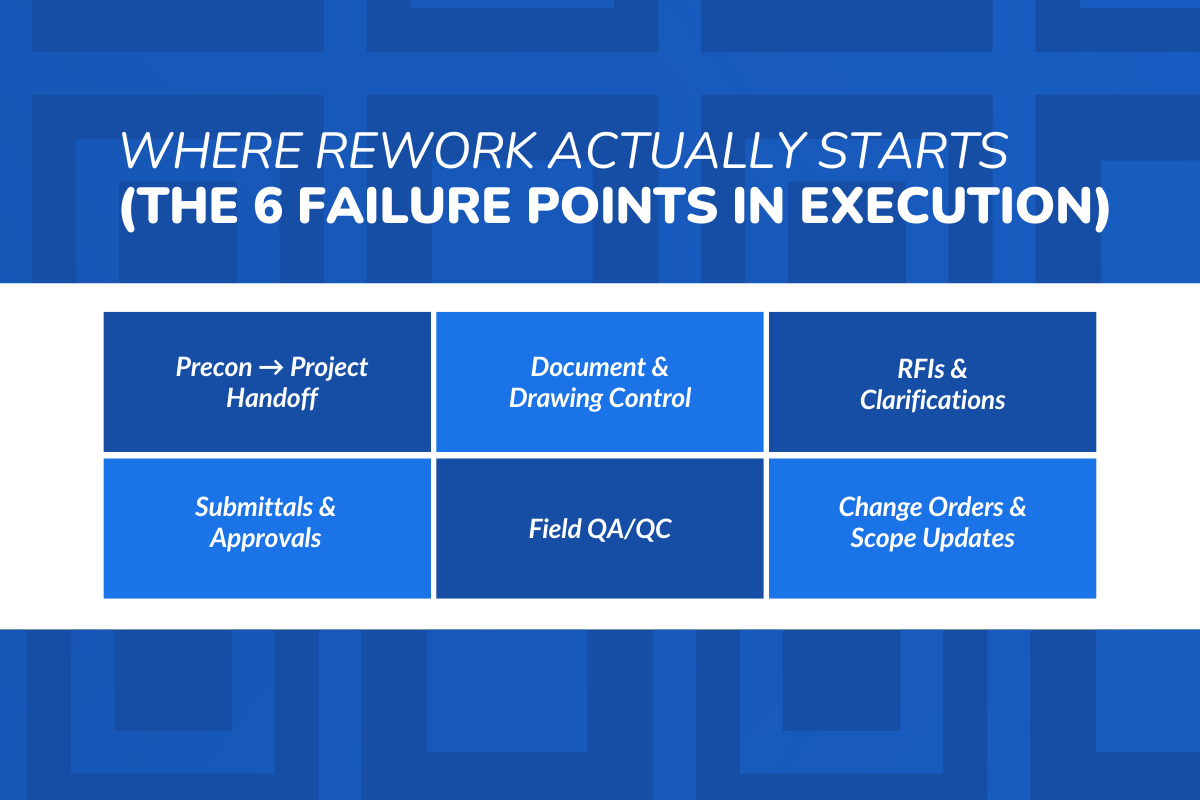
Most people think rework starts when someone installs something wrong. But in reality, rework usually starts upstream, before the first crew even arrives. It begins in the way information moves, decisions get approved, and responsibilities are communicated.
Here are the six major failure points where rework is born:
1. Preconstruction -> Project Handoff
What breaks:
Preconstruction teams often hold valuable project planning details in their heads. They know assumptions, constraints, and vendor commitments. Then the job gets awarded, the project moves into execution, and half that knowledge never transfers.
What it causes:
- Scope assumptions disappear
- Risks are forgotten
- The work breakdown structure becomes incomplete
- The schedule baseline is built on missing context
As a result, the schedule is built without full context, leaving the project manager working with limited visibility.
What “good” looks like:
A structured handoff where the construction project management process transfers scope, constraints, cost codes, and risk items into operations, not just a casual kickoff call.
2. Document & Drawing Control
What breaks:
The team builds from PDFs saved in email threads. People print drawings and keep them in trucks. Someone forwards a revision, but nobody confirms it was received.
What it causes:
- Crews build from outdated drawings
- Field corrections turn into demolition
- The construction process becomes reactive
What “good” looks like:
A single controlled source of truth where “latest drawings” are clearly marked, revisions are tracked, and team members must acknowledge updates.
3. RFIs & Clarifications
What breaks:
Questions are handled informally through calls, texts, or quick site conversations, and responses are rarely documented properly. Important decisions get lost because they are never recorded in a structured system.
What it causes:
The field keeps building based on assumptions. By the time the official answer comes back, the wrong work is already installed.
What “good” looks like:
A structured RFI loop with deadlines, ownership, escalation, and a clean closeout process where answers are tied back to drawings.
4. Submittals & Approvals
What breaks:
Submittals get stuck in inboxes, approvals are unclear, and phrases like “approved as noted” are often misunderstood. Even when approvals happen, the information may not reach the field team in time.
What it causes:
- Wrong materials installed
- Late procurement impacts the critical path method schedule
- Work gets delayed or rescheduled
What “good” looks like:
A submittal register with due dates, clear approval status, and distribution workflows that push approved information to the right people.
5. Field QA/QC
What breaks:
Inspections happen late in the process, checklists are inconsistent, and issues are often discovered after work is already covered. Without a consistent system, small problems go unnoticed until they become bigger issues.
What it causes:
- Hidden defects become expensive removals.
- Quality issues turn into major cost control problems.
What “good” looks like:
Standardized QA/QC workflows introduce consistent inspections with defined checkpoints throughout execution. Issues are identified early, tracked properly, and resolved before they escalate.
6. Change Orders & Scope Updates
What breaks:
Changes are discussed in meetings or on WhatsApp. The project owner says “just do it,” but there is no written approval or impact tracking.
What it causes:
- Trades act on incomplete instructions, then someone disputes the cost.
- Work gets ripped out.
- Budget management collapses.
What “good” looks like:
A formal change process ensures every update is documented, reviewed, and approved before execution begins. It keeps all stakeholders aligned and prevents unexpected disruptions later in the project.
What Is Construction Project Management Software (And What It Should Actually Do)
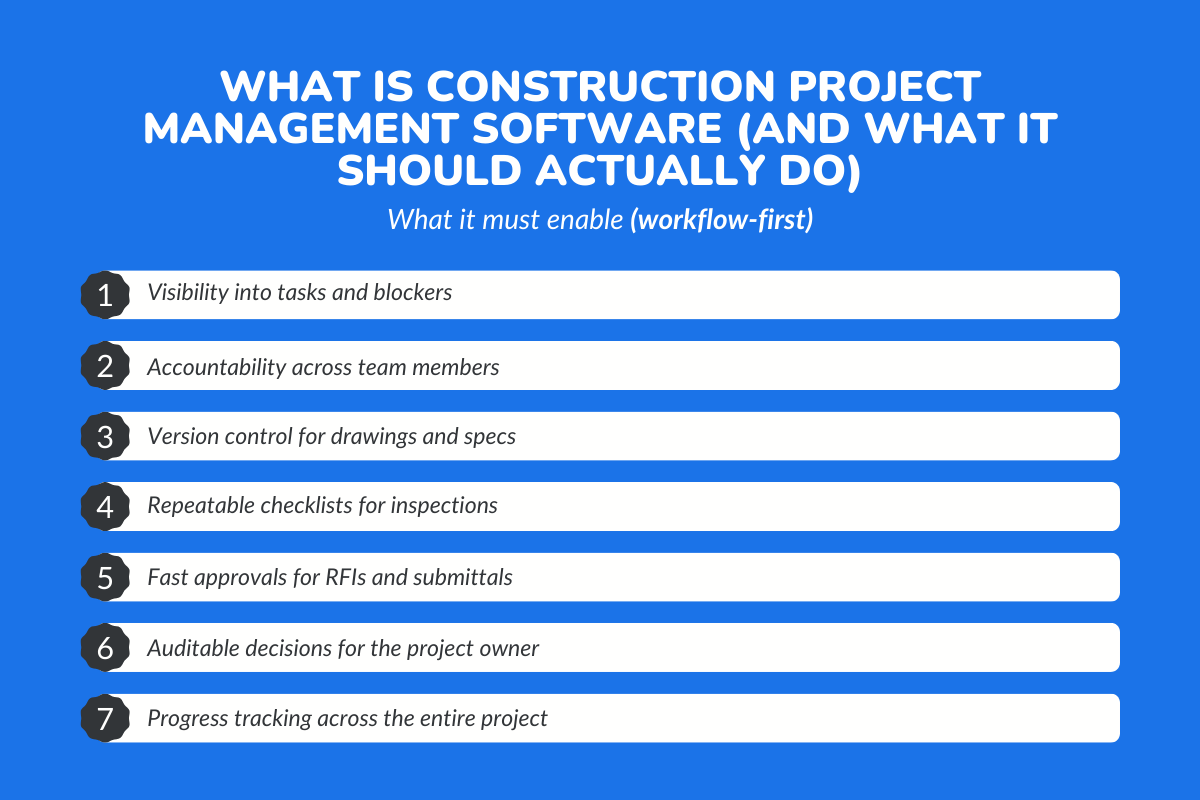
A lot of people assume construction project management software is just a place to upload drawings and store files.
But in reality, that is only a small part of what it is supposed to do. True construction project management software acts as the operating layer of the entire project. It is where processes are not just planned but actually enforced across teams.
A practical definition: Construction project management software is a system in which documents, tasks, approvals, field updates, and issue closures live in a single controlled workflow environment.
The goal is not just to store information but to move work forward with clarity and accountability. It should actively drive execution, not passively hold data.
What it must enable (workflow-first)
- Visibility into tasks and blockers
- Accountability across team members
- Version control for drawings and specs
- Repeatable checklists for inspections
- Fast approvals for RFIs and submittals
- Auditable decisions for the project owner
- Progress tracking across the entire project
The best construction management software supports project delivery, cost control, and schedule discipline without forcing people to do complicated administrative work. If it does not make project execution smoother, it is not doing its job.
Construction Project Management Workflows That Prevent Rework
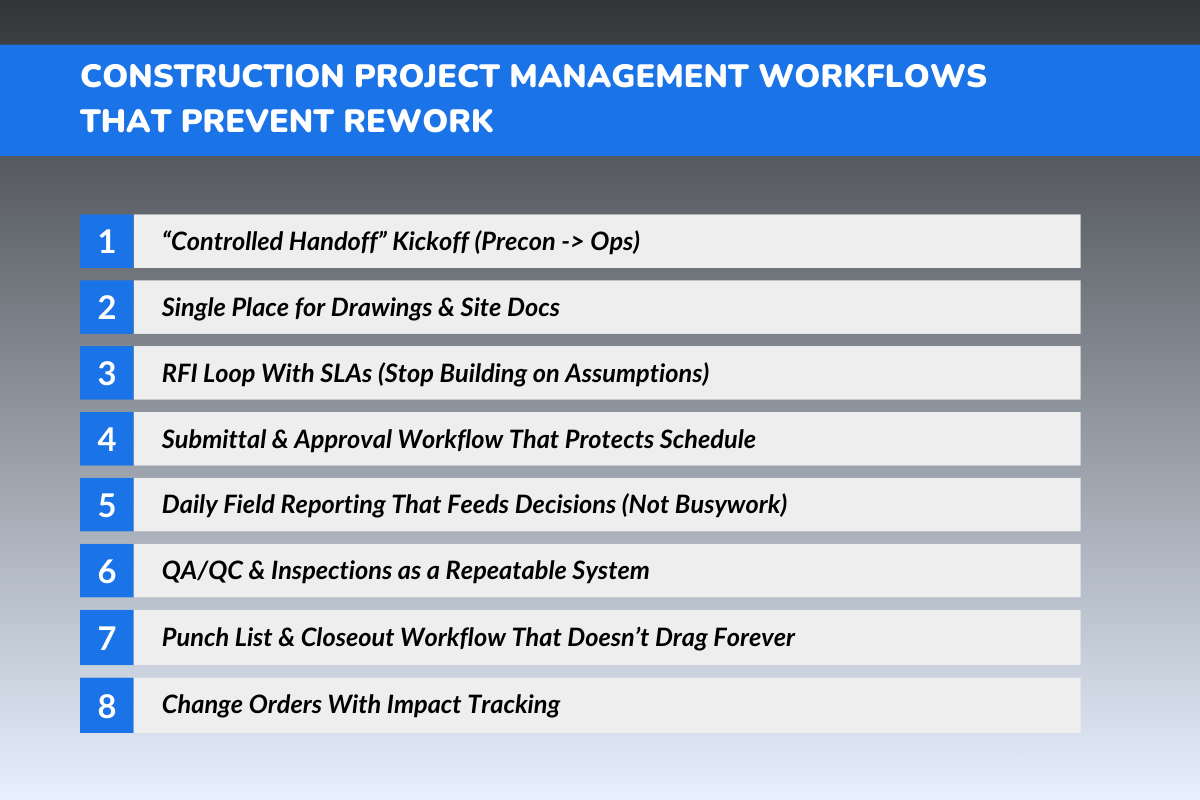
The core mindset shift is simple: every workflow must follow a closed loop so nothing gets lost between teams. That means every workflow follows the same structure: request -> decision -> distribution -> verification -> sign-off
When this loop is incomplete, small gaps start forming in the process. And those gaps are exactly where mistakes and rework begin to creep in.
Workflow 1 - “Controlled Handoff” Kickoff (Preconstruction -> Ops)
A construction project manager oversees dozens of moving parts. If they inherit a project with missing context, rework becomes inevitable.
Inputs required:
- Scope inclusions and exclusions
- Schedule baseline and project milestones
- Cost codes and budget structure
- Assumptions and constraints
- Key subcontractor and vendor commitments
- Risk register and mitigation notes
Output:
One kickoff packet that includes detailed plans, responsibility mapping, and a clean ownership chart showing who approves what. This is one of the most overlooked workflows in successful construction project management.
Workflow 2 - Single Place for Drawings & Site Docs
In construction, rework often starts with one simple problem: someone works from the wrong drawing. A single, controlled source for plans and site docs keeps everyone aligned and prevents expensive mistakes before they happen.
Version rules should be simple:
- One location where “latest” lives
- All revisions clearly flagged
- Supers and foremen must acknowledge updates
- Old versions archived, not deleted
Field rule:
No work starts from uncontrolled attachments. If your team cannot answer “what is the latest drawing?” instantly, you are already at risk.
Workflow 3 - RFI Loop With SLAs (Stop Building on Assumptions)
Most rework begins when questions go unanswered, and crews fill in the blanks. A tight RFI loop with clear response deadlines keeps the job moving without letting assumptions turn into expensive mistakes.
RFI intake template:
- What is unclear
- Exact location on site
- Photos and markups
- Suggested resolution (if possible)
SLA targets:
- Minor clarifications: 24 to 48 hours
- Critical path blockers: same-day escalation
- Design conflict issues: formal review deadline
Closeout process:
The answer must be linked to the correct drawing or spec section and pushed to impacted trades. This is how project managers prevent “assumption-driven construction.
Workflow 4 - Submittal & Approval Workflow That Protects Schedule
Submittals can quietly delay a project when approvals are unclear or stuck in communication gaps. A structured submittal workflow keeps decisions moving, materials flowing, and crews working without delays.
A clean workflow includes:
- A submittal register with owners and due dates
- Defined status: Approved, Approved as Noted, Rejected
- Automatic reminders for overdue reviews
- Distribution to the field once approved
This protects the project execution phase planning and keeps procurement aligned with the construction project schedule.
Workflow 5 - Daily Field Reporting That Feeds Decisions (Not Busywork)
Daily reports are not meant to sit in a folder unread. When done right, they give project managers real-time visibility into progress, blockers, and risks, so decisions can be made before problems turn into rework.
Standard daily reporting should include:
- Work completed (by area and trade)
- Labor and equipment counts
- Material deliveries
- Blockers and coordination issues
- Photos and site observations
- Safety and quality notes
The rule is simple: If your daily log does not trigger follow-ups, it is not helping. This is how construction management stays proactive instead of reactive.
Workflow 6 - QA/QC & Inspections as a Repeatable System
Quality issues can be expensive to address when discovered late. A repeatable QA/QC and inspection system catches defects early, assigns ownership quickly, and ensures fixes are verified before the next trade covers the workup.
Key workflow elements:
- Trade-specific checklists
- Hold points (inspect before covering up work)
- Defect tracking is tied to the location and the responsible party
- Verification sign-off after correction
A strong workflow looks like: issue -> owner -> fix -> re-inspect -> sign-off.
This creates accountability at every stage. It also prevents defects from being hidden and turning into larger problems later.
Workflow 7 - Punch List & Closeout Workflow That Doesn’t Drag Forever
Punch lists only drag when ownership is unclear, and verification is sloppy, but a structured closeout workflow keeps the final phase fast, clean, and fully documented.
A clean workflow includes:
- Punch item creation with location + trade + photo
- Assigned owner and due date
- Verification step (not just “done”)
- Progress visibility for project managers
Closeout should also include a checklist for:
- O&M manuals
- warranties
- as-builts
- inspection certificates
- building codes compliance documentation
A controlled punch workflow is what separates a successful project from a messy finish.
Workflow 8 - Change Orders With Impact Tracking
Most rework and disputes come from undocumented changes, so a tracked change-order workflow keeps scope, budget, and the field team aligned before work ever shifts.
A proper change workflow includes: Change request intake -> scope definition -> cost/schedule impact -> approval -> field communication
And you need one hard rule:
No work proceeds on a change until it is documented and approved.
Yes, exceptions happen. But exceptions should be documented too, especially in construction contracts and professional service agreements. This protects financial control, tracks costs, and prevents disputes.
Which Metrics Predict Rework Before It Hits Your Margins?
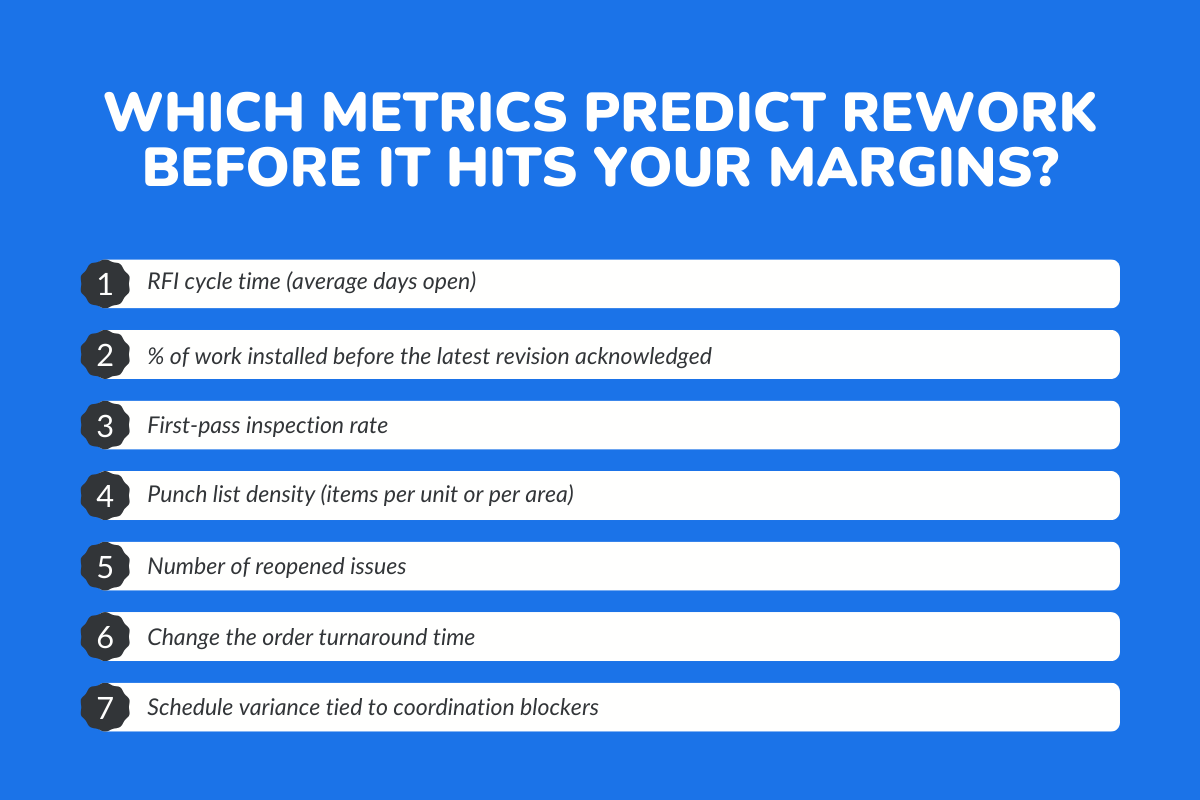
Rework is a lagging indicator, which means by the time it shows up, the damage is already done. The key is to track early signals that reveal problems before they turn into expensive fixes.
These metrics show trouble early:
- RFI cycle time (average days open): When RFIs stay open too long, crews stop waiting and start guessing. That is when small clarifications turn into expensive tear-outs later.
- % of work installed before the latest revision acknowledged: If teams are building before confirming the latest drawing version, you are basically building blind. This metric directly shows how often outdated plans are driving field execution.
- First-pass inspection rate: A low first-pass rate means quality issues are repeating, not random. It also signals weak supervision, unclear standards, or rushed sequencing.
- Punch list density (items per unit or per area): A high number of punch items in one area usually points to sloppy execution, not just minor finishing work. It is an early warning that quality control is not happening during the build.
- Number of reopened issues: Reopened issues are a sign that problems are being “closed” on paper, not in reality. It usually means fixes were incomplete, rushed, or never properly verified.
- Change the order turnaround time: Slow change approvals create chaos in the field because teams keep moving without clear direction. That leads to rework, disputes, and cost overruns that could have been avoided.
- Schedule variance tied to coordination blockers: If your schedule keeps slipping due to trade clashes or missing prerequisites, coordination is breaking down. And when coordination breaks down, rework is usually right behind it.
The Most Common “Rework Traps” Construction Teams Fall Into
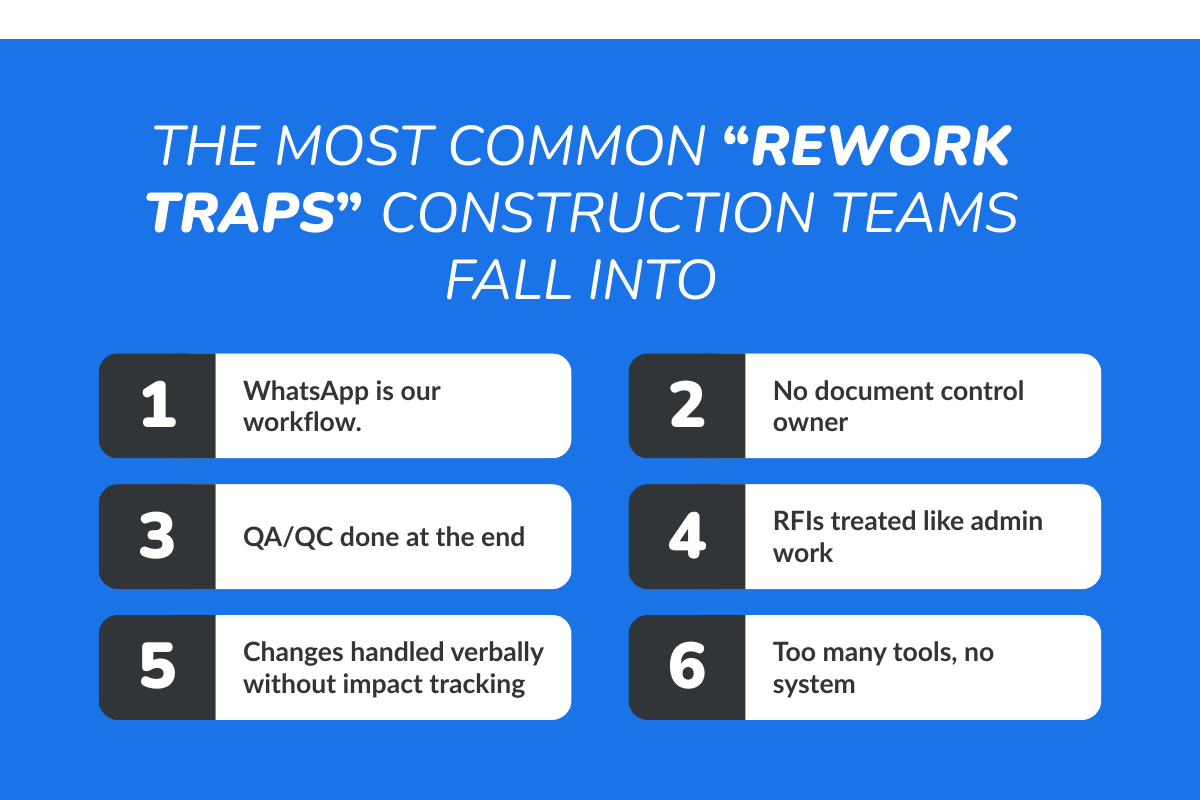
Most rework is not random; it follows predictable patterns that show up across projects again and again. The good part is that once you recognize these patterns, you can actively prevent them before they impact execution.
1. “WhatsApp is our workflow.”
Messaging apps are great for speed, but terrible for accountability. Important approvals get buried in chats, and nobody can prove what was approved or when.
2. No document control owner
When no one owns drawing updates, revisions spread unevenly across the site. That is when crews unknowingly build from outdated plans.
3. QA/QC done at the end
End-stage inspections catch problems after they are already covered up or completed. Fixing them later costs more time, labor, and material than doing it right up front.
4. RFIs treated like admin work
Slow RFIs force the field to keep moving without answers. That is when assumptions turn into installation errors that have to be ripped out later.
5. Changes handled verbally without impact tracking
Verbal change requests create confusion, disputes, and surprise costs. Without documentation, nobody knows what changed, why, or how it affects the schedule and budget.
6. Too many tools, no system
Using multiple disconnected tools creates gaps in communication and reporting. The team wastes time chasing updates instead of executing with one clear source of truth.
What a Low-Rework Project Looks Like in Practice?
A low-rework project feels different from the very beginning. There is clarity across teams, and everyone knows what they are building and why.
Field crews always work from the latest drawings, while RFIs are resolved quickly without slowing progress. Assumptions do not creep into execution because decisions are clear and communicated on time. QA/QC catches issues before they get buried. Punch lists shrink instead of growing.
Change orders do not blow up the job because impacts are tracked early, and communication reaches every trade cleanly.
The construction phase feels controlled, not chaotic. And when the post-construction phase arrives, the team is closing out instead of scrambling. That is what successful completion looks like.
How ConstructionBase Helps Teams Reduce Rework?
Rework is what happens when execution drifts. Reducing it requires a system that keeps workflows tight, visible, and consistent. ConstructionBase is designed to support construction project mgmt workflows by keeping the core execution loops in one place.
- Centralized docs + version control so crews build from “latest.”: Instead of relying on scattered PDFs, ConstructionBase can act as the controlled document hub. This reduces rework caused by outdated drawings and unclear revisions.
- Standardized RFI/submittal workflows with ownership + due dates: RFIs and submittals move faster when they have structure. With clear ownership, deadlines, and tracking, project managers avoid the “waiting game” that leads to field assumptions.
- QA/QC checklists + issue tracking tied to verification and sign-off: ConstructionBase supports repeatable inspections, defect tracking, and closure workflows so quality control happens during the build, not after it is too late.
- Punch + closeout tracking so nothing gets lost: Punch lists can be assigned, tracked, verified, and closed out cleanly, reducing delays that often extend project delivery.
- Change workflows + impact visibility so scope updates reach the field cleanly: By tracking cost and schedule impacts, change orders become controlled decisions rather than chaos. This supports better budget management and resource allocation.
- Real-time field visibility without chasing updates across chats: Instead of chasing updates through calls and texts, construction professionals can track progress, manage schedules, and monitor progress in a more organized way.
The key is that software should enforce workflows. That is how you reduce rework, protect margins, and improve project success across future projects.
Conclusion
Rework is not just a normal headache in construction. It is one of the quickest ways to burn profit, especially when labor is tight and material prices keep climbing.
The good news is that most rework is preventable. It usually comes from the same workflow gaps: poor handoffs, weak document control, slow RFIs, messy submittals, late inspections, and untracked change orders.
When your construction project management workflows are clear and repeatable, teams stop guessing. Problems get flagged early, decisions stay documented, and jobs run with fewer surprises.
That is real project control. And tools like ConstructionBase help keep it consistent.
Ready to Cut Rework and Protect Your Margins with ConstructionBase?
Stop losing profit to preventable mistakes. Use smarter construction project management workflows to keep teams aligned, reduce rework, and deliver projects on time and on budget.
Book a demo with ConstructionBase and see how streamlined workflows can keep your projects on track, organized, and profitable.
FAQs
1. What is the biggest cause of rework in construction project management?
The biggest cause is poor workflow control, especially document version issues, slow RFIs, and unmanaged changes. Most rework begins upstream before field crews even start building.
2. How can project managers reduce rework on complex construction projects?
Project managers can reduce rework by enforcing controlled handoffs, centralized document control, structured RFI and submittal workflows, and repeatable QA/QC inspections during the construction phase.
3. Why is document control so important in construction project mgmt?
Outdated drawings lead directly to installation mistakes. A single revision missed by the field can trigger demolition, delays, and major cost overruns.
4. What is a good KPI to track rework risk?
RFI cycle time and first-pass inspection rate are two of the strongest predictors. If RFIs stay open too long or inspections fail often, rework is likely to come.
Have questions or need personalized advice?
Talk to an Expert Today and let our construction specialists guide you to success.
Related Posts
Building Construction Project Software: Key Integration Points You’re Missing





