

A contractor wins a project with a strong estimate. On paper, everything looks right: the numbers make sense, the margins are healthy, and the timeline seems achievable. A few weeks into execution, things start to feel off. The crew is working harder than expected, tasks are taking longer, and small delays begin to stack up.
By the end of the job, the project is completed, but the margins are gone. Not because the estimate was wrong or the schedule was unrealistic, but because the two were never aligned in the first place. This is how most construction projects lose control, quietly and over time.
Therefore, in this blog, we'll learn why cost planning and time planning must be linked, how disjointed tools create risk and rework, and how integrated construction estimating software solves these problems.
We explain what goes wrong when detailed estimates ignore schedules (and vice versa), the gaps that arise, and how projects improve when budget and time are planned together, with a user-friendly interface and digital estimating tools.
Construction Estimating Software That Connects Cost Analysis and Timeline
In large companies and small businesses, the estimate and schedule differences make a huge impact on direct costs. The estimator focuses on quantities, takeoff, bid packages, labor rates, and material prices. The scheduler focuses on cost elements, sequencing, and milestones. Both plans look correct on their own.
But when the job starts, gaps appear. Labor hours in the estimate do not match the project scope in the schedule. The schedule assumes faster production than what was priced. Delays increase construction expenses, but the budget does not reflect it.
Acceleration decisions are made to recover time, yet no one checks what that does to indirect pricing. This disconnect is one of the biggest reasons construction projects go over budget and fall behind schedule.
Construction estimating software that connects budget and timeline solves this problem at the root with features such as seamless integration, collaboration tools, document management, a user interface for unlimited users, etc.
Key Takeaways
- Treating construction, estimating, and scheduling as separate tasks leads to unrealistic bids and rushed timelines.
- Cost estimates must reflect the actual build plan, or hidden costs (like overtime or extra materials and labor rates) quickly pile up.
- Schedules should consider crew sizes, takeoff process, budgets, and productivity, or teams end up messed up with too many workers or overtime.
- When estimates and schedules are linked, teams have a single source of truth. Integrated project data helps avoid missed handoffs, rework, and budget surprises.
Want to generate accurate estimates in minutes? Contact ConstructionBase for precise and clear estimates.
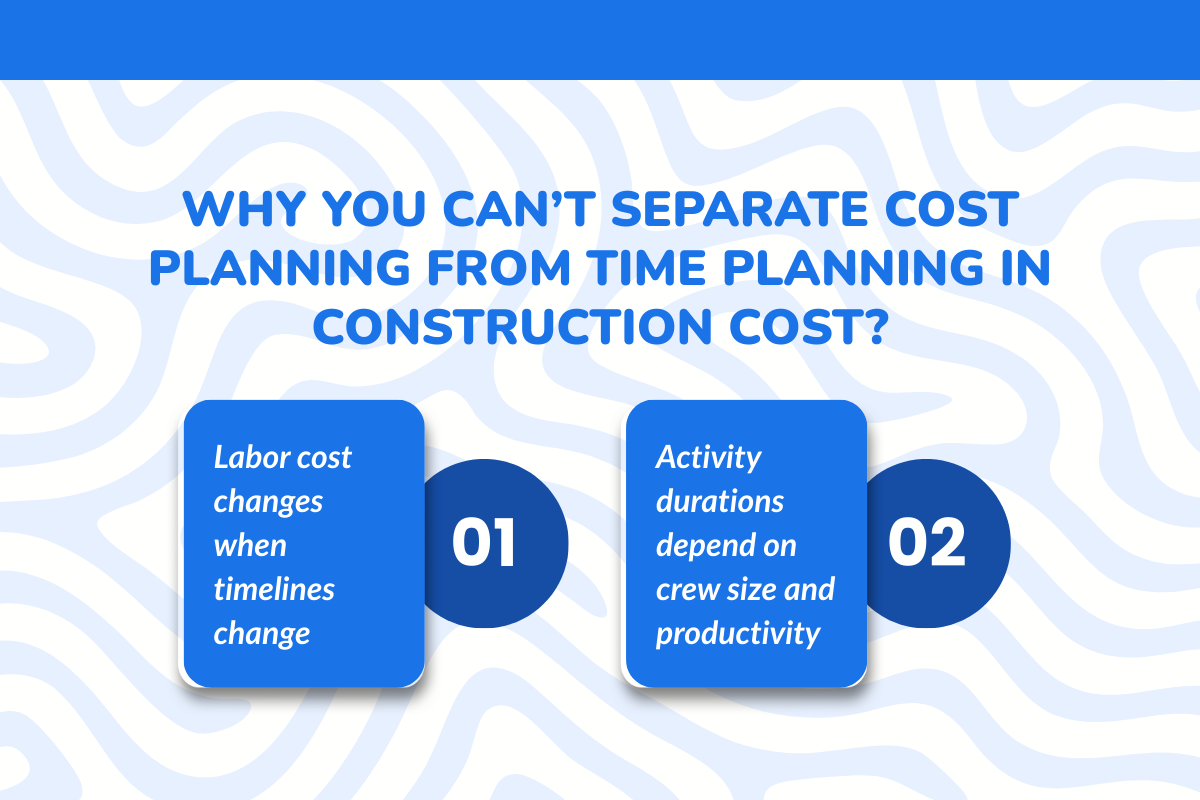
Why You Can’t Separate Cost Planning From Time Planning in Construction Cost?
In construction, time and money go hand in hand. If a project runs late, crew and overhead costs go up.
In practice, changing the schedule always affects costs, whether it’s longer crew days (wages) or adding crews (raising expenses). All these factors mean that cost planning and time planning must be connected.
A: Labor cost changes when timelines change
If a task’s duration changes, worker spending changes almost immediately. For example, consider a 10-day concrete pour with 5 workers at $50/hour (see Table).
The base expense is $20,000. If the team compresses the schedule to 8 days by adding 7 workers, labor spending jumps by $22,400, even though the work finishes sooner.
If, instead, the estimated plan stretches to 12 days with the original crew of 5, the labor cost rises to $24,000. Every extra day or crew adds dollars. In short, adjusting the timeline forces extra labor hours and wages.
| Factor | Base Plan | Compressed Schedule | Extended Schedule |
|---|---|---|---|
| Crew Size | 5 crews | 7 crews | 5 crews |
| Duration (days) | 10 | 8 | 12 |
| Total Labor Hrs | 400 | 448 | 480 |
| Hourly Rate | $50 | $50 | $50 |
| Labor Cost | $20,000 | $22,400 | $24,000 |
What You'll Learn?
- Time and charges are directly connected.
- Changing duration affects total labor hours.
- Changing crew size affects total labor cost.
- Compressing the schedule increases the price.
- Extending the schedule increases expense.
- The labor rate remained constant, yet the total cost changed significantly.
This simple example shows a fundamental principle: when the timeline moves, the budget moves with it.
B: Activity durations depend on crew size and productivity
Project timelines are closely tied to the size of the crew and their productivity levels. Simply adding more workers does not always reduce project duration efficiently.
Similarly, schedules that rely heavily on overtime can introduce fatigue and increase the risk of mistakes. Because of these factors, activity durations must be planned based on realistic productivity levels and crew sizes rather than treated as separate calculations.
C: Productivity drops when schedules are compressed
Accelerating a project schedule—through techniques such as crashing or fast-tracking—can lead to higher costs and reduced productivity. When work is rushed or crew sizes exceed normal levels, errors and rework occur.
In project management, “crashing” a schedule means adding resources to finish work faster. While this shortens the timeline, it usually increases the overall project cost due to additional personnel and resource requirements.
D: Planning cost and time separately hides risk
If multiple estimators and schedulers work together, major risks slip through the cracks. A cost plan that doesn’t account for timeline risks (like delays or overtime) is incomplete.
When timelines change, a separate estimate simply breaks down. Integrating the two upfront reveals how delays or compressions will impact the budget and estimating process.
What Estimating Gets Wrong When Time Isn’t Considered?
1: Labor hours assume ideal pacing
Estimating solutions or tools often relies on standard productivity rates, assuming crews will work at full efficiency every day. In reality, construction projects face weather disruptions, site constraints, coordination delays, and other unexpected issues.
Even a small drop in productivity can significantly increase labor hours and push project costs higher than planned.
2: Productivity rates ignore real sequencing limits
An estimate may assume that a crew can install 100 feet per day, but that pace is only possible if the work area is fully available. In real projects, other trades may still be working in the same space, preventing the crew from maintaining that productivity.
3: Estimates don’t account for schedule compression
Most bids are calculated based on normal working hours and standard crew sizes. However, when deadlines tighten and the project must finish earlier, contractors often need additional crews, overtime shifts, or extra equipment.
Because these adjustments were not included in the original estimate, the budget quickly becomes inaccurate.
4: Delays turn into unplanned labor costs
When work slips, teams try to recover time by adding labor. More hours mean more wages. If the original estimate assumed a smooth timeline, these additional worker charges can quickly push the project over budget.
What Scheduling Gets Wrong When Cost Isn’t Considered?
I: Durations ignore labor cost limits
Schedulers may compress activity durations to meet deadlines without checking whether the budget can support the implied crew size or overtime. A timeline might look feasible on paper, but if it requires more labor hours than were funded, the schedule becomes financially unrealistic.
II: Acceleration decisions lack cost checks
Techniques like crashing or fast-tracking can help recover time, but they almost always increase project costs. Adding crews, extending shifts, or bringing in extra equipment raises worker and operational expenses.
When schedules are adjusted without evaluating these charges and overall prices, the timeline may stay intact while the budget quietly erodes.
III: Resource allocation exceeds financial limits
Schedules often focus on completing work as quickly as possible, which can lead to assigning more workers or equipment than the project budget can support. While the timeline may show tasks progressing efficiently, the resource demand may exceed what was originally funded.
IV: Schedule updates don’t trigger estimate changes
If the team revises the timeline mid-project (due to delays or a change order), those changes must be reflected in the budget, too.
In practice, a new schedule is often created without re-running the cost analysis model. Any shifts (like adding a week of work or new tasks) silently alter costs unless deliberately updated in the precise estimate.
The Gaps That Appear Between the Estimate and the Schedule
Small differences between the estimate and the schedule can create major problems on-site. When cost and time are planned separately, the field team feels the impact first.
A: Crew sizes differ between planning and execution
The estimate may assume 2 carpenters working for 4 days. To meet a tighter deadline, the schedule might assign 4 carpenters to finish in 2 days. The task finishes faster, but the labor charge doubles. Since the estimate only priced two workers, the extra labor price immediately reduces the project margin.
B: Productivity is applied differently by each team
The precise estimate might price brickwork at 50 square feet per mason per day. The schedule may assume 70 hours to meet the deadline. If crews cannot reach that higher number, the project falls behind, or overtime begins. Both outcomes increase cost beyond the bid.
C: Material timing isn’t reflected in labor plans
The schedule may show window installation starting on day 10. If the windows arrive on day 15, installers are still on payroll. Five idle days mean a paid crew with no progress. The estimate rarely includes this kind of waiting time.
D: General Contractor and Subcontractor availability isn’t built into both
The schedule may expect a plumber on site next Monday. If that subcontractor is committed elsewhere, the work shifts. Delays run through the timeline, and added labor or resequencing costs were not included in the preconstruction data estimate.
E: Equipment and access constraints aren’t reflected
Two trades may need the same crane at the same time. The schedule shows both tasks moving forward, but only one crew can work. The other waits. Waiting turns into overtime later. The original, accurate estimate was never allowed.
These gaps may look small in planning meetings, but they turn into real money and real delays once construction starts.
How Projects Behave When Cost and Time Are Planned Together?
| Area | What Happens When Cost and Time Are Linked | Result of the Project |
|---|---|---|
| Bidding Accuracy | Every task in the schedule carries its related cost. The budget follows the actual build sequence. | The bid reflects how the job will truly be executed. Fewer pricing gaps. Stronger profit margin control. |
| Labor Planning | Crew sizes in the schedule match what was priced in the estimate. Productivity assumptions stay consistent. | Timelines become realistic. Crews can achieve planned targets without overtime pressure. |
| Decision Making | If the team wants to accelerate work, the cost impact shows immediately. If the timeline extends, the added labor cost is visible. | Trade-offs are discussed before work begins. Decisions are based on facts, not guesswork. |
| Project Management | Scope changes update both the schedule and the budget at the same time. | Fewer mid-project surprises. Faster response to changes. Better financial control. |
| Execution Stability | Cost and time assumptions stay aligned from planning through delivery. | Profitable work. Smoother execution. Reduced rework. Improved predictability in both schedule and cash flow. |
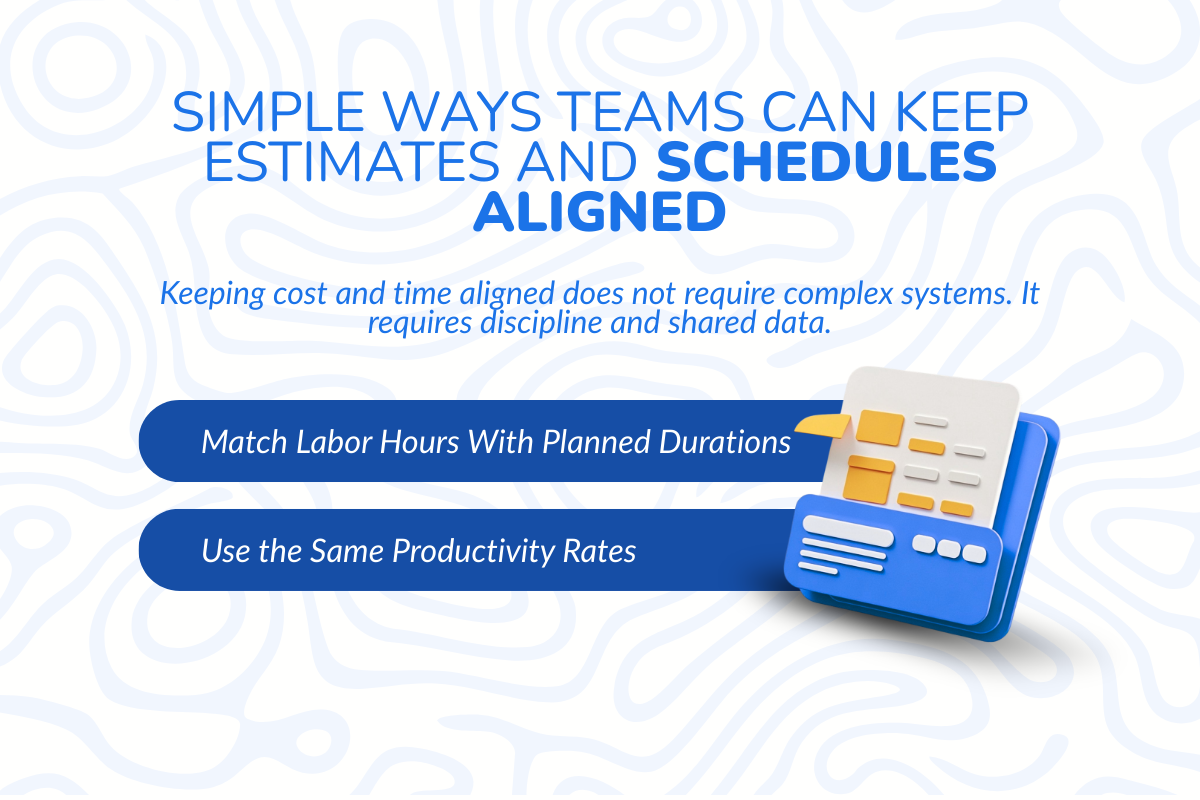
Simple Ways Teams Can Keep Estimates and Schedules Aligned
Keeping budgets and timelines aligned does not require complex tools, but it does require consistency, shared assumptions, and disciplined execution across teams. When both sides work from the same data and update together, projects become far more predictable.
1. Match Labor Hours With Planned Durations
If the schedule shows a task running for 10 crew days, the estimate must reflect those same 10 crew days. Total hours in the estimate should equal the total crew shifts shown in the schedule. When these numbers do not match historical data, the gap becomes overtime or lost margin.
2. Use the Same Productivity Rates
Both estimating and scheduling teams must rely on the same production assumptions; the plan becomes unrealistic before work even begins. If one team assumes 500 square feet per day and the other plans for 650, that difference creates pressure on crews and leads to delays or rushed work.
3. Update Cost and Time Together When Scope Changes
Any change in sequence, scope, or duration must trigger a review of both budget and schedule. If the timeline shifts, the labor cost shifts. If extra work is added, the duration changes. Adjusting one without the other creates blind spots.
4. Compare Planned Hours With Actual Hours
During execution, review how many hours were planned versus how many were used. If a task consumes more labor than expected, both the schedule and future estimates must be adjusted. This feedback loop improves accuracy over time.
Early Signs Your Estimate and Schedule Are Out of Sync
When budget and timeline are not aligned, projects start showing warning signs early, but teams often overlook them until the impact becomes difficult to control.
Spotting these signals in time helps prevent delays, rework, and margin loss:
Sign 1: Labor spend increases earlier than planned
When money is being used faster than actual progress on-site, it usually indicates a mismatch in planning. Your crew-related expenses increase while key milestones are still far off; it often means the estimate did not account for the required effort accurately.
Sign 2: Overtime begins before critical activities start
If teams are already working late hours or weekends before critical phases even begin, the schedule is likely too aggressive. Early overtime is a clear sign that either the timeline was unrealistic or the required effort was underestimated.
Sign 3: Schedule updates happen without cost adjustments
When project timelines shift or new tasks are added, the financial plan must be reviewed alongside those changes. If updates happen only on the schedule side, hidden expenses start building quietly and create problems later.
Sign 4: Planned progress falls behind actual labor hours used
If teams have logged more hours than the percentage of work completed, it signals a gap in planning assumptions. This usually points to overestimated productivity or sequencing issues that are slowing down execution.
Sign 5: Crews are pushed to compress work to recover time
When management adds extra workers to recover lost time, it shows the original plan was not achievable. More crews mean more wages. If this step was not priced earlier, profit margins are lost.
What Best Construction Estimating Software Needs to Support in 2026?
Construction management is moving fast. Labor is tight, costs change quickly, and software can no longer act like a basic calculator. It must connect the budget and save time with a single all-in-one solution.
A: Clear links between labor, duration, and cost
When a task takes longer than expected, the financial impact should update instantly, and when team size changes, the overall project spend should reflect it automatically.
The system must connect duration, crew size, and project value so that when one variable shifts, the others adjust in real time.
AI-powered tools are already improving accuracy significantly, with some reports showing up to 85–90% precision and measurable gains in revenue and margins.
B: Shared assumptions across estimating and delivery teams
Estimators and schedulers should work from the same productivity rates, wage rates, and task structure.
A modern platform should act as a single source of truth where both planning and execution teams rely on the same data. This alignment reduces confusion and ensures that what is planned can actually be delivered.
C: Easy updates when scope or sequencing changes
Changes are inevitable in construction, whether it’s scope adjustments, sequencing shifts, or deadline changes.
When that happens, the tool should adjust both the cost and the timeline simultaneously. If the schedule extends by a week, labor cost should reflect it immediately. If extra work is added, the duration should update too. Changes should not require rebuilding the plan from scratch.
D: One place to review cost–time decisions
Managers need to see the impact before making decisions. If someone wants to finish earlier, the cloud-based solution should clearly show the added charges. If work is delayed, the tool should show how much extra money is at risk.
Cost and schedule should be visible on one screen so teams can make smart decisions before problems grow.
How ConstructionBase Helps Teams With Clear Estimates?
ConstructionBase is a comprehensive suite to close the gap between estimating and scheduling.
Construction management needs to be connected to a single working system through customer relationship management tools and integrations with other tools, such as accounting software and bid management systems, for an excellent bid process.
When the schedule shifts, the budget shifts with it. When labor changes, extract quantities directly. Everyone works from the same plan, which reduces confusion and missed details.
Comprehensive features of it:
- Direct connection between detailed cost estimates and the live project schedule
- Streamlines processes such as automatic labor cost updates when task durations change
- Immediate recalculation of resources with a customizable database
- Shared visibility for estimators, project managers, support services, and field teams
- Real-time cost impact when timelines shift
- Clear view of added labor and material cost if delays occur
- Fewer manual adjustments and fewer planning errors
Final Takeaway: Go with Cloud based Solution for Accurate Estimates
Estimating and scheduling are not two separate functions—they are two sides of the same plan. When they operate in isolation, small gaps turn into delays, budget overruns, and constant adjustments during execution.
When teams plan time and budget together, decisions become clearer, execution becomes smoother, and projects stay under control from start to finish. This alignment creates a single source of truth where every change is reflected across the entire plan.
As a result, teams reduce guesswork, respond faster to changes, and avoid the kind of surprises that usually impact margins.
Why ConstructionBase?
If you want fewer surprises and tighter control, start linking your cost and schedule today. Use integrated planning tools like ConstructionBase to build projects with one clear, connected plan. Book a call today.
FAQs
1. Which is the most popular construction estimating software?
The most popular estimating software for construction contractors varies depending on the size of the contractor's business and the type of work they do. Generally speaking, however, most contractors working on medium and large-scale projects will choose to use a software system that connects their estimating process to their project management system, such as ConstructionBase.
2. Is there any free version of software to estimate construction costs?
Yes, there are a number of free estimating tools and basic estimating templates available to contractors online. In fact, many contractors start their estimating process with spreadsheets or very basic versions of takeoff tools that are available for free.
3. What are the 4 types of estimating?
There are four common categories of estimation in the construction industry: preliminary estimating, detailed estimating, quantity takeoff estimating, and bid estimating.
4. Which is the most widely used construction software?
The most commonly used software solutions are those that tie together all the functionality to connect field operations with cost tracking and scheduling within a single integrated solution.
Have questions or need personalized advice?
Talk to an Expert Today and let our construction specialists guide you to success.
Related Posts
Building Construction Project Software: Key Integration Points You’re Missing





