

Many mid-sized construction companies reach a point where the tools they once relied on start creating more problems than they solve. What used to feel manageable—tracking projects through spreadsheets, juggling disconnected tools, or relying on outdated systems—begins to slow everything down.
As teams grow and projects become more demanding, construction companies need faster access to information, clearer coordination between the office and field, and better visibility into budgets, timelines, and job progress.
This shift is pushing many builders to rethink the technology they use to run their operations. In 2026, construction project management software is expected to support the full project lifecycle, from planning and documentation to execution and reporting.
Mid-Market Construction Teams vs Legacy Software: What’s Driving the Switch in 2026
The builders are now replacing legacy construction management software because it slows down project decisions, increases manual reporting, and limits visibility across multiple projects.
To keep projects moving efficiently, builders are turning to modern solutions designed for how construction teams operate today. These modern construction project management software systems help connect field and office workflows, simplify documentation, and give managers real-time insights into project performance.
It also offers centralized dashboards, document management, real-time updates, and better field adoption.
This guide explains why legacy systems break at scale and how to evaluate the best construction management software for your business in 2026.
Key Takeaways
- Legacy construction software often slows down decision-making across construction projects.
- Manual reporting and multiple tools increase operational costs.
- Field teams stop using systems that don’t match how projects actually run.
- Mid-market contractors need centralized visibility, cost tracking, and real-time updates.
- The best construction management software supports growth without adding complexity.
If Legacy Software Is Slowing You Down, It’s Time to See the Alternative
Mid-market builders don’t need more tools, they need clearer visibility, real-time cost tracking, and systems their field teams actually use and modern construction management software replaces this complexity with control.
Book a demo with us to see how this works in your construction workflows.
Why Builders Replace Legacy Software?
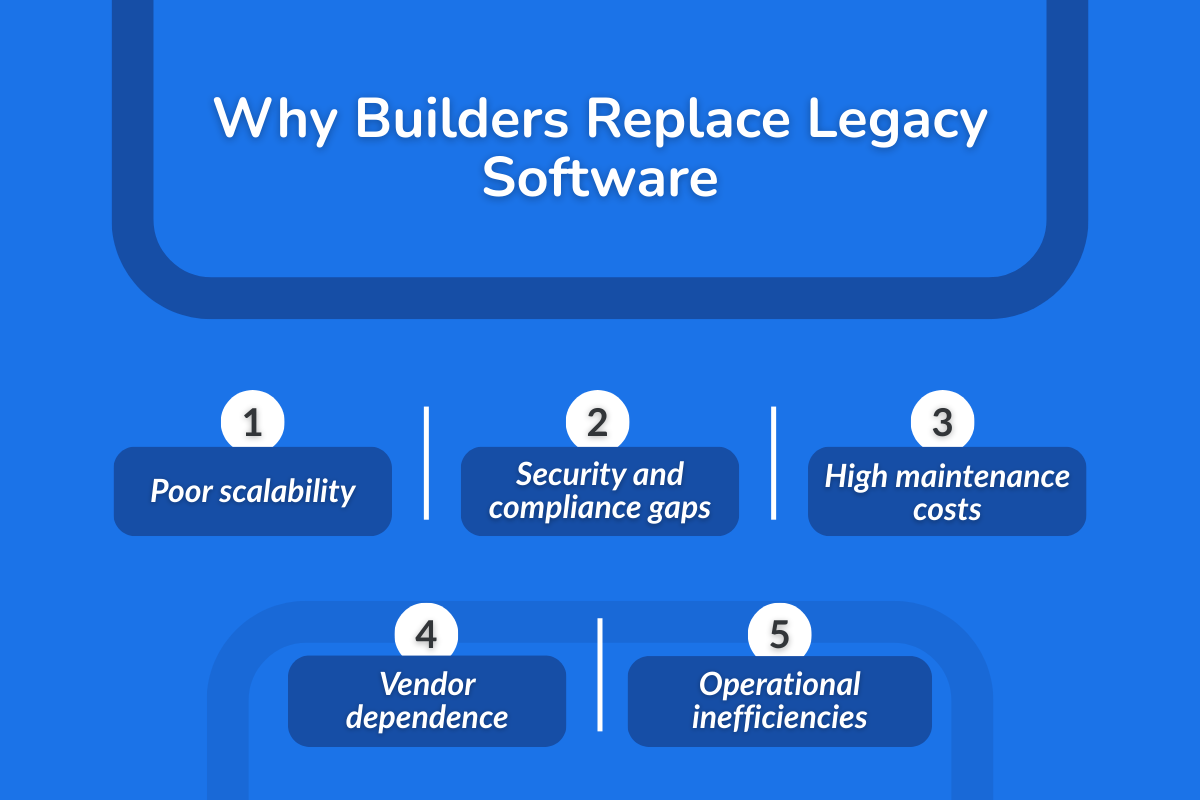
Mid-market contractors are starting to replace legacy construction management software because many legacy software systems often lack compatibility with the latest technology.
Technology is one facet, while others include high maintenance costs and operational inefficiencies as the company size grows.
1. Lack of Scalability and Inflexibility
Legacy construction management software often works “well enough” for one project, but breaks down when teams need to handle several projects at once.
As project complexity increases, project managers need real-time visibility into tasks, budgets, and status updates across the portfolio, which is why many builders are turning to construction management software that eliminates project delays and rework to support growth.
2. Security and Compliance Gaps
It also often lacks the security controls mid-market teams need today, as more people touch the same project data across projects, leading to unclear permissions, over-sharing of files, and sensitive information stored outside the platform.
Another issue is compliance risk when working with real estate developers and external stakeholders who expect structured documentation.
Using multiple places to maintain document management, from emails to shared drives, leads to this issue because it gets hard to prove who updated a document, what changed, and which version the team should follow.
3. High Maintenance Costs
This type of software might look cheaper on paper, but it costs more to keep running. Contractors end up paying for fixes, updates, integrations, and reports that are standard in modern construction project management software.
Over time, the platform becomes expensive not just because of the license, but because it creates ongoing maintenance work for your construction projects. That's why moving on from legacy platforms becomes important for cost control.
4. Vendor Dependence
The bigger issue is dependence on specialized skills. If your project management workflows require an admin, a consultant, or the vendor to make basic changes, the system won’t keep up with how teams actually operate.
Upgrading to new software should help you reduce dependencies rather than increase them.
Quick Test: Are You Running a Legacy System Right Now?
If you’re not sure whether your current construction management software is “legacy,” don’t look at the UI. Look at the workarounds your teams rely on during real projects:
1. You Export to Excel to Get Real Numbers
If you need spreadsheets to track costs, reconcile budgets, or understand project financials, your system isn’t giving you real-time visibility. Modern construction project management software should let project managers access reports directly inside the platform without exports.
2. Your Team Uses Email or Text for Task Updates
If task management happens in WhatsApp, texts, or email, the system isn’t where work is actually tracked. When status updates don’t live on a single platform, it becomes harder to assign tasks, follow up, and keep teams on the same page.
3. Document Versions Are Argued On-Site
If crews debate which plan is “latest,” document management is fragmented. In construction project management, version control is how you prevent rework and miscommunication across contractors and field teams.
4. Adding a New Team Member Takes Weeks
If onboarding requires manual setup, repeated training, and chasing permissions across other systems, the software doesn’t scale. A modern project management software should support growth fast, especially when you’re managing multiple projects and adding new roles frequently.
What Mid-Market Builders Need From Modern Construction Mgmt Software?
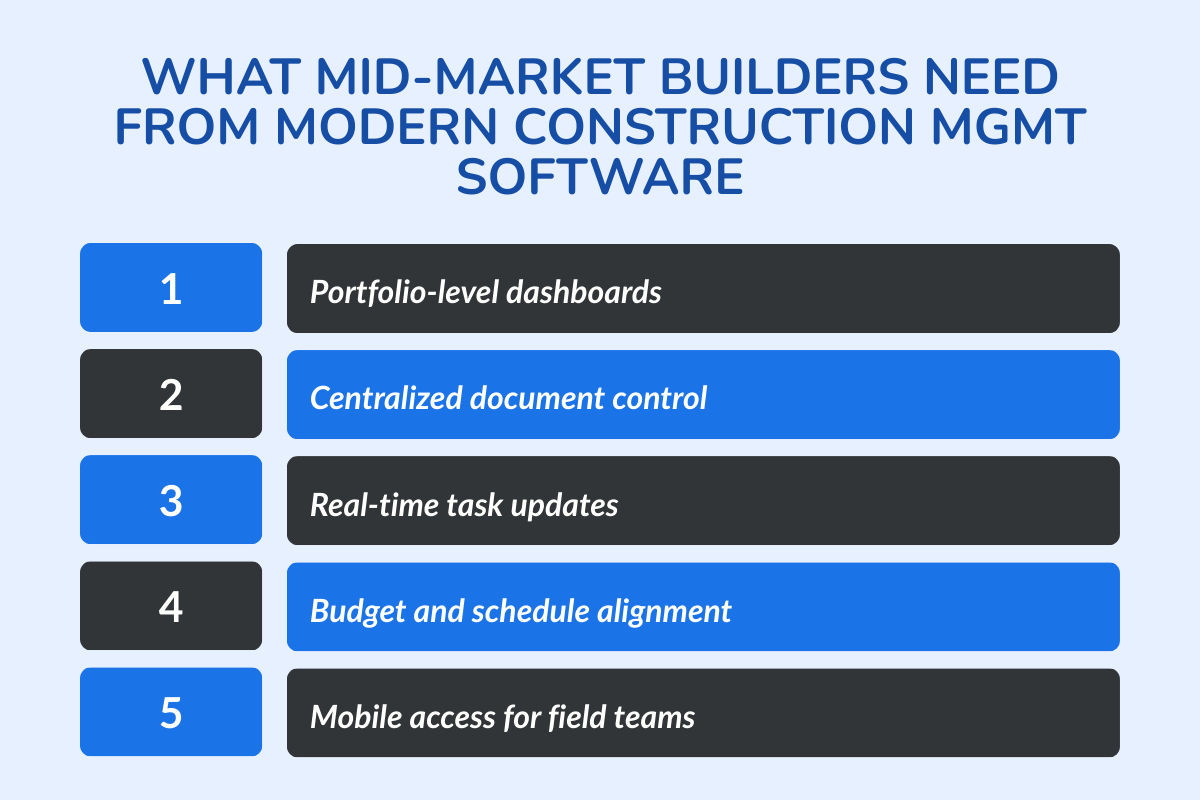
Mid-market teams don’t need “more features.” They need a system that keeps multiple construction projects controlled, measurable, and easy to run as teams and complexity grows. These are the capabilities that matter most for construction project management software in 2026:
1. Centralized project dashboards and portfolio views
You should be able to see progress, blockers, and budget health across multiple projects without stitching together updates from different tools. Strong portfolio dashboards support data-driven decisions and let leadership spot risk early instead of waiting for end-of-week summaries.
2. Document, plan, and drawing control in one place
Document management should be done in a single place that is accessible to the decision makers and the team. When drawings, RFIs, and approvals stay on a single platform with clear version control, teams stop debating “latest” and start executing.
3. Real-time task updates that reach all teams instantly
Good collaboration tools help you ensure status changes reach everyone who depends on them. Real-time communication within the system reduces follow-ups, which in turn reduces missed handoffs, so that office and field teams stay on the same page.
4. Budget, schedule, and resource tracking together
Modern project management software should connect construction scheduling with cost visibility, so teams can track costs as plans change. This leads to improved cash flow. When resource management is tied to budget and timelines, financial management also becomes easier.
5. Mobile access for field teams from day one
Without mobile access for field teams, adoption and project management become difficult. Mobile access is essential because it helps the field teams update tasks, share photos easily, and keep jobsite execution aligned with what the office is tracking.
What are The Signs It’s Time to Replace Your Existing System?
If you’re managing construction projects and still relying on workarounds, the system is no longer supporting the project lifecycle.
Modern construction management software should help you satisfy project needs while giving greater visibility and fewer manual steps.
1. You Can’t Track Costs Without Manual Work
If you can’t track costs inside the system and have to reconcile numbers elsewhere, budget control becomes delayed and reactive. As contractors, you already face challenges managing tight schedules and compliance; adding cost only makes it too chaotic to handle.
2. Job Updates Require Chasing People
A construction project already requires you to involve multiple stakeholders, and that makes communication and coordination cumbersome. This becomes worse when coordinating multiple subcontractors across sites.
And then, if you need calls, follow-ups, or hallway check-ins to get status updates, it adds to your workload, resulting in inconsistent reporting and avoidable delays.
3. Field Teams Avoid the System
If field teams don’t use the platform daily, task updates won’t be trusted, and documentation won’t be up to date. Then, Adoption is not a “training problem” when the software doesn’t match jobsite reality.
4. Reporting Is Delayed Until Week-End or Month-End
According to McKinsey, approximately 98% of megaprojects experience delays, which is why, if leadership only gets usable reports on the weekend or at the end of the month, decisions happen too late. A modern platform should make reporting a byproduct of daily usage, not an extra admin task.
If these symptoms sound familiar, book a quick demo with us to see what centralized reporting, document control, and real-time visibility can do for your business.
How to Evaluate Your New Construction Project Management Software?
Evaluate your construction software based on what's breaking in your business. Is it adoption, reporting, cost visibility, or coordination?
The right construction project management software should reduce tool sprawl and make project management easier at scale for you.
1. Will It Replace Other Tools or Add Another Tool?
If the platform forces you to keep separate apps for documents, tasks, and reporting, it’s not reducing complexity. A strong system consolidates core workflows into one platform instead of creating new tools alongside old ones.
2. Can Field Teams Actually Use It Daily?
Daily usage is the real test of any system, especially whether it actually saves time for the team. If field crews struggle to update tasks, access the latest plans, or share photos without friction, adoption quickly drops. When teams stop using the system consistently, the data becomes incomplete, and the platform no longer reflects what is actually happening on the project.
3. Can You Track Costs and Budgets in Real Time?
If cost tracking still depends on manual reconciliation, you’ll discover overruns late. The platform should let you track costs and budgets as work happens, so project financials stay visible before month-end.
4. Can You Run Multiple Projects With Portfolio Visibility?
Mid-market builders need visibility across multiple projects, not just one job view at a time. Look for portfolio-level reporting that helps leadership spot delays, budget risk, and resource constraints across the business.
5. Can You Get Reports Without Exports?
If reporting requires exports, the data won’t be timely or trusted. The best systems let you access reports directly inside the platform so decisions are based on live project status, not spreadsheet snapshots.
5 Best Construction Management Software for Mid-Market Contractors
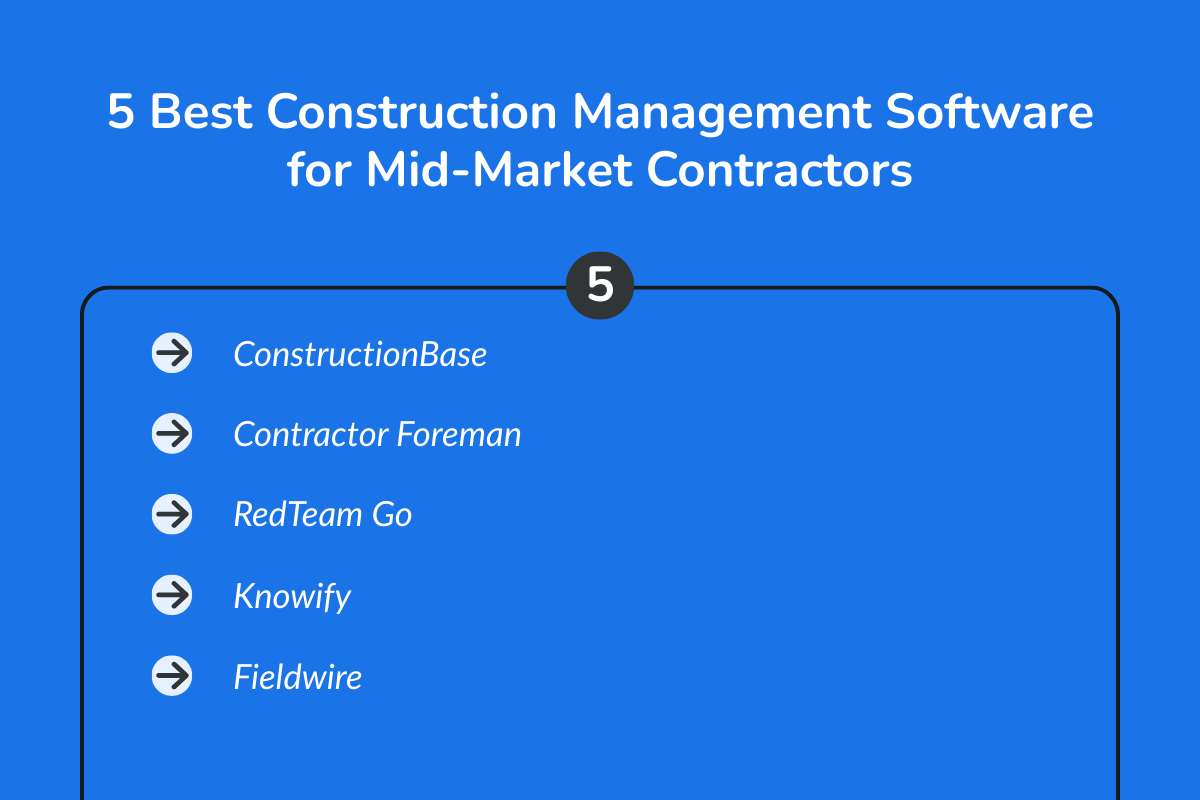
Mid-market teams need software that holds up when projects, people, and change requests increase. Use this shortlist to compare options based on what breaks down during growth: reporting, field adoption, document control, and cost tracking.
1. ConstructionBase
Best for: Growing contractors who need a system that keeps multiple projects under control (office + field), without heavy complexity.
Why it’s a strong pick for growth:
- Keeps documents, tasks, updates, and responsibilities in one working system
- Helps teams run repeatable processes as headcount increases (less “tribal knowledge”)
- Easier to standardize how projects are run across PMs and crews
- Watch-outs / fit notes: Best when you want end-to-end execution control, not just a site checklist app
- Choose it if: You’re scaling project volume and want fewer “where is the latest / who owns this / what changed?” moments.
Pricing: Pricing available on request. (Custom/Quote-Based)
2. Contractor Foreman
Best for: Teams that want a broad all-in-one platform on a tighter budget.
Why it’s a strong pick for growth:
- Covers a lot of day-to-day needs in one place (useful when you’re moving off spreadsheets)
- Often a practical starting point for smaller contractors formalizing operations.
- Watch-outs / fit notes: "All-in-one” can mean some areas feel less deep (depends on what matters most to you)
- Choose it if: You need wide coverage and a practical starting platform as you formalize operations.
Pricing: Plans range from about
- Basic Plan – $49/month
- Standard Plan – $105/month
- Plus Plan – $166/month
- Pro Plan – $221/month
- Unlimited Plan – $332/month
3. RedTeam Go
Best for: General contractors who want stronger PM controls and tighter coordination with project financial tracking.
Why it’s a strong pick for growth:
- Built around GC workflows and accountability (good for scaling consistent execution)
- Works well when you need more control over job processes as the project count grows
- Watch-outs / fit notes: Typically requires more setup discipline than lightweight tools
- Choose it if: You’re past the “simple tools” stage and need a platform that supports tighter operating control.
Pricing: According to G2 listings, Standard pricing starts at $10,000 annually or $875 per month. Contact the sales team to know more.
4. Knowify
Best for: Specialty contractors (trades) who care most about job costing, financial tracking, and keeping profitability visible.
Why it’s a strong pick for growth:
- Strong focus on job-level financial clarity (helps protect margins as volume increases)
- Useful when the biggest pain is “we don’t know profit until the job is done.”
- Watch-outs / fit notes: Better fit for trade contractors than multi-stakeholder GC coordination
- Choose it if: Job costing and project financial visibility are your top scaling requirements.
Pricing: Knowify is priced per month, with published plans starting around $99/month (Core) and going up to about $249/month (Advanced). Enterprise pricing is quote-based.
- Core: ~$99/month
- Advanced: ~$249/month
- Enterprise: Quote-based
5. Fieldwire
Best for: Field execution: tasking, punching, QA tracking, and getting crews to actually use the system daily.
Why it’s a strong pick for growth:
- Fast adoption in the field (good when the real bottleneck is jobsite follow-through)
- Helps reduce missed items, unclear task status, and scattered punch lists
- Watch-outs / fit notes: Not a complete replacement for financial or end-to-end construction management by itself
- Choose it if: Your biggest communication failure is on-site execution, and you need a field-first system that sticks.
Pricing: Fieldwire is priced per user/month and offers a free tier.
- Basic: $0
- Pro: ~$39/user/month (annual billing)
- Business: ~$64/user/month (annual billing)
- Business Plus: ~$89/user/month (annual billing)
Note: Monthly billing is typically higher than annual billing, so your per-user rate may increase if you choose month-to-month.
How to use this shortlist?
If you’re upgrading from legacy systems, shortlist 2 tools: one that your field teams will actually use + one that gives leadership reliable reporting and cost visibility, then test both on a live project for 2–4 weeks. Also, evaluate whether the system supports bid management alongside execution workflows.
Quick Comparison Snapshot of Top Platforms for Mid-Market Construction Teams
| Software | Best for | Strength | Watch-outs |
|---|---|---|---|
| ConstructionBase | Growing contractors scaling across projects | Multi-project control + adoption-friendly workflows | Best fit when you want a system (not just a field app) |
| Contractor Foreman | Budget-conscious teams needing an all-in-one | Broad feature coverage for the price | Can feel “wide” vs “deep” depending on workflow |
| RedTeam Go | GCs that want PM + financial controls together | Strong GC-style controls and accountability | Heavier setup than lightweight tools |
| Knowify | Specialty contractors focused on job costing | Job costing + project financial tracking | Better for trades than full GC coordination |
| Fieldwire | Field-first execution and punch/QA | Fast field adoption + jobsite tasks | Not a full financial/ERP replacement |
How to Safely Replace Legacy Software Without Disrupting Jobs?
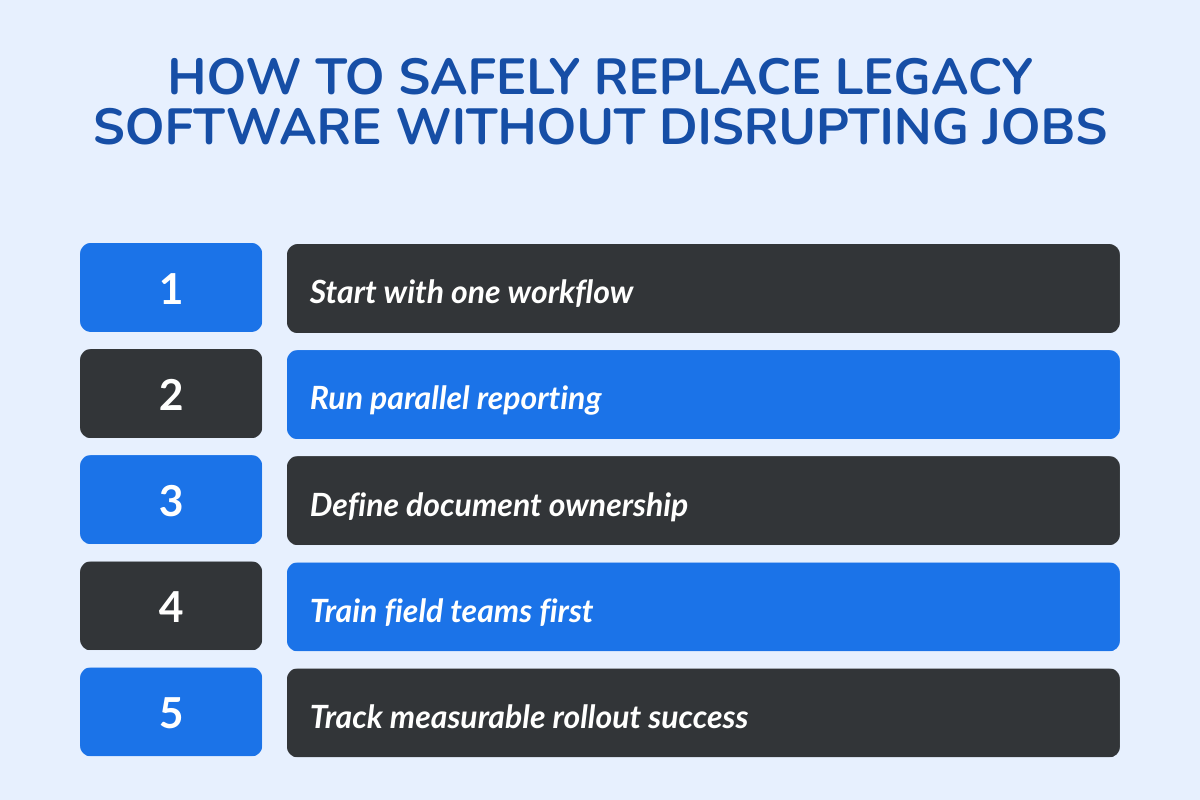
A clean rollout should help you keep your active projects stable while the new system proves itself in real conditions. This is how to do it right:
1. Pick One Workflow First (Docs, RFIs, Daily Reports, or Tasks)
Start with the workflow that causes the most friction in your daily workflow. For example, Document control, RFIs, daily reporting, and task updates are usually the easiest to standardize first and the quickest to show value. Once one workflow is stable, then expansion becomes straightforward for your business.
2. Run Parallel Reporting for 2–4 Weeks
For the first few weeks, keep leadership reporting consistent while the team adopts the new system, because parallel reporting reduces risk, builds confidence in the new numbers, and prevents “we can’t trust the system yet” resistance from your team members.
3. Lock Rules: Where the Latest Docs Live and Who Updates Status
Version confusion kills adoption; that's why you need to set one rule for where the latest documents live and one owner for status updates. When teams know where to check and who updates, the platform becomes the only place to look for updates, rather than another place.
4. Train Field Teams First, Not Last
You need to train field crews first and early so that the daily actions they take from viewing plans to closing punch lists start to quickly flow into the system from day one.
5. Define Success Metrics (Time to Report, Missed Updates, Cost Tracking Speed)
Define what “better” means before rollout: how fast reports are generated, how many updates are missed, and how quickly cost visibility improves. If the numbers move in the right direction, scaling the rollout becomes an easy decision.
Conclusion
Mid-market builders replace legacy construction software for one reason: it stops keeping up with their daily operations. When project updates need multiple people, cost tracking depends on manual work, and reporting is delayed until week-end, the system stops supporting delivery.
If you’re running multiple projects and the day-to-day feels harder than it should, that’s not a people problem but a system fit problem. The right platform should help your team stay ahead as project volume increases.
Get a Live Demo of ConstructionBase
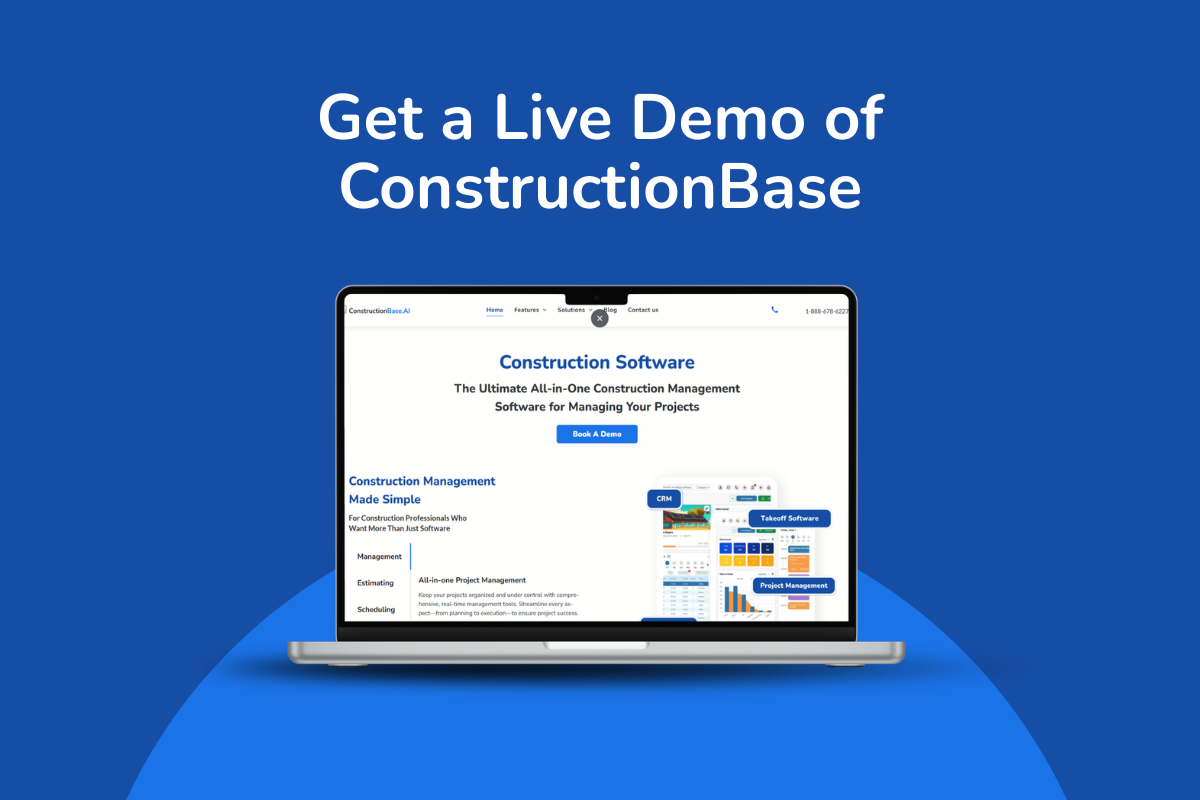
If you’re ready to replace spreadsheets and delayed reporting. Book a ConstructionBase demo.
You’ll see how teams manage documents, tasks, budgets, and project visibility in one working system, so you can scale projects without adding operational friction.
FAQs
1. Why are mid-market construction teams switching from legacy software in 2026?
Mid-market teams are switching because legacy systems lack real-time visibility, cloud access, and integration capabilities. As project volume and complexity grow, outdated tools slow operations and limit scalability.
2. What are the biggest problems with legacy construction systems?
Legacy systems often require manual data entry, provide delayed reporting, limit remote access, and create data silos between office and field teams.
3. How does modern construction mgmt software improve operations?
Modern construction mgmt software centralizes scheduling, budgeting, documentation, and communication in one cloud-based platform, improving coordination and speeding up decision-making.
4. Is cloud-based software better than legacy on-premise systems?
Yes. Cloud-based platforms provide real-time updates, mobile access, automatic upgrades, and easier collaboration than traditional on-premises systems.
5. How do integrations influence the shift to modern platforms?
Mid-market companies need software that integrates with accounting, payroll, estimating, and procurement tools to eliminate duplicate data entry and improve accuracy.
6. Does switching software reduce long-term costs?
Although upgrades require investment, modern platforms reduce inefficiencies, rework, and maintenance costs, often lowering total operational expenses over time.
7. When should a construction company replace its legacy system?
Companies should upgrade when reporting becomes slow, manual work increases, visibility declines, or the current system limits growth and expansion.
8. Is Autodesk Construction Cloud a good fit for mid-market contractors?
Autodesk Construction Cloud is widely used, especially by larger or enterprise-level teams that need deep integrations and advanced controls. However, for many mid-market contractors, it can feel complex or overly burdensome for day-to-day project coordination.
Have questions or need personalized advice?
Talk to an Expert Today and let our construction specialists guide you to success.
Related Posts
Building Construction Project Software: Key Integration Points You’re Missing





