

If you sit down with builders who have been in the trade for 10 or 15 years, a familiar frustration quickly arises. Jobs feel heavier, and coordination takes more effort than it should. Margins feel thinner, even when the work keeps coming. Tools that once felt reliable now slow teams down rather than help them move faster.
Construction projects in 2026 are simply tougher. Crews are spread across more job sites, timelines are tighter, and clients expect quick updates with clean, accurate documentation. Compliance rules keep growing, and small mistakes carry high costs. At the same time, companies are expected to do more with fewer people.
That’s why construction management software is no longer optional. It’s becoming the backbone of how modern builders stay profitable, organized, and in control as they scale.
Why Builder Expectations From Construction Software Have Changed In 2026
A few years ago, most builders just wanted software that didn’t get in the way. Something to handle schedules, store documents, and keep projects moving. That bar has moved.
In 2026, construction teams are dealing with tighter timelines, higher costs, and more moving parts than ever before. Jobs are bigger, crews are more distributed, and clients expect faster answers with zero guesswork.
At the same time, the risks have gone up. One missed update or delayed decision can ripple across budgets, schedules, and subcontractors. That reality has changed how builders think about construction software. It’s no longer just a support tool. It’s expected to provide clarity, control, and confidence across every project, from the job site to the office.
In this guide, you’ll understand why legacy construction software is falling short, what modern builders expect in 2026, and how to evaluate platforms based on real operational impact and not just feature lists.
Key Takeaways
- Construction software is now a business-critical system. In 2026, managing projects with spreadsheets or disconnected tools creates risk, delays, and margin loss instead of efficiency.
- Real-time visibility is no longer optional. Builders need one system that shows live progress, costs, schedules, and issues across every job site to make informed decisions quickly.
- Field adoption determines software success. If site teams cannot easily use the platform on the job site, project data becomes unreliable, and the entire system breaks down.
- Modern buyers value workflow fit over feature lists. The best construction management software supports how teams actually work, rather than forcing rigid processes that slow projects down.
- The right platform becomes a growth advantage. Builders who choose scalable, integrated software gain better control, reduce risk, and position their business to handle more complex projects with confidence.
See What Modern Construction Control Actually Looks Like
Explore how the right construction management software gives you real-time visibility, stronger control, and confidence to scale in 2026.
Book a quick ConstructionBase Demo to grow your business to its full potential.
Why Legacy Construction Management Software Is Failing Modern Builders?
Many construction businesses are still running on software they picked years ago. At the time, it did the basics: scheduling, document storage, and simple task management. But those tools were built for a very different kind of construction work.
1. It was built for a different era of construction: Most legacy systems were designed when projects were simpler, teams were smaller, and reporting expectations were lower. Today’s builds move faster and involve more coordination than those tools were ever meant to handle.
2. Everything lives in different places: Estimating is in one tool, scheduling in another, and finances in spreadsheets. Instead of managing projects, teams spend time copying data, double-checking numbers, and fixing mismatches.
3. Leaders don’t see what’s really happening in real time: Site teams know immediately when something goes wrong, but leadership often sees the impact days later. That delay turns manageable issues into expensive problems.
4. Projects can look fine while profits quietly slip: Tasks may be marked complete, and timelines may appear on track, but without clear budget visibility, margin erosion goes unnoticed until it’s too late.
5. Compliance requirements continue to expand: Safety logs, permits, inspections, and documentation requirements continue to grow. When files are scattered and systems aren’t connected, audits become stressful and risky.
And over time, burnout sets in. Manual coordination, constant follow-ups, and rework wear teams down. When software adds friction instead of saving time, trust drops, adoption suffers, and the business pays for it.
How Buyer Expectations Have Changed Since 2020 (And Why 2026 Is Different)?
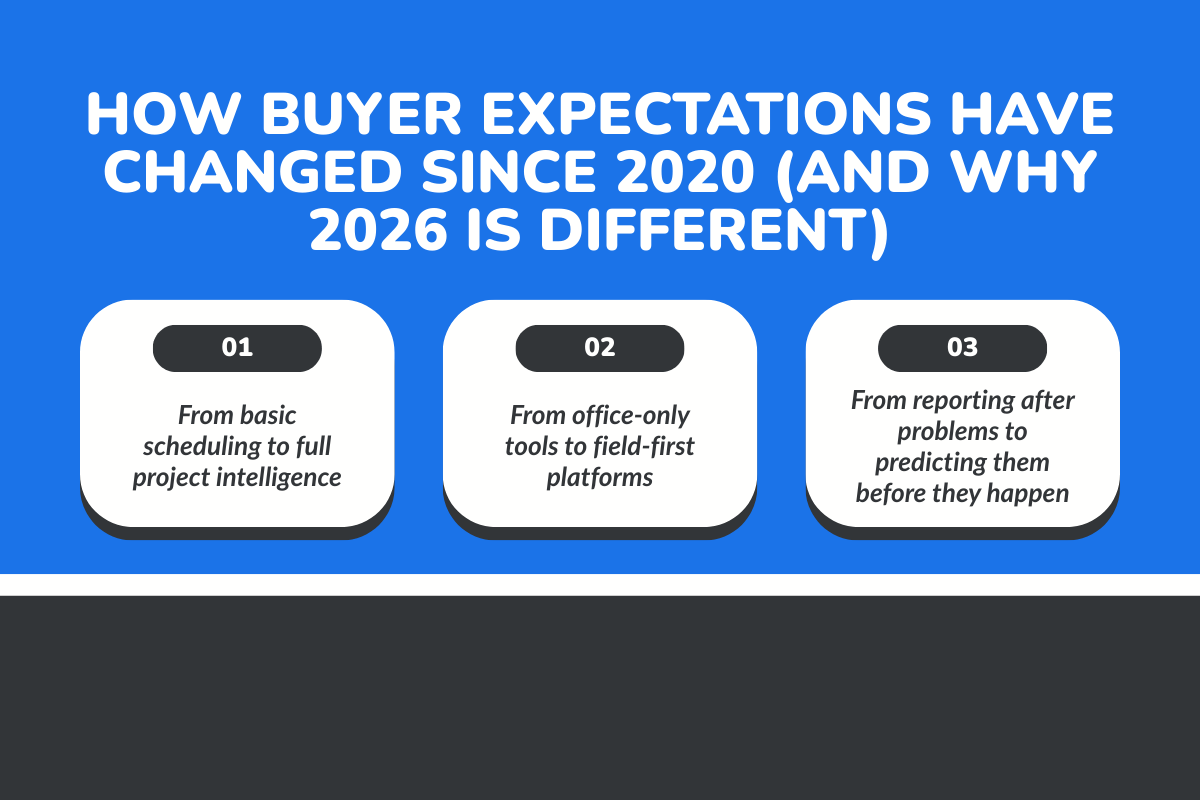
In 2020, many builders were still focused on basic digital replacement. Moving away from paper, centralizing documents, and tracking schedules in one place. That was progress at the time, but expectations have evolved fast.
1. From basic scheduling to full project intelligence
Scheduling alone no longer cuts it. Modern builders expect construction project management software to connect schedules with costs, resources, and task dependencies so changes are visible instantly.
When one task slips, they need to see:
- Impact on project timelines
- Changes in labour costs
- Material deliveries that may shift
Builders also want insight into what’s likely to happen next, not just reports on past issues. This move toward project intelligence helps project managers plan ahead, adjust faster, and communicate more clearly across teams.
2. From office-only tools to field-first platforms
Construction work happens on the job site, not behind a desk, yet many tools still prioritize office workflows over field usability. In 2026, that gap is a dealbreaker. If field teams cannot use the software easily, adoption drops, and data becomes unreliable.
Builders now expect:
- Mobile-first access on every job site
- Offline functionality for remote locations
- Quick task updates and progress tracking
- Fast document uploads without extra steps
These features are no longer nice-to-haves. They are core buying criteria for modern construction management software.
3. From reporting after problems to predicting them before they happen
Builders are done with reports that explain problems after the damage is done. In 2026, they want real-time insights that surface risk early.
They expect visibility into:
- Cost overruns before budgets are blown
- Schedule compression as it starts
- Resource allocation conflicts in advance
Software that only looks backward feels outdated. Modern builders want operational control through systems that help them stay ahead of issues instead of constantly reacting to them.
What Are The 7 Expectations Modern Builders Have From Construction Management Software in 2026?
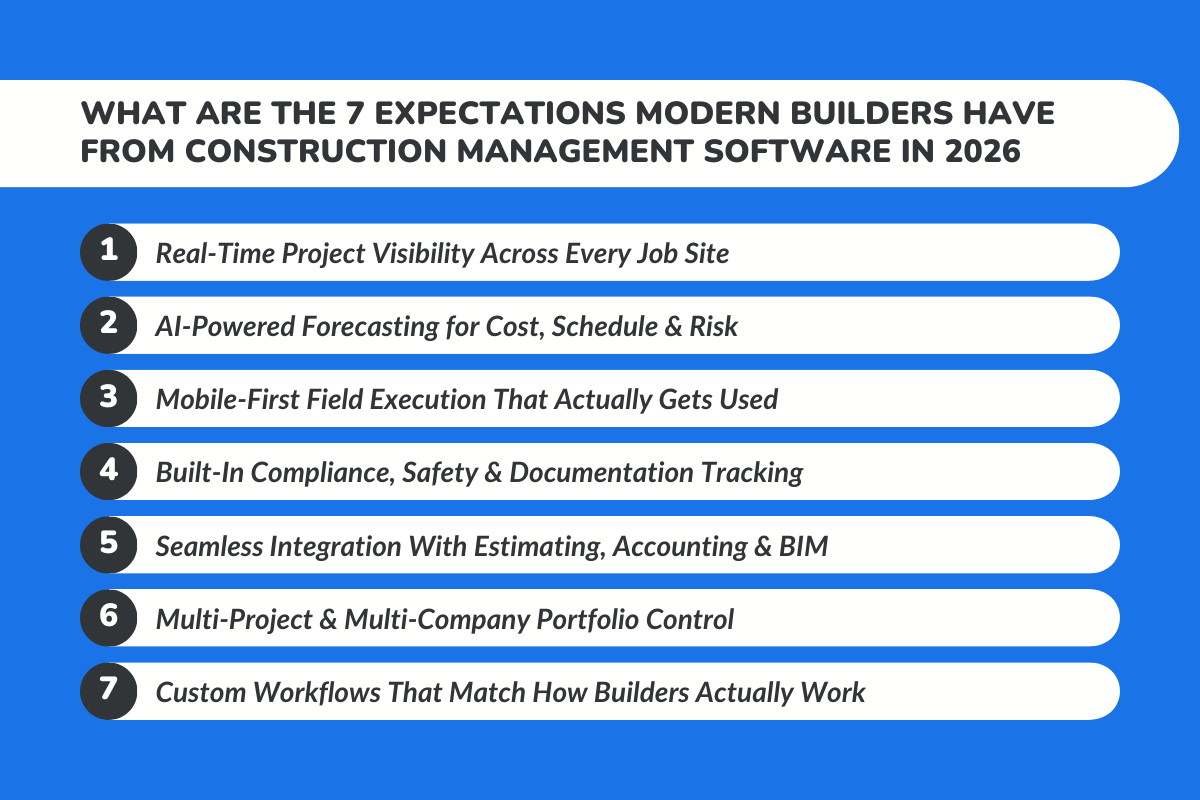
This is where buyer intent becomes clear. When construction professionals evaluate the best construction management software today, these expectations consistently rise to the top.
1. Real-Time Project Visibility Across Every Job Site
Modern builders expect real-time visibility into every active job site. That includes progress updates, cost burn, schedule health, and task status in one central hub. Owners, project managers, and site managers should all be looking at the same project information, just tailored to their role.
When teams can track progress across projects in one system, conversations change. Meetings become shorter, decisions become faster, and problems surface earlier, when they are still fixable.
2. AI-Powered Forecasting for Cost, Schedule & Risk
Forecasting has become a major expectation. Builders want construction management software that can flag risks before they turn into crises.
Early warnings about budget tracking issues, labour costs trending, or schedules slipping allow teams to adjust proactively. Predictive insights replace reactive reporting. Instead of asking why expenses incurred exceeded estimates, teams can course-correct mid-project.
This expectation is less about flashy features and more about trust. Builders want to trust the numbers they see and use them to manage budgets with confidence.
3. Mobile-First Field Execution That Actually Gets Used
Software adoption in the field is now a deciding factor. Builders have learned the hard way that tools ignored by field teams create data gaps everywhere else.
Modern construction software must work seamlessly on mobile devices. Quick updates, voice notes, and photo uploads on mobile help crews document work without slowing them down.
When field teams actively use the system, project data stays accurate. Task progress updates are timely and project managers stop chasing information.
4. Built-In Compliance, Safety & Documentation Tracking
Compliance is no longer something builders want to manage separately. They expect construction-specific tools that include safety logs, inspection trails, and audit-ready records built into the workflow.
Automated documentation reduces risk. It protects the business during disputes, saves time during audits, and gives construction companies peace of mind as regulations tighten.
5. Seamless Integration With Estimating, Accounting & BIM
Double data entry is one of the fastest ways to lose trust in software. Builders expect systems that seamlessly integrate estimating, scheduling, financial management, and design data.
When numbers flow cleanly from bid to build, errors drop and project costs stay aligned with estimates. Finance teams also gain clearer visibility into financial health. One system becomes the source of truth instead of a patchwork of tools.
6. Multi-Project & Multi-Company Portfolio Control
Scaling is a major theme in 2026. Builders want to manage five projects or fifty without losing control. That requires portfolio-level dashboards that show performance across the entire construction business.
Executives need to see trends, resource conflicts, cash flow exposure and project managers need to compare similar projects and learn from outcomes. Software that only works well for one project at a time quickly hits its ceiling.
7. Custom Workflows That Match How Builders Actually Work
No two construction companies operate exactly the same way. Buyers expect management software that adapts to their process, not the other way around.
Custom workflows, role-based permissions, and flexible task management allow teams to manage tasks the way they already work. This reduces friction, speeds up onboarding, and improves adoption across project teams.
What Builders Now Ask During Construction Software Demos (Buyer Reality Check)?
Construction software demos in 2026 are no longer passive walkthroughs. Builders come prepared, and their questions are direct, practical, and rooted in daily operational pressure.
They don’t want to see polished sample dashboards filled with perfect data. They want to see how the platform handles messy, real-world scenarios, which include change orders, delayed materials, cost overruns, and multi-project coordination. If the demo avoids complexity, trust drops immediately.
Adoption is another major concern. Builders ask how quickly field teams can realistically use the system without weeks of training. They want to know whether supervisors on-site will actually log updates or revert to phone calls and text messages.
Scalability also comes under scrutiny. What happens when project volume doubles? Does the reporting stay clear? Does performance slow down? Can leadership still see margins across multiple jobs without exporting spreadsheets?
One question surfaces repeatedly because it gets to the core issue: Does this software prevent overruns, or does it just report them after the damage is done?
Builders have seen enough tools that generate attractive dashboards but fail to improve decision-making. They are not buying features anymore. They are buying control, visibility, and risk reduction.
The reality is simple: Modern buyers evaluate software based on operational impact, not presentation quality. If the platform cannot demonstrate how it saves time, protects margins, and simplifies coordination, the demo ends there.
How Leading Construction Management Platforms Compare in 2026?
When builders evaluate construction management software today, they’re evaluating how well a system supports real project execution, financial control, and long-term scalability.
Here’s how several widely used platforms compare:
1. ConstructionBase
What it is: ConstructionBase is positioned as an all-in-one operational platform designed to unify estimating, scheduling, financial tracking, and field coordination in a single system.
Core features explained:
- Integrated Estimating to Execution Workflow: Connects bidding, budgeting, and scheduling so financial data flows directly into live project management without manual duplication.
- Real-Time Cost & Margin Visibility: Provides ongoing budget tracking across projects to help leaders identify margin erosion early.
- Mobile-First Field Coordination: Enables site teams to update task progress, upload documentation, and track changes directly from the job site.
- Portfolio-Level Oversight: Gives executives visibility across multiple projects to monitor performance, cash flow exposure, and resource allocation.
- Workflow Customization: Allows construction firms to adapt task stages, roles, and approvals to match their existing operational processes.
Best for: The platform is designed for small to mid-sized contractors and is often associated with customization through tools like Quickbase.
Pricing: Typically offered on a subscription basis, with pricing dependent on company size and required modules. Quote-based structure.
2. Procore
What it is: Procore is an enterprise-focused construction management platform widely used by commercial general contractors and larger construction firms managing complex, multi-million-dollar projects.
Core features explained:
- Project Management & Document Control: Centralized storage for drawings, RFIs, submittals, change orders, and contracts. Teams can track revisions and maintain version control so everyone works from the latest documents.
- Financial & Cost Management: Budget tracking, cost codes, commitments, and change event management are integrated into project workflows. This helps teams monitor budget health in real time rather than relying on spreadsheets.
- Subcontractor Collaboration Tools: Built-in portals allow subcontractors to access relevant project documents, submit updates, and track tasks without constant back-and-forth emails.
- Advanced Reporting & Dashboards: Executives can generate portfolio-level insights across projects, including cost performance, schedule tracking, and resource utilization.
Best for: Commercial contractors and firms that require enterprise-level control, financial oversight, and scalability.
Pricing model: Custom pricing based on annual construction volume. Designed for mid-sized to enterprise construction firms.
3. Buildertrend
What it is: Buildertrend focuses heavily on residential construction, remodelers, and custom home builders. It combines project management with client-facing communication tools.
Core features explained:
- Scheduling & Task Management: Drag-and-drop scheduling tools allow builders to assign tasks, track milestones, and update timelines as projects evolve.
- Client Portal & Communication Hub: Homeowners can log in to view project progress, approve selections, track updates, and communicate directly within the system.
- Estimating & Change Order Management: Builders can generate estimates, track budgets, and process change orders while maintaining documentation for client approval.
- CRM & Lead Tracking: Tracks prospects from inquiry to signed contract, helping residential builders manage both sales and project execution in one system.
Best for: Small to mid-sized residential builders who prioritize client communication and ease of use.
Pricing model: Tiered subscription pricing based on features and company size, typically starting in the lower hundreds per month.
4. Autodesk Construction Cloud
What it is: Autodesk Construction Cloud connects design and construction workflows, particularly for firms already using Autodesk’s design tools like Revit or AutoCAD.
Core features explained:
- BIM Integration & Design Collaboration: Connects 3D models with construction workflows, allowing teams to identify clashes, coordinate designs, and reduce costly field rework.
- Issue Tracking & Field Coordination: Site teams can log issues directly against drawings, attach photos, and assign responsibility for resolution.
- Document Management & Version Control: Ensures that teams are working from updated plans, reducing confusion between design revisions.
- Cost & Risk Management Modules: Provides budget forecasting tools and change management systems designed for complex commercial projects.
Best for: Firms managing large-scale commercial, infrastructure, or design-heavy projects requiring strong BIM coordination.
Pricing model: Modular pricing depending on selected products (Build, Docs, Cost, etc.), often enterprise-focused and quote-based.
Feature Checklists vs. Workflow Fit: How Smart Buyers Evaluate Software in 2026
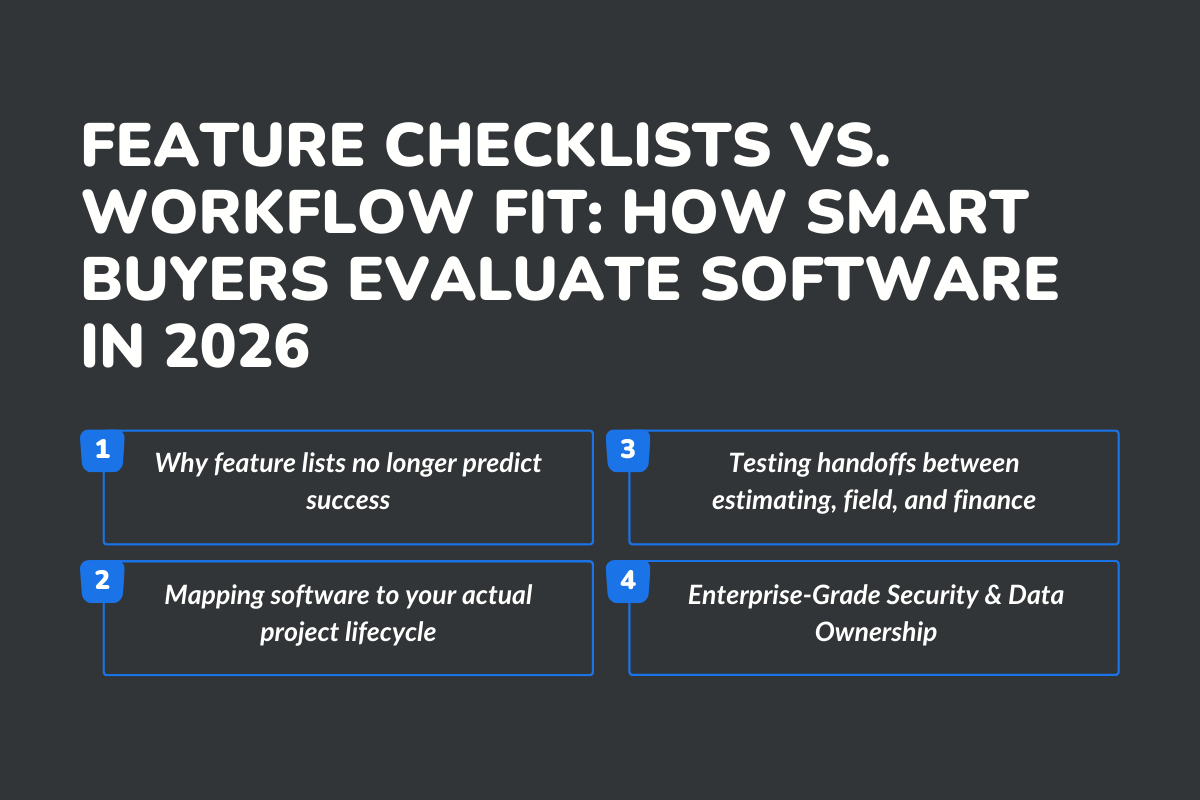
For years, buyers compared software using feature checklists: Scheduling, documents, budget tracking, CRM. The problem is that feature lists rarely predict success.
1. Why feature lists no longer predict success
Two platforms can claim the same features and deliver very different results. What matters is how those features work together within a single system.
If scheduling is not aligned with task progress, budgets drift. If document management is siloed, teams waste time searching for documents. If collaboration tools feel clunky, people stop using them.
2. Mapping software to your actual project lifecycle
Smart buyers map software to their real construction project management process. From preconstruction to closeout, they test whether information flows smoothly at every handoff.
They ask how tasks are assigned, tracked, and closed. How does project data update in real time? How do on-site changes affect schedules and budgets upstream?
3. Testing handoffs between estimating, field, and finance
This is where many tools fail. Estimating is handed off to project teams, then field teams update progress, and finally the finance team tracks costs. If those handoffs break, the system breaks.
In 2026, buyers actively test these scenarios during demos. They look for one system that supports collaboration across teams without friction.
4. Enterprise-Grade Security & Data Ownership
Security expectations are rising rapidly in construction. Builders are handling sensitive project information, contracts, and financial data. They expect strong access control, clear data ownership, and enterprise-grade protection.
The best construction management software supports growth without compromising security. The takeaway is simple: The right software fits your workflow, not the other way around.
How ConstructionBase Aligns With Modern Builder Expectations?
ConstructionBase: Your all-in-one operations hub for scaling construction teams. Fix every challenge in one platform.
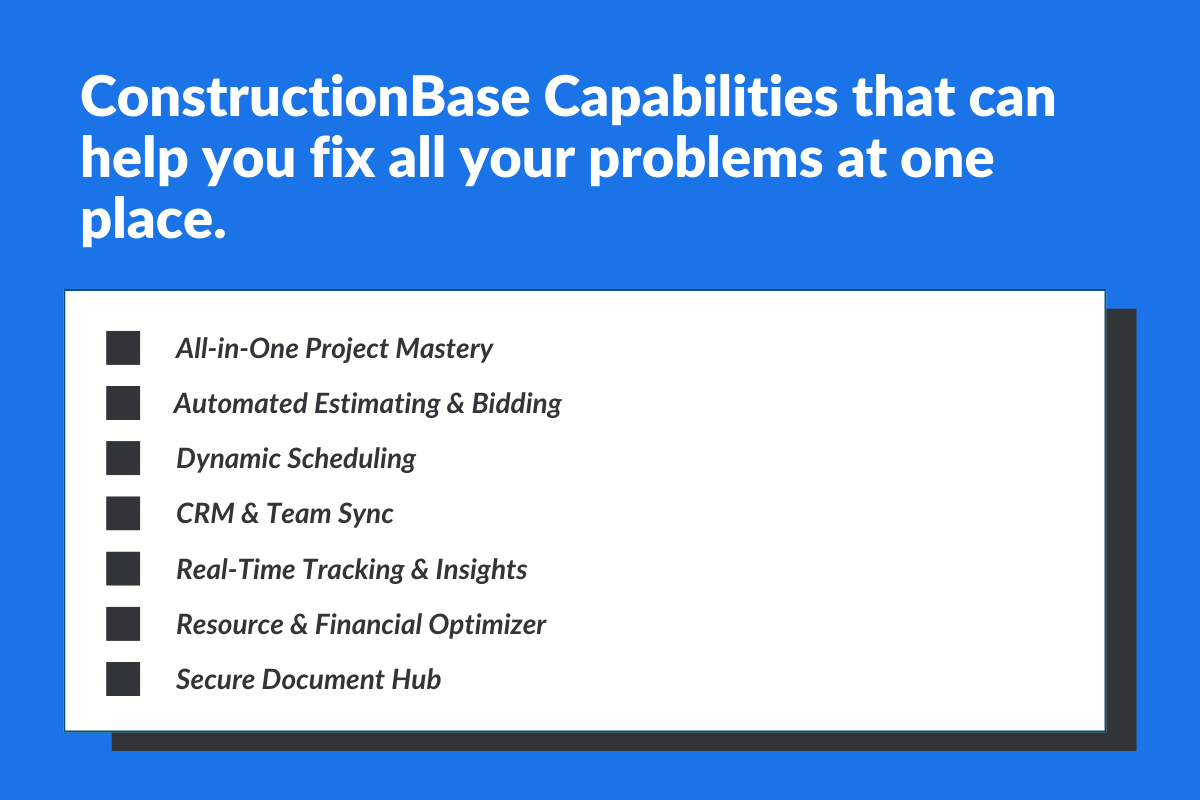
ConstructionBase Capabilities that can help you fix all your problems in one place.
- All-in-One Project Mastery: Centralize scheduling, tasks, and progress for seamless control from bid to close.
- Automated Estimating & Bidding: Speed up bids with live data, precise takeoffs, and professional proposals to win more deals.
- Dynamic Scheduling: Drag-and-drop timelines that adapt in real time, keep crews on track, and reduce delays.
- CRM & Team Sync: Track leads, clients, and subcontractors with instant communication to eliminate misfires.
- Real-Time Tracking & Insights: Monitor milestones, resources, and KPIs live for proactive fixes.
- Resource & Financial Optimizer: Manage labor, inventory, costs, and payroll, reduce waste, and protect margins.
- Secure Document Hub: Store blueprints, permits, and contracts centrally for easy access and compliance.
Final Takeaway: In 2026, Construction Software Is No Longer IT, It’s a Competitive Strategy
Construction management in 2026 is about control. Builders who modernize their construction operations now gain a real advantage. They move faster, they manage budgets with clarity, and reduce risk across complex projects.
The right construction project management software becomes the backbone of the business. It connects teams.
If there is one lesson modern builders are learning, it is this: Software is no longer an IT decision; it is a strategic one. So, evaluate smarter, scale faster, and build with confidence.
Still Running Projects the Old Way? Get Updated With ConstructionBase
Ready to take control of your construction projects in 2026? Evaluate platforms that fit your workflow, support your growth, and give you total visibility across every job.
Book a demo with ConstructionBase because ConstructionBase will fit all your business needs.
FAQs:
1. What is construction management software used for in 2026?
It is used to manage projects, track progress, control budgets, coordinate teams, and maintain real-time visibility across construction operations.
2. How does modern construction software help reduce risk?
When you use the best software, they provide real-time insights, connected project data, and early warnings that help teams address issues before they escalate.
3. What should small and mid-sized construction companies prioritize when choosing software?
Workflow fit, ease of adoption for field teams, strong financial management, and the ability to scale with business size.
4. Why are spreadsheets no longer enough for construction management?
Tools like Google Sheets cannot provide real-time data, automated workflows, or total visibility across multiple projects and teams.
5. How do project managers benefit from modern project management software?
They save construction firms time, manage tasks more effectively, track project timelines accurately, and make informed decisions with reliable data.
Have questions or need personalized advice?
Talk to an Expert Today and let our construction specialists guide you to success.
Related Posts
Building Construction Project Software: Key Integration Points You’re Missing





