

If it takes longer to input and log changes to the construction workflow than it does to fix the problem on-site, your software is the culprit behind your stagnated position.
Clunky, fragmented, and complex workflows, where data must be entered separately into multiple tools and manually synced, have their flaws:
- The Field and Office team faces communication breakdowns.
- Critical updates get missed.
- Project timelines fall behind schedule.
- Costly rework becomes unavoidable
The digital systems slow down your construction projects, even before the real work begins on-site is a signal to take action right away!
A well-integrated tech stack gives construction teams the speed and coordination they need to perform at a higher level. It simplifies daily workflows, keeps everyone aligned, and supports growth without adding confusion.
Which Construction Software Tools Actually Keep Your Projects Moving?
The best construction software is not defined by a bloated feature list, but by valuable functions that improve efficiency and address the unique challenges of a dynamic industry that arises from shifting regulations, tighter deadlines, and the involvement of multiple stakeholders.
Choosing construction software that combines precision and power, like the power-actuated tools, nail guns, or impact drivers for heavy-duty tasks, can accelerate workflows, help complete projects faster, and build a strong reputation.
This blog guides you through the best construction management software options with a powerful suite of functions under a single digital roof to tackle workflow disruptions and unexpected expenses.
Key Takeaways
- Software with too many features can slow you down, so it’s best to choose tools that deliver measurable results and simplify workflows.
- Construction software with features like a cloud-based platform, API integrations, real-time visibility, AI insights, and centralized communication transforms workflows.
- Choosing the right software that fits your workflow is essential to accelerate project cycles and improve overall efficiency.
- Industry-focused tools like ConstructionBase, CoConstruct, Procore, Fieldwire, and Buildertrend provide features tailored for construction contractors to streamline project management.
Build your momentum for a better future in the construction industry
Invest in Software that can help you rather than hurt your business operations! Get in Touch with industry experts to help you get it right from the start!
The Evolution of Construction Software: From Tools to True ROI Drivers
So, what exactly is Construction Management Software?
Construction management software is a unified platform that streamlines operations for specialty contractors across both residential and commercial projects.
It helps optimize field crew schedules, analyze and track bids and budgets, centrally manage documents, provides mobile access for field updates, and supports team communication in one place.
60% of firms globally have switched to construction management software to streamline workflows as the industry grows in size and complexity.
Construction software is no longer viewed as an overhead expense drained through monthly fees; it has become a necessity that helps teams get work done faster and better.
Why Choosing the Right Construction Software Matters More Than Ever?
The Cost of Multiple Tools Overload on the Workflow
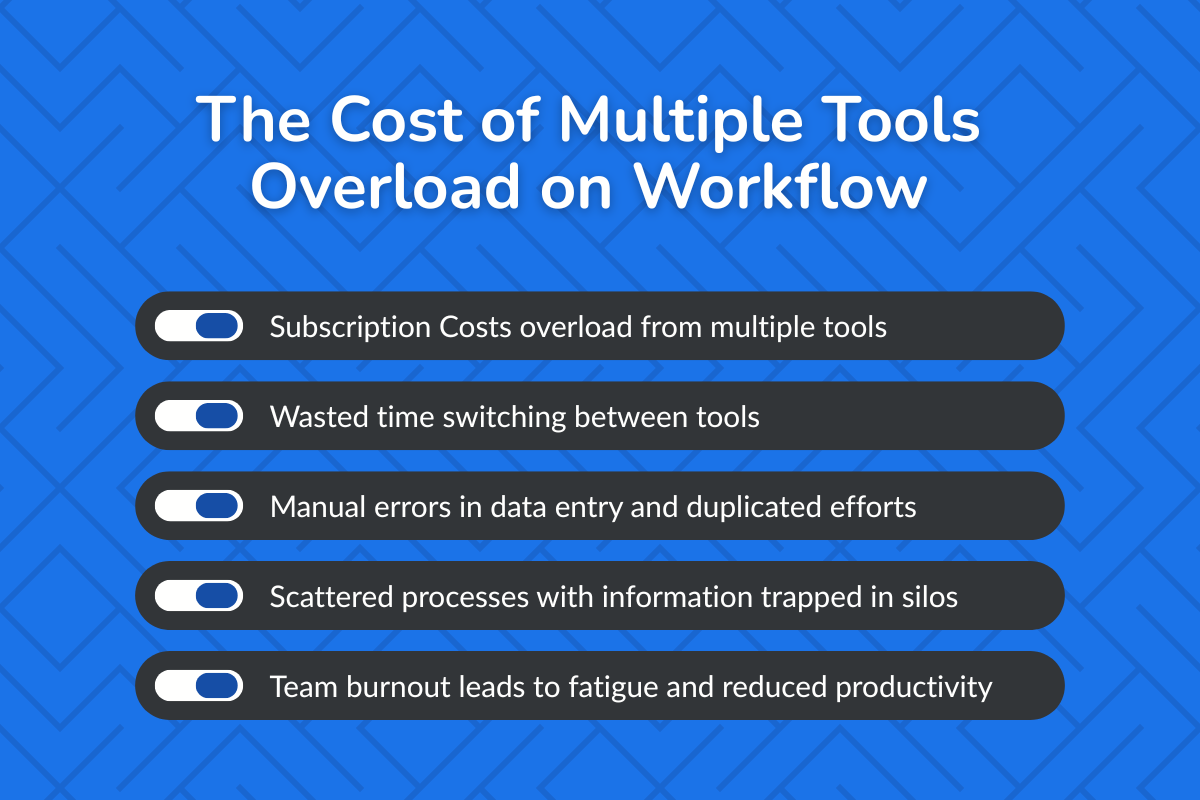
Tool sprawl creates cognitive overload for managers trying to run jobs efficiently, which can shorten your cash flow!
- Subscription overload from investing in multiple overlapping tools is draining dollars.
- Wasted time switching between tools, increasing security risks with every new login.
- Manual errors in data entry and duplicated efforts to update information across all apps bring down efficiency.
- Scattered processes with information trapped in silos, such as files in drives, Slack chats, and task boards like Trello.
- Team burnout occurs when significant time is spent on manual updates, leading to mental fatigue and reducing productivity
Let's Talk Numbers to know the real hidden costs in terms of time and money:
- Industry survey reports reveal that the US Construction projects waste approximately $177 using fragmented tools, leading to reworks and costly errors.
- Workers lose an average of 51 minutes weekly, accounting for 44 hours yearly, due to constant switching.
The ROI of Unified Platforms
An ideal Construction Management Software with a single platform is a game-changer! Let us see what it brings to the construction company:
- Better collaboration amongst crew members, general contractors, subcontractors, and clients to remain on the same page
- Automated lead management and scheduling that boosts conversions and optimizes resource utilization for on-time project completion
- Stronger cost control with live budget and expense tracking to avoid costly overruns
- Faster decision-making through real-time project visibility and analytical reports for data-driven decisions
- Improved accountability with clear ownership, auditing trails, and live task-tracking across project progress and performance
Here’s the best part: You are not just managing jobs better, you’re building the mastery to build a successful construction company.
What Modern Construction Software Looks Like?
The Modern software must focus on unifying teams and simplifying workflows to win new projects.
Unified Platforms vs Single-Point Tools
| Criteria | Unified Construction Software Platforms | Single-Point Construction Tools |
|---|---|---|
| Purpose | Single centralized system connecting fragmented workflows. | Disconnected tools specializing in each task like scheduling, inventory optimization, route mapping, communications, and others. |
| Data Flow | Single source of data across teams | Data is trapped in silos, where manual syncing is required to share data across all tools. |
| Team Adoption | One login required and a consistent UI for office and field teams | Multiple tools with a fragmented user experience |
| ROI Visibility | Clear measurement of time, cost, and productivity gainsis | ROI is hard to track across disconnected tools |
| Operational Impact | Faster decisions, fewer errors, fewer delays, and smooth execution | Slower workflows and duplicated efforts |
| Financial Management | Seamless integration to third- party tools for budgeting, cost tracking, and financial reports. | Manual financial tracking makes management difficult, limiting real-time insights and hindering visibility into project costs. |
Construction Software Features That Make a Real Impact
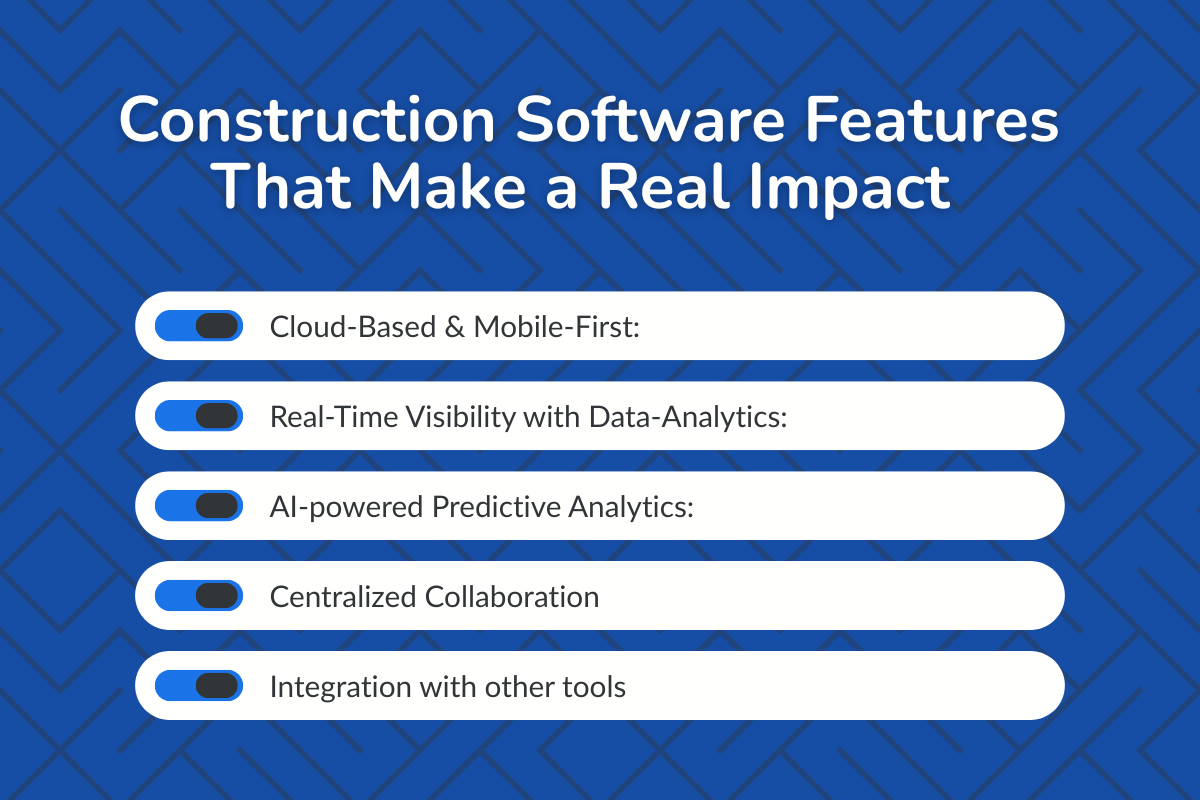
Before you make the commitment, make sure your construction software has these essential features:
1. Cloud-Based & Mobile-First:
All construction projects' digital tools must be cloud-based and accessible from desktop and mobile devices to support office and field crew members.
2. Real-Time Visibility:
Change orders, project updates, compliance updates, budget adjustments, or any other information are visible in real-time to the entire team.
3. AI-powered Predictive Analytics:
Uses history and market trends to optimize resources and insightful reports to be audit-ready and prepared to face potential bottlenecks in workflows that can bring potential delays, safety issues, and cost overruns.
4. Automation of repetitive activities
Streamline operations by automating scheduling, document control, reporting, and budget tracking to free teams to focus on analytical and complex tasks that require human intervention.
5. Centralized Collaboration
Centralized storage for all critical documents such as proposals, order forms, RFIs, blueprints, inventory lists, and schedules, ensuring the latest version is always available.
6. Data Analytics & Reporting
Data-driven decisions based on visually summarized job performance, budget analysis, resource usage, and field crews' achievements to identify shortcomings and spot and resolve risks before productivity loss.
7. Integration with other tools
API configurations that allow seamless integration to third-party tools to build a connected ecosystem for smooth data sync.
Who This Construction Software Is Best For?
Construction management software delivers the most value when it matches the scale and complexity of your projects. Different types of contractors benefit from different capabilities, so understanding where your business fits helps narrow the right solution faster.
I. Small Contractors and Independent Builders
Small construction teams often manage a limited number of projects at a time but still juggle scheduling, budgeting, document storage, and communication with subcontractors. For these teams, the priority is simplicity and mobility.
Construction software that offers mobile access, easy scheduling tools, basic cost tracking, and centralized document storage can significantly reduce administrative workload.
II. Growing Construction Companies Managing Multiple Projects
Firms handling several projects simultaneously require more structured coordination. As teams expand and job sites increase, relying on disconnected tools becomes inefficient and error-prone.
Software designed for growing contractors helps connect estimating, budgeting, scheduling, and communication within one platform. Real-time visibility into project status, cost tracking, and team performance allows managers to make faster decisions and avoid delays caused by outdated information.
III. Mid-Sized Firms Scaling Operations
Mid-sized construction firms often face the challenge of scaling operations without losing control over budgets, timelines, and compliance requirements.
Advanced construction management software provides deeper reporting, automated workflows, and integration with accounting systems. These capabilities help leadership track financial performance across multiple projects while maintaining consistency in how teams manage daily tasks.
IV. Enterprise Construction Companies and Large Contractors
Large contractors managing high-value projects need powerful systems that support complex workflows and large teams. These organizations typically require portfolio-level visibility, strong compliance tracking, and integrations with enterprise financial systems.
Enterprise construction platforms deliver advanced analytics, centralized reporting dashboards, and seamless integration with ERP or accounting tools. .
A Buyer’s Framework for Selecting The Best Software for Construction Management That Delivers ROI
Use this framework to ask viable questions to cut through the noise and focus on real outcomes.
| Decision Question | What to Validate Before You Buy The Construction Management Software |
|---|---|
| Does it reduce complexity? | Software must have one platform with a single login per user, which is easy to set up and has a friendly UI with a minimal learning curve. |
| Does it speed execution? | Software must automate operations to streamline and speed up operational activities, and to facilitate faster client approvals with digital signatures. |
| Does it improve financial control? | It needs to have real-time cost tracking, budget alerts and automated and accurate quotes protecting profit margins. |
| Does it align the field and office teams? | The tool needs to share data on a secure platform, providing clear visibility in real-time on job progress with mobile app access and an instant communication platform. |
| Does it scale without friction? | Supports growth in team members and projects without complexity and costly integrations. |
| Does it show ROI clearly? | The tool must support built-in automated generation of reports to reveal project progress, performance, budget analysis, and profitability. |
Best Construction Management Software Platforms in the Industry: Comparative Breakdown
Choosing the right construction management software about finding a system that aligns with how your projects actually run.
Below is a comparative breakdown of some of the most widely used construction management platforms in the industry, highlighting what each one does best, who it’s built for, and how its pricing structure typically works.
1. ConstructionBase: All-in-one platform with AI features
It is an all-in-one AI-powered cloud-based platform with a consolidated suite of features to manage all aspects of the project, including project scheduling, real-time tracking, quotes and proposal generation, and communication among all members.
Ideal for:
Small to mid-sized firms that need automation of multiple construction admin tasks
Core features:
- Unified Project Dashboard: Manages scheduling, budgeting, estimating, material takeoffs, and team communication in one platform
- Mobile Access with Offline Mode: Supports all mobile devices (Android and iOS) with offline functionality that syncs documents automatically once connectivity is restored
- Smart Alerts & Notifications: Reminders sent through SMS, email, and in-app alerts for budget overruns, delays, safety risks, and appointment reminders
- Real-Time Performance Insights: Visual dashboards for project, team, and financial performance tracking and achievements
- Centralized Document Management: Secured storage for compliance reports, permits, customer data, and blueprints.
- Automated Estimates, Quotes, and Proposals: Create accurate estimates and proposals using pre-built professional templates with instant digital signatures for faster approvals.
Pricing: Typically offered on a subscription basis, with pricing dependent on company size and required modules. Quote-based structure. Tap here to know more.
2. Procore: Centralized Project Management Software
Comprehensive solution with strong project management capabilities that centralizes documents, reports, inventory, and team communications to manage workflow from a centralized system.
Ideal for:
Mid-size general contractors and Enterprise-level firms in the construction industry with large project volumes
Core features:
- Document Control: A centralized repository with secure access to up-to-date blueprints, permits, drawings, plans, and change orders.
- Collaborative Platform: The software enables real-time uploads of job photos, documents, and notes by field crews and office managers through a mobile app.
- Integration Capabilities: Seamless connectivity with third-party applications such as accounting, CRM, ERP, and other tools for smooth data synchronization without duplicate data entry.
- Detailed Reporting: Customizable dashboards provide insights into budgets, schedules, project performance, and potential bottlenecks, enabling better risk management.
Pricing model:
Custom pricing based on annual construction volume. Designed for mid-sized to enterprise construction firms.
3. Buildertrend: Built for Home-builders and Remodelers
It is a cloud-based platform with a highly intuitive user interface for project and financial management, built for home builders, remodelers, and contractors.
Ideal for:
Residential contractors looking to manage jobs across multiple locations with a strong and centralized communication platform.
Core features:
- Customer Communication: A client portal to share job updates, documents, and visual proof, improving transparency and trust.
- Financial Management: Automated tools to track budgets, create invoices, process online payments, and send payment reminders for stronger financial control.
- Scheduling: Drag-and-drop functionality to create, adjust, and manage jobs, ensuring project timelines are met.
- Document Management: Stores construction drawings, plans, contracts, compliance documents, and more in a cloud-based storage hub accessible to all team members.
- Mobile App: A user-friendly interface to upload images and view job progress, change orders, blueprints, and updates in real time—even in offline mode, with automatic syncing once connectivity resumes.
Pricing model:
Tiered subscription pricing based on features and company size, typically starting in the lower hundreds per month.
4. CoConstruct: Streamline workflows and Facilitate Communications
Construction project management software that automates estimates, scheduling, financial management, and communication with team members and clients.
Ideal for:
Small and mid-size residential contractors who need to streamline workflows.
Core features:
- Automated Estimation: Eliminates manual cost entry by calculating precise estimates based on project requirements.
- Scheduling: Create and adjust project timelines and crew schedules using drag-and-drop features with real-time notifications, visible via Gantt and calendar views.
- Jobsite Tracking via Mobile App: Track job status in real time, upload and share photos, documents, and notes directly from the field.
- Professional Proposals: Generate project proposals with electronic signatures for instant approval.
- Financial Tracking and Management: Monitor budgets, actual costs, and financial reports, with seamless integration to QuickBooks for better control over costs and revenue
Pricing model:
Tiered subscription plans based on number of projects and features. More transparent pricing than enterprise-focused platforms.
5. Fieldwire: Mobile-first Design For Project Management
It is a lightweight and all-in-one construction management platform with a mobile-first approach for project coordination and communication management
Ideal for:
Construction managers who need real-time project management and client management
Core features:
- Task Management: Assign tasks, track job progress, and comply with built-in project checklists, with instant notifications for every required action.
- Real-Time Collaboration: Centralized communication platform for live chat and instant updates with push notifications among team members and clients.
- Digital Reports: Analytical and progress reports on every project change and update, available digitally for easy tracking.
- Integration Capabilities: Seamless integration with third-party platforms like Google Drive, Engine, and SharePoint for automated updates and cross-project analytics.
- Smart Sync: iOS and Android app allowing users to view plans, manage tasks, and complete inspections offline, with automatic syncing once reconnected.
Fieldwire Pricing Plans (Billed Annually)
- Basic – $0 per user/month
- Pro – $39 per user/month
- Business – $64 per user/month
- Business Plus – $89 per user/month
Construction Software Red Flags That Could Cost You Time and Money
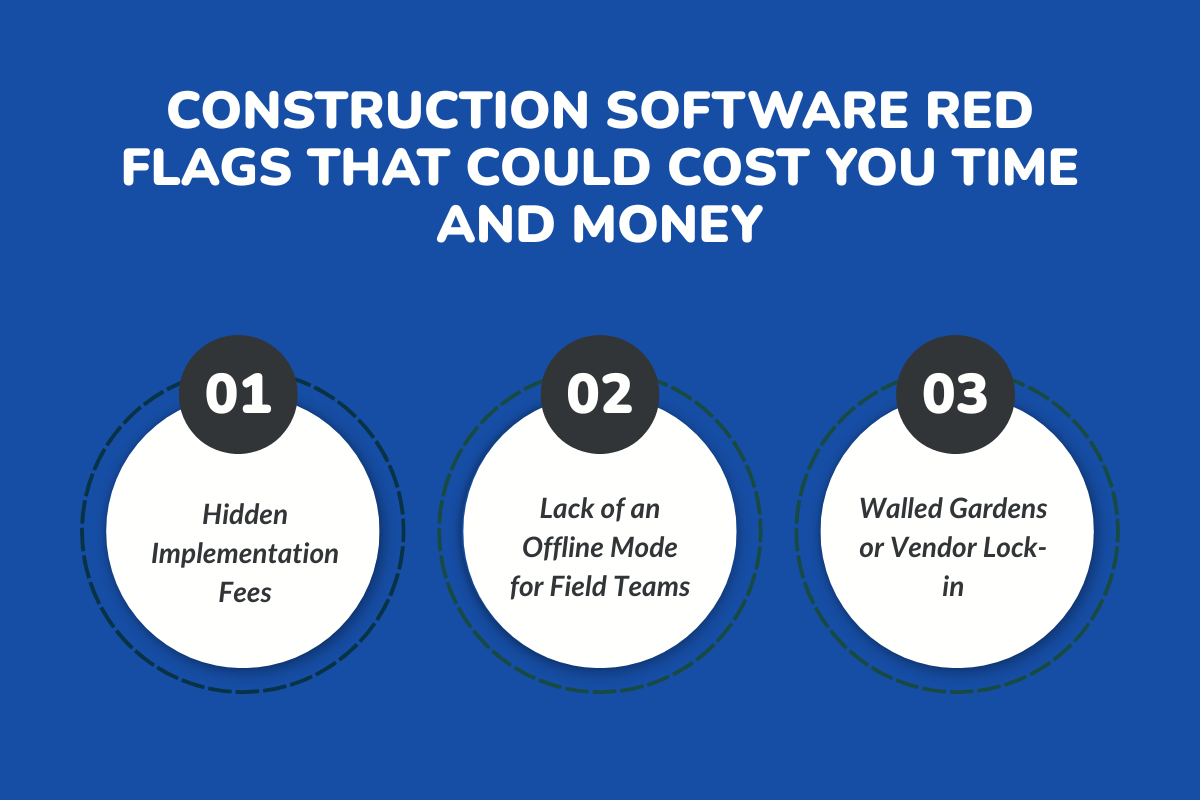
Empty vendor promises should not be the checklist for making your final decision. Watch out for these three red flags before you say “yes” to any construction software:
1. Hidden Implementation Fees
The price you see for a construction project automation tool is often just the surface cost. Once you hit the “sign-up” button, hidden expenses can creep in, such as onboarding fees, training costs, and integration charges that can quickly surpass your budget and create unexpected financial gaps.
2. Lack of an Offline Mode for Field Teams
Construction project job sites are often surrounded by thick walls, remote areas, or underground locations. If the software fails to support offline access with automatic syncing once back online, it can lead to significant delays, rework, and critical data gaps.
3. Walled Gardens or Vendor Lock-in
When software lacks open API configuration, the risk lies in becoming locked into a single vendor’s tools, data formats, and integration restrictions. Combined with price hikes, this makes it difficult to switch providers.
Conclusion: Simplify, Unify, and Accelerate Your Projects
Tools built for automation that slow you down instead of multiplying your speed actually become a burden, wasting your time and money!
With so many Construction Management Software options available, it is crucial to choose the right one to launch projects faster, maintain consistent progress, and drive your business toward success.
Select software that fits your workflow to create a smoother journey, streamline operations, and support long-term growth. Invest in the right solution tailored to your construction project needs.
Need expert guidance?
We have got you covered! Book your demo today and see how our construction software can help you move projects faster, without the overload.
Frequently Asked Questions (FAQs)
1. How Much does Construction Software Typically Cost, and what Affects Pricing?
Construction software pricing varies widely starting at around $50 per month for basic solutions, but increasing significantly as advanced features, add-ons, implementation, training, and integration costs are added.
2. How easy is it for my Team to Adopt Construction Software without Disrupting Workflows?
Adopting construction management software is relatively easy when it has an intuitive interface built around construction workflows. Proper training and ongoing support are essential to ensure a seamless transition with minimal disruption to daily operations.
3. How can I measure the ROI of Construction Software on my Projects?
You can analyze the project progress and performance based on cost savings, time efficiency, and productivity gains. If there are fewer project delays, reduced rework, and better cost control, it indicates the investments has bought positive returns to the entire business.
4. How quickly can my Team Start Seeing ROI after Implementing Construction Software?
Most teams begin seeing ROI within weeks to a few months as manual work is reduced, errors and rework decline, and automation streamlines operations. This leads to greater efficiency, more wins, and better overall project outcomes.
5. Are there Construction Software Options are Easy to Use and Highly Customizable?
Yes, many construction management software platforms are designed with user-friendly interfaces that are intuitive and highly customizable, allowing teams to adapt workflows to their specific needs without added complexity.
Have questions or need personalized advice?
Talk to an Expert Today and let our construction specialists guide you to success.
Related Posts
Building Construction Project Software: Key Integration Points You’re Missing





