

A lack of features or skills doesn’t cause most construction delays, but systems that fail to reflect how work actually happens on the job site do.
Two contractors with similar crews, pricing, and volumes can have very different outcomes: one delivers predictable, on-time results, while the other faces delays, missed updates, and rework.
It's not about talent, but something else workflow. In construction, a missed update can derail a project, and your project management workflow determines if your project proceeds smoothly or chaotically, not the features. Examine this further.
Building Project Management Software Workflow Supporting Better Construction Outcomes
Construction project issues arise when software disrupts workflows instead of reinforcing how teams actually work. On the other hand, real projects move fast, shift constantly, and rely on field teams working from mobile devices. When your software fits this reality, adoption improves instantly.
Evaluating software options helps ensure you choose solutions that match your business needs and workflow, improving communication, automation, and project efficiency.
The right construction management tool supports the project lifecycle, organizes information, reduces manual work, and boosts efficiency by reflecting how your team builds. Workflow-first software always delivers better results.
Key Takeaways
- Buying software for “features” instead of workflow fit is the #1 reason for low adoption.
- Understanding your project lifecycle clarifies what your team truly needs.
- Great construction workflow software adapts to your process - not the other way around.
- When workflows are clear, choosing the right management software becomes simple.
Curious how workflow-driven construction project management software works in real projects? Explore ConstructionBase and schedule a quick demo today to see it in action.
Why Feature-Heavy Tools Fail in Construction?
On paper, feature-rich systems appear sophisticated. However, when applied to construction projects, they often slow down execution.
Most field teams need simple tools to update progress, access drawings, upload photos, and record logs without complex menus.
When actions become difficult, they revert to calls, WhatsApp, and spreadsheets, causing fragmented data across tools and folders. This scatters information, making it hard for managers to track approvals and updates, which in turn leads to delays.
General management software often worsens this, as construction requires clarity, task dependencies, and ongoing communication areas that these systems rarely address. Only software built specifically for construction workflows can accommodate the realities of job-site operations.
Reverse-Engineer Your Perfect Software (Start With the Workflow)
Instead of beginning with what the software can do, successful contractors start with how they already work. Every construction project follows a predictable pattern: preconstruction, scheduling, execution, coordination, and closeout, with each stage relying on the next.
Evaluating software through this lens provides clarity on what your teams truly need. For instance, if documentation slows down execution, then the emphasis should be on document management and real-time syncing rather than advanced analytics.
If approvals are a recurring bottleneck, then structured workflows and automated routing become crucial. Mapping your project workflow exposes the bottlenecks, inefficiencies, and information gaps that undermine project efficiency.
Once these pain points are clear, selecting construction management software becomes far more objective. And rather than chasing features, you focus on identifying a system that strengthens the way your team already builds.
How Teams Are Managing Their Projects Today?
When construction workflows are standardised through a centralised management software, teams can collaborate more effectively and avoid the common pitfalls associated with manual tasks and scattered information.
A unified approach helps project managers identify potential bottlenecks early and proactively adjust schedules or resources, improving overall project success.
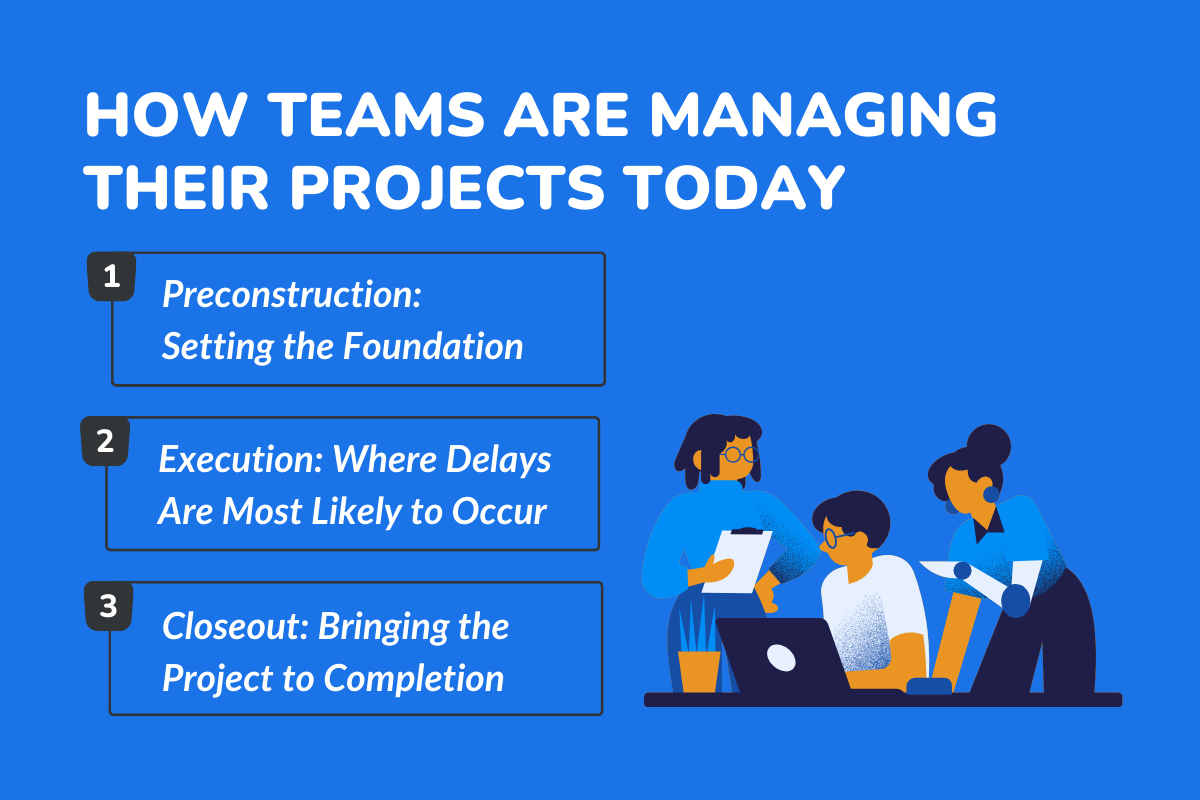
1. Preconstruction: Setting the Foundation
Preconstruction defines the accuracy and direction of the entire project. From BOQs and takeoffs to vendor coordination, the information generated here influences scheduling, budgeting, and labour allocation.
Workflow-based software ensures these early decisions remain consistent through the entire project lifecycle, reducing deviations during execution.
2. Execution: Where Delays Are Most Likely to Occur
Execution is the most dynamic phase, where site conditions evolve quickly, and field teams need real-time access to drawings, schedules, and updated project information.
Workflow-driven systems support this agility by providing mobile accessibility, structured task management, and accurate daily logs. This reduces rework and improves project visibility.
3. Closeout: Bringing the Project to Completion
Closeout often feels like a race against time, gathering warranties, compiling as-built drawings, addressing punch lists, and preparing handover documents.
Workflow-first construction management software keeps this process organised, ensuring that documentation created during execution remains traceable and complete during handover.
Why Workflow-First Construction Software Matters?
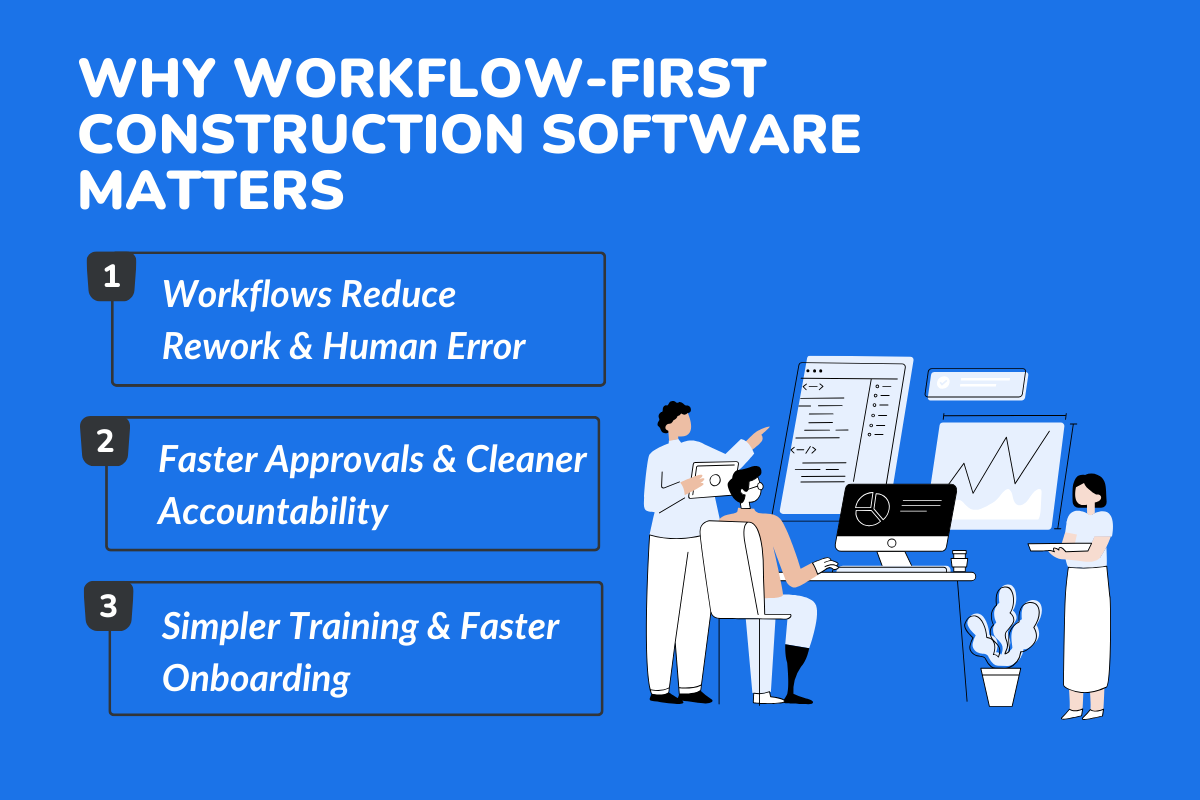
Construction is a chain reaction. This means one missed update, one outdated drawing, one unclear responsibility, and suddenly the entire project timeline shifts.
Therefore, workflow-first construction project management software prevents chaos by keeping the entire team, all project stakeholders, and every task aligned.
1. Workflows Reduce Rework and Human Error
In construction projects, most rework occurs due to outdated drawings, conflicting project data, miscommunication between teams, and missing or incomplete documentation.
A workflow-first approach ensures that critical information reaches the right person at the right time, reducing errors throughout the project lifecycle.
With structured document management and real-time syncing, field teams continuously work with updated project plans and accurate project information. This alone prevents thousands of dollars in rework and improves productivity across the entire project.
2. Faster Approvals and Cleaner Accountability
In many construction projects, approvals, RFIs, and submittals cause delays because they are handled manually. With modern construction project management software, these processes are automated through clearly defined workflows.
This reduces errors and improves communication across all project stakeholders. Instead of chasing approvals through email or chat, the software keeps everyone on the same page and makes accountability visible across the entire team.
3. Simpler Training & Faster Onboarding
A predictable project management workflow makes onboarding new team members far easier. When workflows mirror real job site operations, project managers don’t have to train people for weeks, and field teams can adapt quickly using any mobile device.
This happens because the system reflects how construction workflows naturally operate, teams learn faster, adopt the software more willingly, and manage tasks with clarity and confidence. This is essential when dealing with multiple teams or rapid project scaling.
To explore how workflow-first software helps reduce rework and improve overall visibility, check out Streamlining Project Workflows with Advanced Construction CRM Tools.
How Workflow-Driven Software Reduces Project Risk?
Risk is unavoidable in construction, but workflow-driven construction software significantly reduces its impact. Predictable workflows minimize surprises by ensuring tasks are executed in the correct sequence with complete visibility.
When project managers can track costs, cash flow, labour allocation, and daily progress from one platform, potential bottlenecks are identified early—before they affect timelines or budgets.
Additionally, structured document management ensures teams never rely on outdated project plans, a leading cause of rework across construction projects. As compliance requirements increase across the construction industry, workflow-first systems help maintain accuracy, audit trails, and accountability. This makes risk management not just reactive but proactive.
How to Choose Software Based on Workflow - Not Features
The first step is to understand how project information currently flows across your organisation. Evaluating communication patterns, task assignments, and documentation methods reveals the gaps your software must address.
This involves assessing delays, identifying where manual tasks create inefficiencies, and pinpointing areas where field teams struggle with existing tools. Once this analysis is complete, choosing software becomes simpler.
Look for a platform that aligns with your natural operational style and integrates seamlessly with your project lifecycle. The right system should enhance collaboration, support real-time syncing, and simplify document management without introducing unnecessary complexity.
Step 1: Understand Your Current Workflow
Review how information flows, how tasks get assigned, and where delays usually occur. Identify what field teams need to work faster and more accurately.
Step 2: Identify Gaps and Bottlenecks
Slow RFI turnaround, unclear responsibilities, and heavy manual tasks create avoidable delays. Your construction project management software must address these gaps to make meaningful improvements.
Step 3: Choose Software That Matches the Way You Build
Look for simple workflows, mobile tools, real-time syncing, and strong document management. Scheduling tools and explicit task dependencies are essential for predictable execution.
Step 4: Make Sure It Can Grow With You
Your software should scale with more users, larger projects, and complex workflows. Strong integration capabilities and the ability to track costs and cash flow are essential.
Dive deeper into our complete guide to Side-by-Side: Construction Project Management Tools.
What Are The Common Mistakes When Choosing Software?
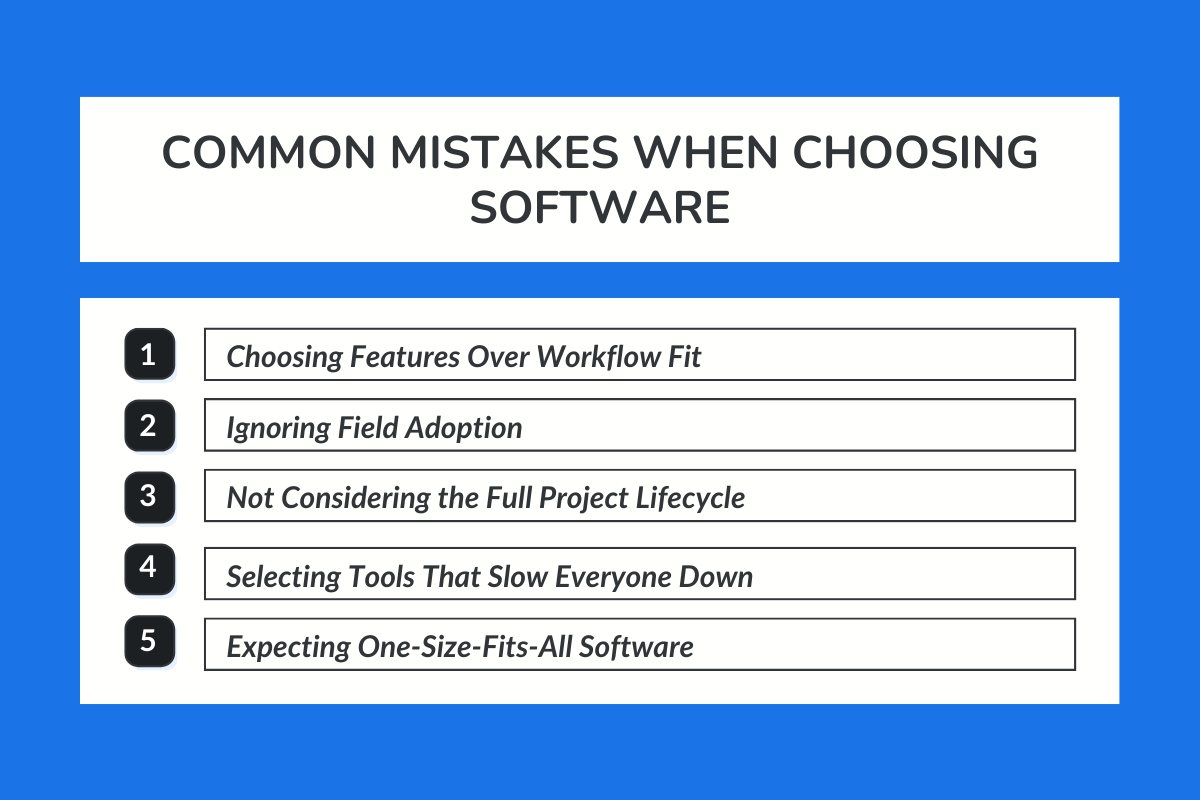
When selecting software, contractors must consider how well the software integrates with existing tools and whether it can centralise project data into one platform.
Integration capabilities play a crucial role in reducing duplication of work and enhancing visibility across the entire project lifecycle. The right construction software eliminates unnecessary complexity and ensures teams stay on the same page.
1. Choosing Features Over Workflow Fit
Feature-heavy tools often look powerful but fail when they don’t match your real workflow requirements. A tool becomes useful only when it strengthens your existing process and supports predictable execution.
2. Ignoring Field Adoption
Field teams drive real construction results, and software must easily support them on mobile devices. If they don’t adopt the tool, the entire system collapses, and progress becomes difficult to track.
3. Not Looking at Project Lifecycle Needs
Every phase, planning, execution, and closeout requires support, not only early scheduling or documentation tasks. Good construction project management software keeps project stakeholders aligned through the entire project lifecycle.
4. Choosing Complex Tools That Slow Everyone Down
If a tool takes too long to learn, teams resist it and return to manual tasks. But construction requires speed, simplicity, and clarity, especially under pressure.
5. Expecting One-Size-Fits-All Software
Each project has different requirements, risks, and reporting needs. The software you'll choose should adapt to the specific project's complexity rather than forcing teams into fixed templates.
Cost Breakdown of Project Management Tools
Although upfront costs include licensing, onboarding, and configuration, workflow-first construction management software generates measurable long-term value.
By reducing delays, increasing project efficiency, and avoiding rework, teams often recover the cost of implementation within one or two projects. Improved planning accuracy and better communication further reduce operational expenses across the entire project lifecycle.
These savings extend beyond finances. Consistent workflows contribute to stronger stakeholder trust, smoother coordination with subcontractors, and more predictable project delivery timelines.
How ConstructionBase Supports Workflow-Driven Execution?
ConstructionBase unifies scheduling, budgeting, takeoffs, document management, daily logs, RFIs, and progress tracking into one platform, eliminating the need for multiple tools.
The platform enhances:
- Collaboration across office and field teams
- Workflow management
- Project data accuracy
- Real-time communication
- Document management consistency
- Project lifecycle visibility
It mirrors how construction teams actually work-fast, dynamic, detail-dependent and gives project managers better visibility over every specific project.
The Future of Workflow-Driven Construction Management
- Automation, integrated platforms, and AI-assisted scheduling will shape the future of construction management.
- As projects grow more complex, workflow-first tools will help contractors plan more accurately, forecast delays earlier, and coordinate field teams in real time.
- Mobile-first reporting, intelligent document management, and integrated cost tracking will define the next generation of construction project management software.
In a Nutshell
Selecting construction software purely for its features often leads to complexity rather than clarity.
A workflow-first construction project management software enhances collaboration, improves project efficiency, reduces rework, and increases visibility throughout the entire project lifecycle.
As contractors handle more complex projects, workflow-driven systems will become the foundation for consistent project success.
They support better planning, stronger workflow management, and more coordinated teams, ensuring every project moves forward with predictability, not guesswork.
Why Choose ConstructionBase
ConstructionBase offers a unified, workflow-focused solution that guides project teams from tender to handover.
Its structured approach to document management, daily logs, communication, and progress tracking helps construction teams reduce delays and maintain consistent execution.
See why construction teams rely on Construction Project Management Software to keep projects moving without friction. Schedule a demo today.
FAQs
1. What exactly does a construction project-management software workflow cover?
It centralizes planning, scheduling, budgeting, and communication into one connected system, helping teams work faster, stay organized, and avoid preventable delays.
2. Can this workflow software handle both small and large construction projects?
Yes, the workflow easily scales from small residential remodels to large multi-phase builds, automatically adapting tasks, timelines, and resources.
3. Does project-management software actually reduce errors and rework?
Absolutely centralized data eliminates manual duplication, reduces miscommunication, and ensures everyone follows the same updated plans and documents.
4. How does workflow software help control overall project costs?
It provides real-time visibility into material, labor, and equipment spending, allowing managers to catch overruns early and maintain accurate budgets.
5. Does construction workflow software improve communication across teams?
Yes, it keeps office staff, field crews, and subcontractors aligned by sharing real-time updates, schedules, documents, and progress tracking in one place.
Have questions or need personalized advice?
Talk to an Expert Today and let our construction specialists guide you to success.
Related Posts
Building Construction Project Software: Key Integration Points You’re Missing





