
Here’s a quote every estimator should have pinned to their wall. Frank Lloyd Wright once said, "You can use an eraser on the drafting table or a sledgehammer on the construction site."
For decades, estimators have relied on paper, highlighters, and a calculator as their "eraser", a slow, painstaking process where one slip-up can lead directly to on-site sledgehammer of costly change orders and busted budgets.
What if your eraser were digital, 80% faster, and surgically accurate? That's construction takeoff software. This guide will show you how this tool is moving estimators from the chaos of paper to the clarity of digital, helping them win more profitable bids.
What Is Construction Takeoff Software? A Guide to Faster, Accurate Bids
In construction, speed and accuracy are what win profitable bids. The traditional takeoff process, however, is slow, tedious, and prone to human error, making digital takeoff software the modern solution.
It enables contractors to utilize digital blueprints to obtain precise measurements and material counts in a fraction of the time. Let's explore what these powerful tools are, how they streamline the estimating process, and why they are essential for construction professionals seeking to stay competitive.
Key Takeaways
- Digital takeoff software replaces slow manual measuring with a fast, accurate on-screen process.
- The main benefits are a significant increase in bidding speed and the elimination of costly human math errors, which protects profits.
- The next generation of software utilizes AI, such as ConstructionBase, to automatically scan blueprints and generate your material lists.
- This technology shifts your team's focus from tedious "counting" to the high-value strategy of "estimating" to win jobs.
Stop losing hours to manual takeoffs. Try a smarter, faster way to measure, quantify, and bid—see ConstructionBase in action.
What Is Construction Takeoff Software? (And Why You’ve Probably Needed It for a While)
If you’ve ever found yourself squinting at a paper blueprint, triple-checking your calculator, and worrying about a simple math mistake, you already understand the need for a better system. That better system is construction takeoff software.
The Simple Definition
At its core, construction takeoff software (often referred to as "on-screen takeoff" or "digital takeoff software") is a digital tool that streamlines your entire takeoff process from the physical desk to the computer screen.
Instead of manually measuring paper plans, you upload a digital blueprint (like a PDF or CAD file). From there, you use your mouse as a high-precision measuring device.
The software enables you to point, click, and trace over the plan to measure, count, and quantify all the materials required for your construction project.
The best part? It performs all the complex calculations for you, instantly and without human error. It then automatically generates a clean, organized material takeoff list that becomes the foundation for your estimating and bidding.
Consider this: according to a KPMG report, a staggering 69% of construction projects fail to come within 10% of their original budget. That's an immense amount of risk, and much of it can be traced back to those initial manual takeoffs.
How It Works: Practical Examples
So, how does this look in a real-world business?
- Example 1: Measuring Area (Flooring) Imagine you're a flooring contractor bidding on a new office. Instead of a ruler, you simply use the software's "Area" tool.
- You click the corners of each room on your digital plan, and the software instantly calculates the precise square footage. It gives you an accurate estimate in minutes, not hours.
- Example 2: Counting Items (Electrical) An electrician needs to count every single light fixture and outlet. Manually, this is a nightmare of highlighters and tally marks. With takeoff software, they click on each fixture's symbol.
- The software automatically totals the count (e.g., "285 fixtures") and places a digital checkmark on each one, ensuring that it is impossible to double-count or miss an item. This ensures accurate takeoffs every time.
- Example 3: Measuring Length (Plumbing) A plumber needs to estimate 500 feet of copper pipe. They simply select the "Linear" tool and trace the piping runs shown on the blueprint.
- The software adds up every segment, giving them precise measurements to create an accurate cost estimate for their materials.
In all these cases, the software provides the speed, accuracy, and efficiency that the old paper-based process simply cannot match.
Explore How Contractors Can Improve Forecasting with Construction Software.
The "Old Way" vs. The "New Way": A Direct Comparison
This table breaks down the fundamental (and massive) shift that happens when you move from a paper-based process to a modern digital takeoff solution.
| Feature | The Manual "Paper" Takeoff (The Old Way) | The Digital On-Screen Takeoff (The New Way) |
|---|---|---|
| The Toolkit | Relies on physical scale rulers, highlighters, and bulky paper blueprints that can be easily lost, damaged, or become outdated. | Uses clean, centralized digital blueprints (such as PDFs or CAD files) directly on your computer. All your plans are organized and accessible. |
| The Process | A painstaking, manual process. You have to trace every line with a ruler and use a tally sheet to count every single fixture by hand. | An intuitive point-and-click process. You use your mouse to trace lines for length or click the corners of a room for instant square footage. |
| The Math | All math is done by hand or on a calculator, requiring manual entry into a spreadsheet. This is a major source of costly human error. | The software performs all calculations instantly and accurately. As you measure, the quantities are automatically added to your material list. |
| The Result | Extremely slow and stressful. It's a major bottleneck, and double-checking your work often means starting the entire process from scratch. | Dramatically faster, often by 50-80%. It delivers pinpoint accuracy, and your work is visually color-coded on the plan, making it simple to verify. |
How Does Digital Takeoff Actually Work? A 3-Step Guide

You might think a powerful new digital tool is complicated, but the takeoff process is remarkably straightforward. It really just boils down to three simple actions for any construction project, moving you from a blank screen to a complete material list.
Step 1: Upload Your Digital Blueprint
First, simply drag and drop your digital blueprints (such as a PDF or CAD file) directly into the software. That's it. Right away, you've eliminated the costs and hassles of printing, storing, or trying to find the right version of a paper plan. Your plans are now centralized, accessible, and ready to be measured on one platform.
Step 2: Measure & Quantify On-Screen
This is where the speed and accuracy come in. Instead of a ruler, you use your mouse with the software's powerful tools:
- For Area: A flooring contractor simply clicks the corners of a room on the digital plan. The software instantly calculates the precise square footage, saving time and ensuring accurate materials ordering.
- For Linear: A plumber traces the piping runs shown on the plan. The takeoff software adds up every segment, providing a perfect measurement for an accurate cost estimate.
- For Counts: An electrician clicks on every light fixture symbol. The software provides an automated tally, reducing errors and ensuring accurate takeoffs.
Step 3: Receive Your Instant Material List
As you click and trace, the construction takeoff software automatically builds a detailed quantity takeoff list in the background.
When you're finished, your complete list of materials and accurate measurements is ready. This takeoff data flows directly into your estimating process to create winning bids, eliminating the need for manual data entry into spreadsheets.
The 3 Core Benefits You'll Gain Immediately

Switching to a digital takeoff process isn't a minor update; it provides immediate, tangible results that fundamentally change how you bid. The impact is felt from the very first project.
1. You Reclaim Your Time with Unbeatable Speed
The manual takeoff is almost always the biggest bottleneck in the estimating process. What previously took an entire day (or more) of painstaking manual calculation and highlighting can often be completed in just a few hours.
This efficiency is a business multiplier. When you can complete accurate takeoffs in a fraction of the time, you can bid on more jobs. This directly increases your pipeline and gives you the power to be more selective, focusing on more profitable projects.
2. You Protect Your Profits with Pinpoint Accuracy
Let's be professional but frank: human error is expensive. A single "fat-finger" error on a calculator or a transposed number in a spreadsheet can lead to two terrible outcomes:
- An Underbid: You win the job but make no money, or worse, lose money.
- An Overbid: You lose a job you should have won.
Digital takeoff software eliminates this risk. The software is the calculator, and it doesn't make math mistakes. It performs every calculation with 100% accuracy, ensuring your quantities are precise. This protects your margins and makes your bids more competitive instantly.
3. You Manage Revisions Without Starting from Scratch
Every contractor knows the dread of receiving an email with "Revision 3" in the subject line. With paper plans, you have to start all over, trying to spot the changes.
With takeoff software, this problem vanishes. You use the "overlay" feature to digitally stack the new plan on top of the old one.
The software instantly highlights only what's changed: a moved wall, a few new outlets. You're not starting from scratch; you're just updating, saving time, and ensuring no change is missed.
Who Should Use Construction Takeoff Software?
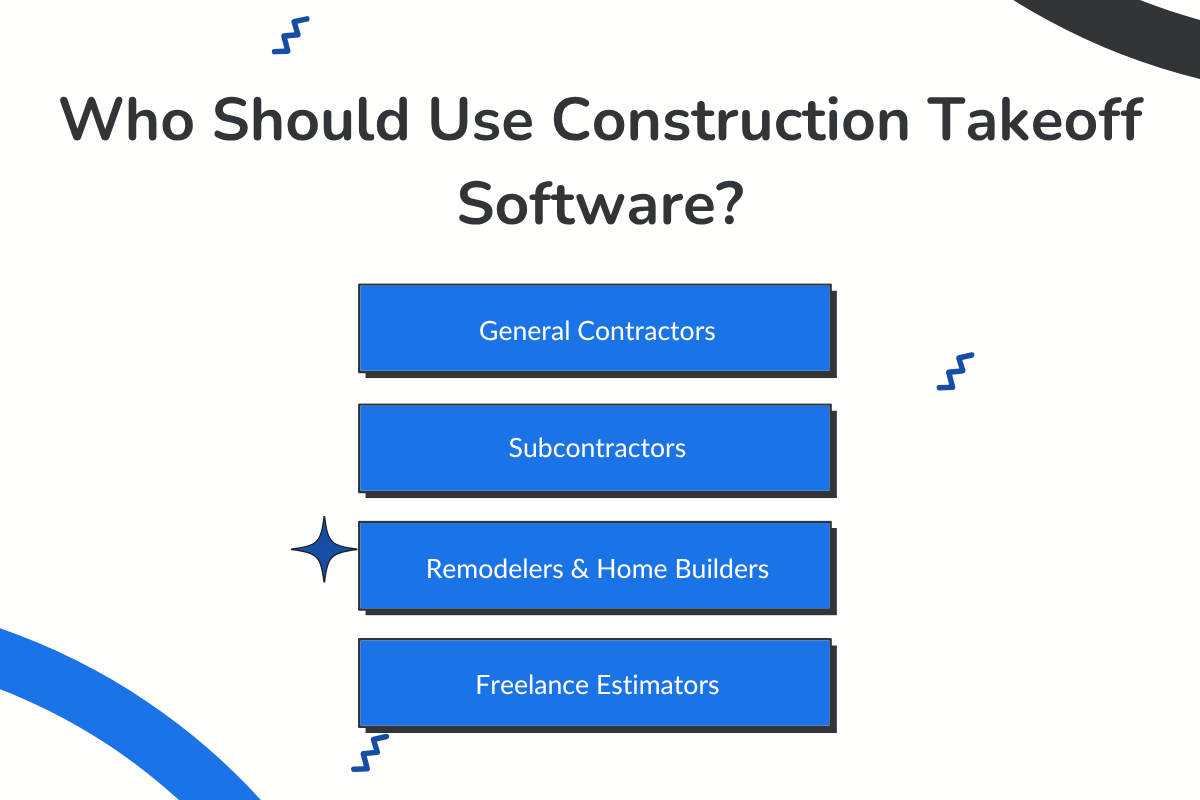
This technology isn't just for large-scale general contractors. It's a scalable digital tool designed for a wide range of construction professionals:
- General Contractors: To verify subcontractor bids, manage overall project material costs, and get accurate estimates for self-performed work.
- Subcontractors: This is essential for trade-specific contractors (drywall, electrical, plumbing, HVAC, and flooring) who need to create fast, accurate, and competitive bids to win more work.
- Remodelers & Custom Home Builders: To quickly quantify materials for unique, non-cookie-cutter projects and complex renovations.
- Freelance Estimators: The ultimate tool for efficiency. It enables you to maximize your client output and scale your business more efficiently.
Looking for a good CRM? Construction CRM for Contractors: Win More Bids!
The Next Generation: From Digital Clicks to AI-Automated Takeoffs for Accurate Measurements
Standard on-screen takeoff software was a revolutionary step, saving construction professionals from the slow, error-prone paper process. But even with these digital tools, a fundamental limitation remains: it's still a 100% manual job.
You still have to click and trace every single line, count every symbol, and measure every area. It’s faster, yes, but it's still you doing all the tedious measurement work. This is a bottleneck that still consumes hours of your most valuable resource: your team's time.
How AI Changes the Entire Process for Construction Projects
What if the software could do the clicking for you? That’s exactly what the newest generation of construction takeoff software does. By using Artificial Intelligence (AI), these powerful tools can scan and understand your digital blueprints.
The AI identifies symbols, recognizes lines, and automatically calculates areas, lengths, and counts. It generates a comprehensive material takeoff list automatically, reducing errors and saving a significant amount of time.
Understand The Rise of AI in Construction Project Management!
The ConstructionBase Automated Takeoff Engine for Accurate Estimates
This futuristic solution is exactly what advanced platforms like ConstructionBase are built to deliver. It's not just a digital measuring tool; it's a fully automated takeoff engine.
You simply upload your digital plans, and ConstructionBase moves your entire workflow from a multi-hour process to a matter of minutes. Its AI-powered engine is designed to:
- Automate Material Takeoffs: It automatically scans and extracts precise material quantities directly from your digital drawings, eliminating the hassle of manual measurements and calculations.
- Ensure Spot-On Accuracy: By automating the process, it generates precise material lists that reduce the risk of costly overorders or shortages.
- Integrate with Your Workflow: The system is designed to connect seamlessly with your estimating and bidding modules, allowing takeoff data to flow directly into your cost projections without manual data entry.
- Streamline Operations: This level of automation cuts down hours of project planning, freeing up your team to focus on growing the business and bidding on more projects.
For contractors seeking to stay competitive, streamline their operations, and bid on more profitable projects, this AI-driven approach is the clear path forward.
Conclusion: Stop Counting, Start Estimating
Embracing construction takeoff software means swapping your highlighter for a mouse and, ultimately, for AI. It's the difference between spending your day "counting" and spending your day "estimating."
By eliminating manual errors and drastically reducing time, these digital tools enable you to focus on what truly matters: creating accurate, competitive, and profitable bids.
With AI-driven platforms like ConstructionBase, you can automate the count and get back to the high-value strategy of winning more work.
About ConstructionBase
ConstructionBase's automated takeoff engine uses AI to turn your blueprints into accurate material lists in minutes, not hours. It seamlessly integrates this data with your estimating and project management, creating a single, streamlined workflow from bid to completion.
See the power of automation for yourself. Schedule your ConstructionBase demo today and stop counting, start winning.
FAQs
How much does Takeoff software cost?
Prices vary. Subscriptions range from $40 to $250 per user/month, while one-time licenses can cost $350 to $1,900.
Can ChatGPT do construction takeoffs?
No, not directly. ChatGPT cannot read blueprints, but it can be integrated with AI takeoff tools (like Togal AI) to help analyze data.
What is the AI software for construction takeoffs?
AI software, such as ConstructionBase, Togal AI, and Kreo, automatically scans blueprints to detect and quantify materials, thereby saving time.
Have questions or need personalized advice?
Talk to an Expert Today and let our construction specialists guide you to success.
Related Posts
Building Construction Project Software: Key Integration Points You’re Missing





