

You’ve probably seen “Buildertrend” pop up when you search for construction management tools. It’s a name that’s hard to ignore. But does that mean it fits your team, workflows, or project scale?
If you’ve ever found yourself switching between WhatsApp, Excel, and email threads just to figure out where a project stands, you’re not alone. Every growing construction business hits that breaking point, where manual tracking starts breaking down communication and clarity.
That tension, between wanting order and avoiding software overwhelm, is what brings most builders to tools like Buildertrend.
In this guide, you will explore Buildertrend’s strengths, its trade-offs, and when it might (or might not) make sense. Along the way, we will see what real builders say and, eventually, introduce alternatives, like ConstructionBase, that might fit your team better.
Buildertrend: A Complete Guide for Construction Businesses Managing Multiple Projects
Research by the McKinsey Global Institute (2025) shows that digital construction project management solutions boost productivity by 14–15% and cut costs by 4–6% compared to spreadsheets or ad-hoc methods.
The right tool goes beyond task tracking; it reduces delays, improves communication, streamlines payments, and drives efficiency. The wrong one can mean lost hours, frustrated clients, and higher actual costs.
Now, this guide shows how it handles file uploads, scheduling, and progress tracking, shares user insights, and highlights simpler alternatives like ConstructionBase to help you choose the best fit for your business growth.
Key Takeaways:
- Buildertrend powers nearly one million users worldwide, helping construction teams manage multiple projects, track schedules, and maintain seamless communication.
- Buildertrend shines in client transparency, task tracking, and financial control, but may feel complex for very small or niche teams.
- Success depends on implementation, clear structure, team training, and avoiding over-customization to ensure long-term efficiency.
- For those seeking a simpler, modern alternative, platforms like ConstructionBase offer flexible, intuitive workflows without overwhelming features.
Why Construction Firms Are Turning to Digital Tools
Running construction projects with spreadsheets, WhatsApp, or scattered paper isn’t sustainable when your job count grows.
According to Allied Market Research, the construction management software market is projected to reach ~$23.9 billion by 2031. That means more firms are shifting from analog to digital.
As clients expect faster updates and as margins tighten, delays and miscommunication cost real money.
When you rely on siloed tools or manual data re-entry, you create friction leading to missed approvals, duplicative effort, version conflicts, and frustrated subs or clients.
Transitioning to a unified platform isn’t just about being “modern,” it’s about making your operations less chaotic, more visible, and more predictable, and also about choosing the right tools your business needs.
Also read: 5 Signs Your Construction Company Needs Project Management Software
What Buildertrend Is (and How It Works)
At its heart, Buildertrend is a cloud-based construction management platform aimed at builders, remodelers, and general contractors who juggle multiple projects.
- It integrates scheduling, financials, change orders, purchase orders, document uploads, client portals, and team communication, all under one roof.
- As of recent reports, over one million users rely on Buildertrend globally (Buildertrend’s own claims).
- Think of it as a control hub: your team, clients, and vendors all accessing, updating, and communicating from a shared platform.
For many construction professionals, this kind of connected "single source of truth" is what bridges the gap between field chaos and office clarity.
Buildertrend’s Main Features: What They Do, and When They Shine
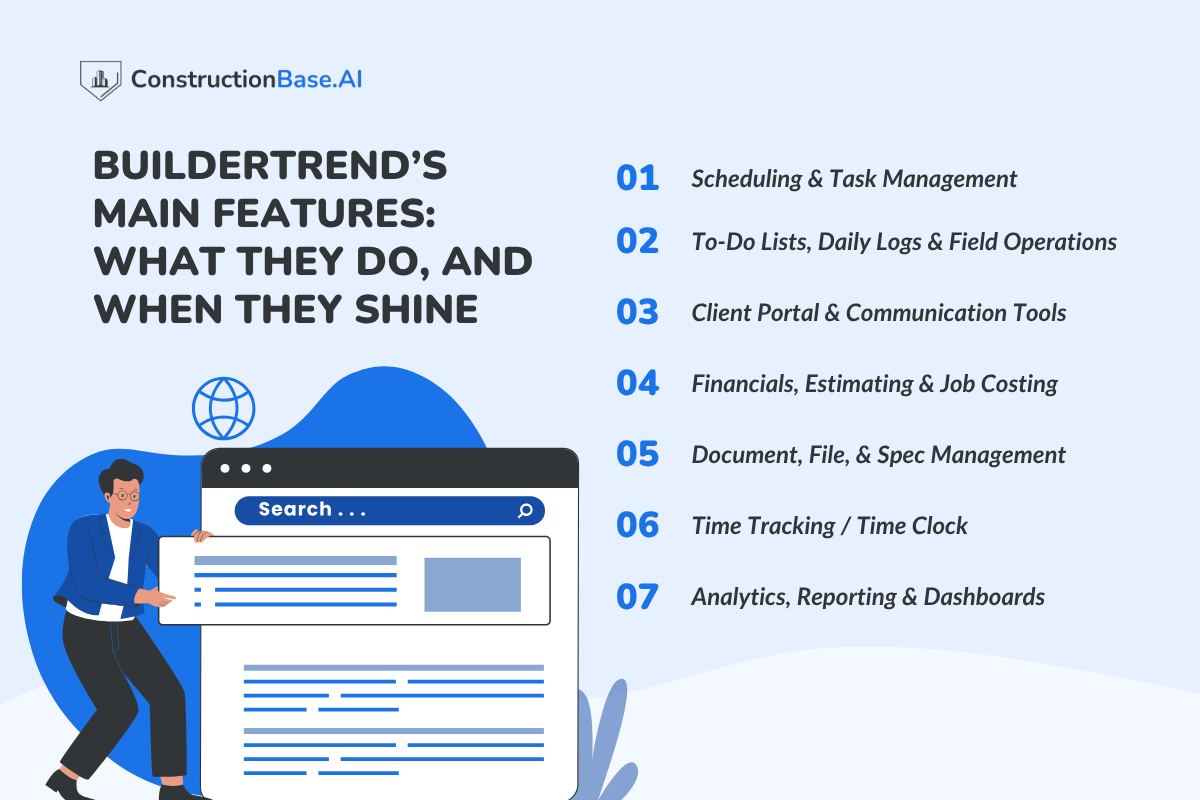
Here’s where the rubber meets the road. Below is a practical, real-world look at Buildertrend’s core modules and how they tend to play out in daily construction workflows.
1. Scheduling & Task Management
You get Gantt charts, calendar views, dependencies (baseline vs actual), and recurring templates. This is ideal when you have multiple overlapping projects and need to see which tasks drive others. For crews with hourly shift schedules or heavy overtime rules, Buildertrend’s scheduling might feel limited unless you're heavily customizing.
>One Reddit user said: I use it to manage our $10 M/yr residential firm, we use it for selections, daily logs, estimating, record keeping. It’s really great.
2. To-Do Lists, Daily Logs & Field Operations
On-site crews can log issues, upload photos/videos, mark tasks completed, and add comments. This bridges the gap between what you THINK is happening and what ACTUALLY is happening in the field. The more your team uses it in real time, the more it reduces “Did you see that? Did you upload?” chaos.
3. Client Portal & Communication Tools
Clients can view daily logs, photos, change order requests, and message your team. You choose what they see or don’t see; you keep control. This often turns communication from after-the-fact explanations into proactive visibility.
4. Financials, Estimating & Job Costing
Buildertrend lets you manage budgets, change orders, purchase orders (POs), invoice tracking, and cost overlays. It integrates (two-way) with QuickBooks and Xero, so your accounting and project ops stay synced.
If your needs require deeply custom accounting rules, allocations, or advanced cost modeling, you may outgrow it. Many user reviews caution about cost: some say it’s “expensive” for smaller businesses.
5. Document, File, & Spec Management
Everything from blueprints to contracts to site photos can live in one project folder. Version control, file sharing, and upload history, all built in. For many builders, this alone saves hours of searching and re-making lost files.
6. Time Tracking / Time Clock
Field crews can clock in/out via the mobile app; entries map to cost codes and projects. Offline support ensures you’re not stuck in areas without connectivity. But if your operations demand sophisticated overtime, shift patterns, or crew-level allocations, you may find the “out-of-the-box” functionality a bit basic.
7. Analytics, Reporting & Dashboards
Out-of-the-box reports: cost vs budget, change order impact, project health scorecards. You gain visibility on variance, slippages, or budget overruns earlier than otherwise. Builders often tell you, You need to look at these weekly, not monthly, to catch small issues before they cascade.
Who Buildertrend Serves Best, and Who Might Want to Think Twice
It’s tempting to think “one tool suits all,” but in reality, the better question is: Will it suit your team’s size, workflows, and appetite for complexity?
Best Fit:
- Builders or contractors running multiple active jobs
- Teams needing centralized client visibility
- Businesses already using or wanting to integrate accounting tools
- Remodelers or residential builders working with change orders, selections, and client updates
Caution Cases:
- Very small teams or one-off projects might find it overkill
- If your workflows demand ultra-custom financial allocations or workforce management beyond what Buildertrend offers
- Business models are heavily outside residential or remodeling (e.g., industrial, infrastructure)
In-Between (“Grey Zone”):
- Mid-size firms scaling up may begin with a lighter tool and adopt Buildertrend when they cross a certain project threshold
- Specialty contractors may use only selected modules and bypass others.
Implementation Tips & Best Practices For Buildertrend
Even the best construction management software can feel like a burden if not implemented correctly. Buildertrend’s real power lies in seamless communication, efficient task tracking, and organized project management, but that only happens when your team, technology, and processes align.
Here’s how to ensure Buildertrend supports your growth instead of slowing you down:
1. Start with One Project at a Time
Begin with a single project and verify how Buildertrend fits your workflow. This helps your team understand the system better and allows the support team to guide you through setup and troubleshooting. Once you’re confident, expand to other jobs gradually for smoother scaling.
2. Train Both Field & Office Teams
Don’t leave your field crews behind. Ensure seamless communication between office staff and on-site workers through proper onboarding. Buildertrend’s tools only bring efficiency when everyone, from developers to subcontractors, uses them confidently.
3. Define Conventions Early
Agree on folder naming systems, task labels, and cost codes before going live. Consistency keeps your organization secure, data well-structured, and reporting accurate, saving hours of confusion later.
4. Leverage Templates & Automations
Use Buildertrend’s templates and automation features to simplify repetitive processes. Whether it’s sending client updates or scheduling follow-ups, automation ensures no important date or customer request slips through the cracks.
5. Create Feedback Loops
Host weekly check-ins to verify that every department is aligned. Use this time to address adoption issues, explore new services, and discuss ways to expand usage. Regular feedback ensures long-term engagement and better efficiency.
6. Avoid Over-Customization
While it’s tempting to tweak every setting, too much customization can affect system upgrades and create confusion. Stick to what works. Buildertrend already provides a secure and flexible platform trusted by thousands of companies.
7. Stay Connected with Support
Buildertrend’s support team and online resources are designed to help you get the most out of the platform. Don’t hesitate to reach out via phone or contact form for any issues, updates, or integration help.
Risks, Challenges With Buildertrend & How to Mitigate Them
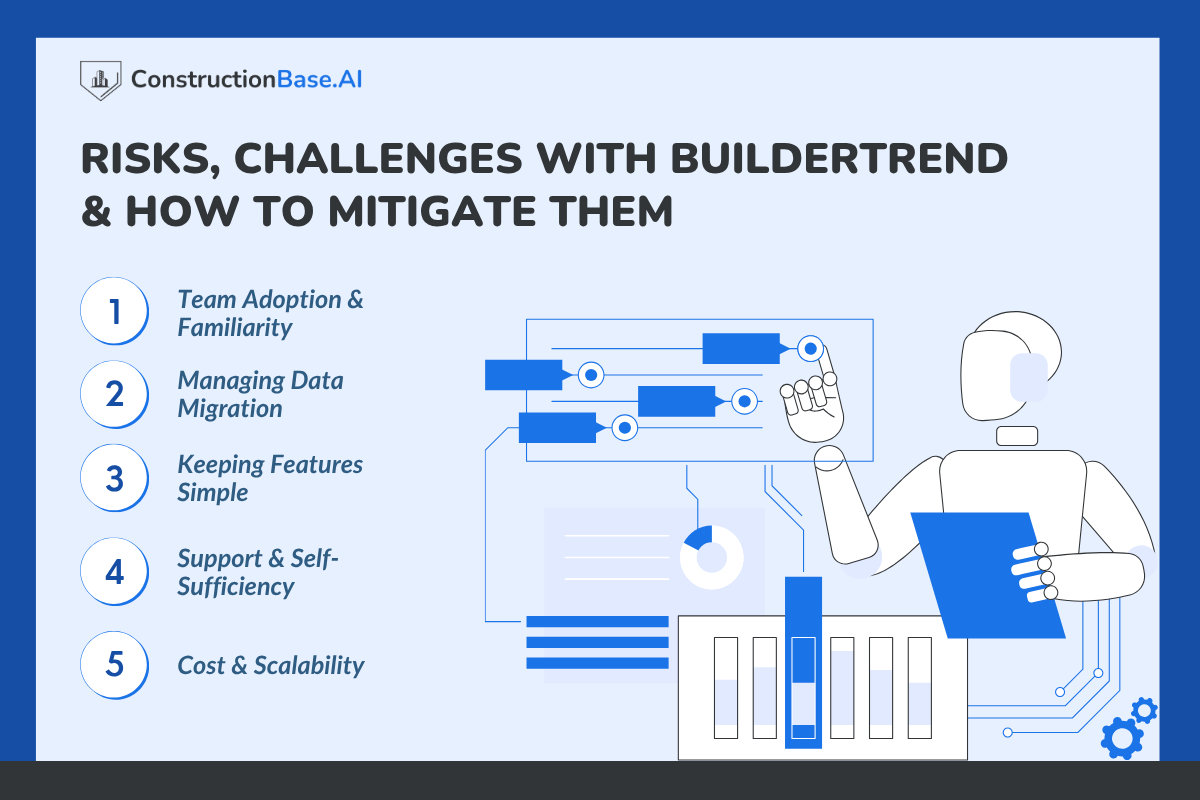
Every construction team’s journey with Buildertrend looks a little different. For some, the transition feels seamless; for others, it’s a learning curve.
The good news is that most challenges that surface early can be managed easily with the right planning.
1. Team Adoption & Familiarity
- New tools often bring mixed reactions. Some team members quickly adapt to digital dashboards; others take time to move away from spreadsheets.
- It helps to ask: Does everyone understand how this tool actually makes their day easier?
- Starting with one project and collecting feedback often creates smoother acceptance and better collaboration.
2. Managing Data Migration
- Shifting old project files, spreadsheets, or archives onto a single platform can feel like a big step. Some firms prefer migrating in phases, testing accuracy and structure along the way.
- The key question: Is your current data clean and ready to import, or does it need a little prep first?
3. Keeping Features Simple
- With Buildertrend offering multiple modules, from scheduling to client portals, it’s easy to explore everything at once. But sometimes, less is more.
- Teams that define early conventions (like folder naming and task formats) often find the system easier to scale later.
4. Support & Self-Sufficiency
- Support response times vary depending on region and hours, so having internal champions who know the basics can be a big advantage.
- If your team values quick answers, consider designating one “Buildertrend go-to” per department to help verify, guide, or troubleshoot small issues on the spot.
5. Cost & Scalability
- Buildertrend’s pricing grows as projects or users increase, something to keep in mind for expanding firms.
- Instead of asking “Is it expensive?”, a better question is: “Does it bring measurable efficiency and save time worth the cost?”
- Tracking gains in scheduling accuracy or communication speed can help justify every rupee or dollar spent.
Decision Checklist: Is Buildertrend Right for You?
Here’s a quick self-assessment:
- Do you run 3 or more projects at once?
- Do you struggle with keeping clients in the loop?
- Are cost overruns or communication delays eating up your time?
- Do you already use accounting software (e.g., QuickBooks) that requires integration?
- Can your team devote time to onboarding and learning?
If you answer “Yes” to most, Buildertrend is worth a demo and a pilot run. If many “No”, then a lighter tool may serve you better initially.
Take a deeper look at: How Much Money Do You Waste Without Correct Construction Management Tools?
Buildertrend vs Other Construction Management Tools
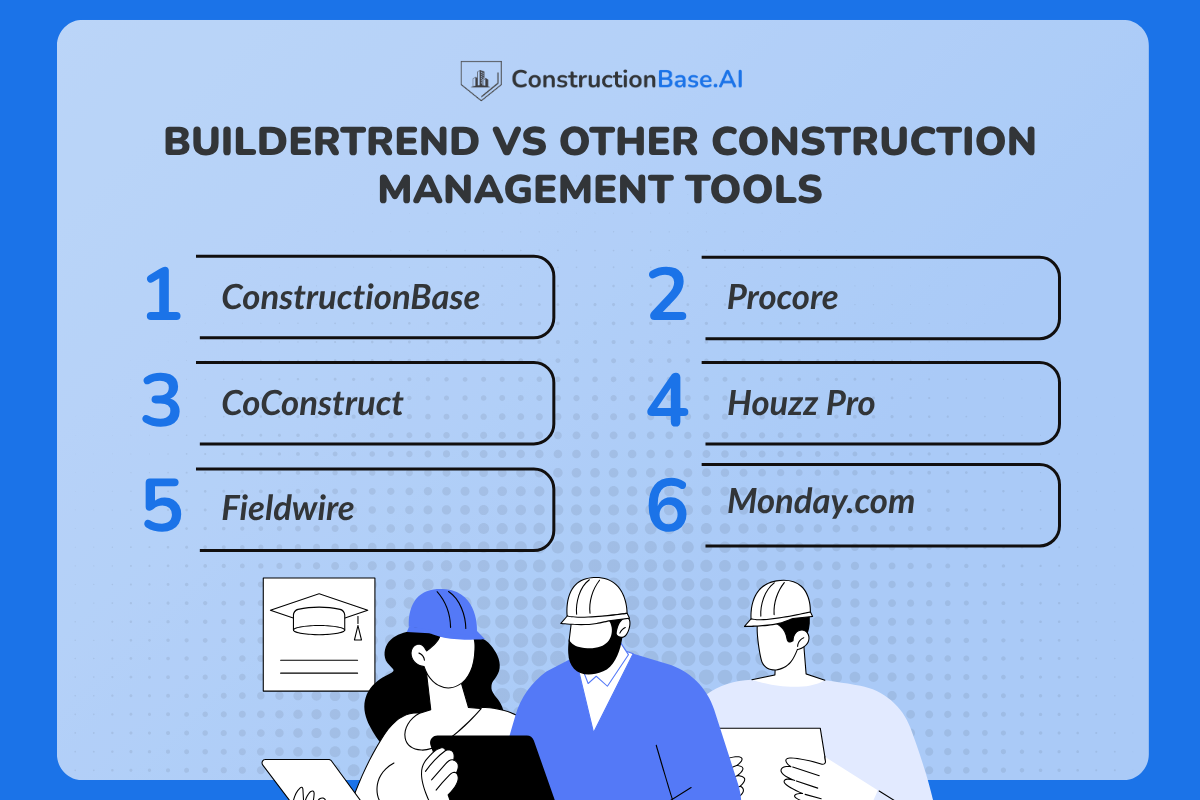
Think of Buildertrend as the “Swiss Army knife” of construction management: it’s packed with features and built to handle multiple projects, client communication, and financial tracking all at once.
But depending on your team’s size, project scope, and workflow preferences, there are other platforms that might also fit the bill, or even suit your team better in certain ways.
1. ConstructionBase
- Ease of Use: ConstructionBase keeps things simple. Its intuitive interface means your team can start managing projects with minimal onboarding stress. No need to spend hours figuring out where things are; everything feels in place.
- Ideal For: Small-to-mid builders juggling 3–10 active projects who want a clear view of progress without being buried in features they don’t need.
- Standout Features: Real-time dashboards, simplified client portals, drag-and-drop task planning, and visual cost summaries help teams stay on top of schedules and budgets effortlessly.
- Pricing: Transparent, scalable monthly plans, no hidden fees or surprise add-ons. For growing teams, this predictability makes planning your software budget much easier.
2. Procore
- Ease of Use: Powerful, but can feel overwhelming at first, with enterprise-level complexity.
- Ideal For: Large commercial projects, multi-department firms, or teams with detailed compliance and document control needs.
- Standout Features: Extensive enterprise-grade features, rigorous compliance tracking, and robust document management.
- Pricing: Procore does not publish a simple price list, so you'll need to get a custom quote. However, according to the various sites, customized volume-based modular pricing starts at $4,500–$10,000/year for small contractors, $25,000+/year for large firms. Pricing based on Annual Construction Volume (ACV), not per-user fees. Modules priced separately ($375+/month minimum).
- Real Voice: A project manager on Reddit shared, “Procore is amazing for big commercial jobs, but our small residential projects would never justify the cost or learning curve.”
3. CoConstruct
- Ease of Use: Designed for custom home builders, relatively intuitive, though integration setup can take some time.
- Ideal For: Remodelers and design-build firms that rely on client selection workflows.
- Standout Features: Managing selections, estimating, and client communication all in one place.
- Pricing: Standard plan: $99/month (introductory for 2 months), then
$199–$299/month.
PLUS™ plan: $399/month with white-glove implementation and data import services. No free trial available. - Real Voice: One Houzz forum user noted, “CoConstruct made client selections seamless, but if you have 10+ projects at once, you might feel restricted.”
(Sources: G2)
4. Houzz Pro
- Ease of Use: Very simple and visually appealing, especially for designers.
- Ideal For: Small remodelers or designers who need client-facing proposals and visuals more than complex scheduling or financial tracking.
- Standout Features: Proposal generation, visual design boards, and easy client collaboration.
- Pricing: Pro plan: $249/month (after 30-day free trial). Custom plan: contact for pricing. Additional users cost $60/month each. Requires a 12-month commitment with volume-based online payment discounts.
(Sources: SoftwareConnect)
5. Fieldwire
- Ease of Use: Lightweight, mobile-first, easy for field crews to adopt quickly.
- Ideal For: On-site task tracking, daily updates, and teams prioritizing field operations over back-office financials.
- Standout Features: Task assignment, field logs, mobile photo/video uploads, and offline access.
- Pricing: Free Basic plan available, pro: $39/user/month (annual) or $54/month (monthly), business: $59/user/month (annual), and business plus: $89/user/month (annual). Cost-effective for field-focused teams.
- Real Voice: A contractor commented on Quora, “Fieldwire keeps my crews accountable on-site, but we still need BuilderTrend for budgeting and client updates.”
6. Monday.com (Construction)
- Ease of Use: Flexible and highly customizable, setup is key to fit your construction workflow.
- Ideal For: Teams already using workflow tools, looking for modular project management without committing to a full-suite construction platform.
- Standout Features: Custom boards, integrations, reporting dashboards, and automation tools.
- Pricing:
Tiered per-seat pricing (minimum 2 seats).
Basic: $9/seat/month, Standard: $12/seat/month, Pro: $19/seat/month (all annually).Enterprise: custom pricing. 18% discount for annual billing vs monthly. - Real Voice: A small firm owner said, “Monday gives us flexibility, but sometimes we miss the built-in construction-specific tools that Buildertrend has.”
For more insights, check out: Best Construction Management Software in 2025
Conclusion & Next Steps
Every platform has its sweet spot. Buildertrend is a mature, full-featured construction management platform capable of linking clients, costs, scheduling, and communication. But it isn’t magically frictionless. Success depends heavily on onboarding, governance, and consistent use.
For small or lean teams, a lighter tool may suit them better initially. If your priority is simplicity, transparency, and fast adoption, platforms like ConstructionBase offer a modern alternative that balances essential features with ease of use.
If you're curious, request demos, pilot one or two live projects, and see which tool your team likes using, not just what looks impressive on paper.
About ConstructionBase
ConstructionBase is a modern, intuitive construction management platform designed for small-to mid-sized builders and contractors. It focuses on simplifying project scheduling, client communication, and cost tracking without overwhelming your team.
Real-time dashboards, visual cost summaries, and drag-and-drop task planning help streamline workflows and reduce delays. Its transparent, scalable pricing makes it a practical choice for growing construction businesses seeking efficiency and clarity.
See how ConstructionBase can simplify your projects. Explore a demo today!
FAQs
Q1: Is Buildertrend worth it?
Yes, with nearly one million users, it helps construction teams streamline project scheduling, improve communication, and boost efficiency.
Q2: Can I link multiple Client Portals?
Yes, each portal can be accessed with a username to submit updates, approve changes, and track progress across projects.
Q3: How does my builder know when tasks are done?
Tasks can be marked completed in the system, sending notifications to the builder for real-time visibility.
Have questions or need personalized advice?
Talk to an Expert Today and let our construction specialists guide you to success.
Related Posts
Building Construction Project Software: Key Integration Points You’re Missing





