
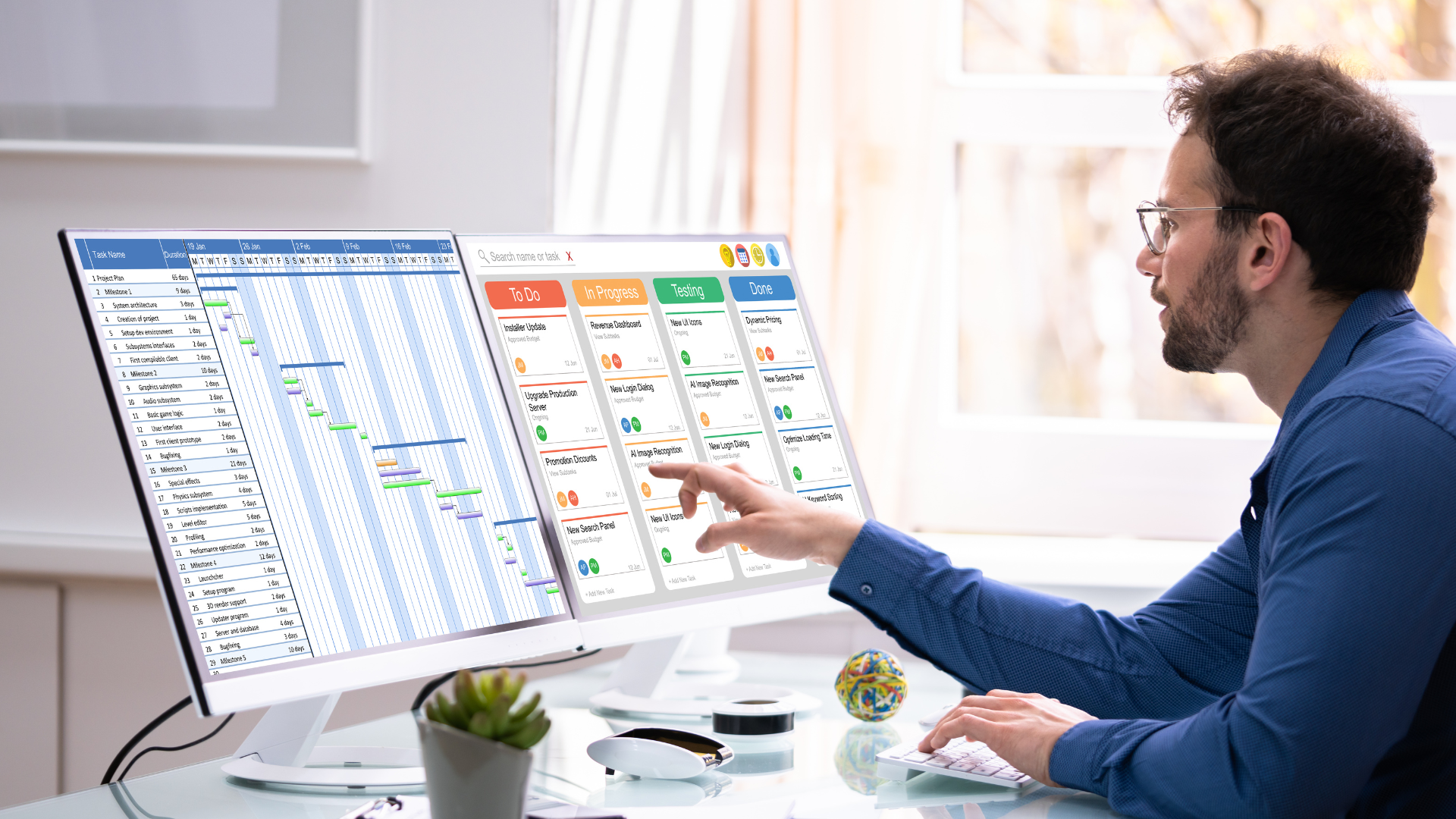
Construction projects rarely fail because of a lack of effort. They fail because timelines slip, tasks overlap, materials arrive late, and teams work from outdated schedules. When even one activity goes off track, it can affect every phase that follows.
As construction work becomes more complex, managing schedules through spreadsheets, whiteboards, or scattered tools makes it harder to see the full picture.
Moreover, with multiple contractors, changing timelines, and unexpected site issues, project teams need clearer visibility and stronger coordination to keep work moving.
Therefore, you need the best construction scheduling tools for cost management, project planning, and scheduling to scale your construction company.
Turn Site Chaos into Smooth Timelines with Construction Scheduling Software
Complex projects require a master for scheduling project tasks for better project health, not manual spreadsheets. This is where construction scheduling software helps you track progress and stay on the same page with construction business owners.
Smart construction scheduling software prevents bottlenecks by automating timelines, optimizing resource allocation (labor, equipment, materials), enhancing real-time communication for faster decisions, and using data analytics to predict and mitigate risks, ensuring tasks flow efficiently, minimizing idle time, and keeping projects on track for timely, cost-effective completion.
In this blog, we will study how the best scheduling software adjusts schedules, tracks location, team communication, project costs, and job site plans all in one platform. We will watch how it assigns tasks, tracks job progress, and delivers projects within the timeline of completion dates.
Key Takeaways
- Manual scheduling consumes more time in follow-up and booking slots for appointments and has a high risk of human errors.
- Innovative scheduling systems help you prevent hurdles such as lost data records, missing high-quality leads, etc.
- Automated scheduling process helps reduce idle time and enhances operational efficiency.
- Real-time collaboration and tracking help in quick decision-making and fewer mistakes.
- With ConstructionBase, you can schedule, plan, and track leads all in one centralized CRM.
The difference between controlled projects and constant firefighting is visibility
When schedules, crews, and resources move in sync, delays stop spreading, and teams regain momentum. If avoiding rework, idle time, and last-minute reshuffling is the goal, the next step isn’t working harder—it’s scheduling smarter.
See how construction teams are preventing bottlenecks with real-time, adaptive scheduling.
Determining The Real Cost of Disconnected Construction Scheduling
A. What Every Growing Construction Team Overlooks About Project Delays?
When construction teams get stuck at one stage of the sales or execution funnel, project delays often follow. Information stops flowing smoothly, handoffs become unclear, and schedules start slipping.
Construction professionals find it difficult to follow the construction schedule and stay up to date with project progress.
B. The Pain Points Behind Slower Timelines
- Lack of resource management delays the project schedule.
- Inappropriate scheduling templates and time tracking make it difficult to manage tasks.
The Day You Realize You Need Scheduling Software
There comes a point in every growing construction business when managing schedules manually stops working. What once fit neatly into spreadsheets, emails, and whiteboards starts to break down as project volume increases, timelines overlap, and teams expand across multiple sites.
At this stage, construction teams don’t struggle because they lack effort or expertise. They struggle because tasks shift, dependencies change, approvals get delayed, and teams lose visibility into who is working on what and when.
This is where you'll realize the need for structured scheduling software.
The demand for these systems reflects a broader industry shift. By 2032, the construction scheduling and project management software market is projected to reach USD 5.2-5.8 billion, growing at an estimated CAGR of 8.5-13.5%. This growth signals a clear reality: construction businesses are increasingly prioritizing structure, visibility, and predictability over fragmented tools.
What are the Common Scheduling Mistakes That Slow Construction Projects?
1. Relying on Static Schedules That Don’t Reflect Reality
Many teams still treat the schedule as something you create once and rarely update. But construction sites change daily as weather shifts, materials arrive late, inspections get rescheduled, and crews move between jobs.
When schedules don’t adjust in real time, teams keep working off outdated plans. This leads to crews arriving too early, too late, or with the wrong resources, wasting time and momentum.
2. Too Much Manual Coordination Between Teams
When scheduling lives in spreadsheets, emails, or phone calls, coordination becomes fragile. One missed message or outdated file can throw off an entire day’s plan.
Project managers end up spending hours chasing updates instead of managing progress. Field teams lose confidence in the schedule and start improvising, which creates even more inconsistency.
3. Ignoring Resource and Availability Constraints
Schedules often assume ideal conditions: every crew is available, every piece of equipment is free, and materials arrive exactly on time.
In reality, resources are shared across projects, people take time off, and equipment gets tied up unexpectedly. When schedules don’t reflect actual availability, conflicts emerge quickly and slow everything down.
4. No Clear Visibility Into Daily Progress
If managers can’t see what’s been completed, what’s delayed, and what’s at risk, decisions are always reactive. Problems are discovered after deadlines slip, not before.
Moreover, without real-time visibility, it becomes impossible to rebalance workloads, reassign crews, or adjust timelines early enough to prevent delays.
What is Construction Scheduling Software, and who benefits from it?
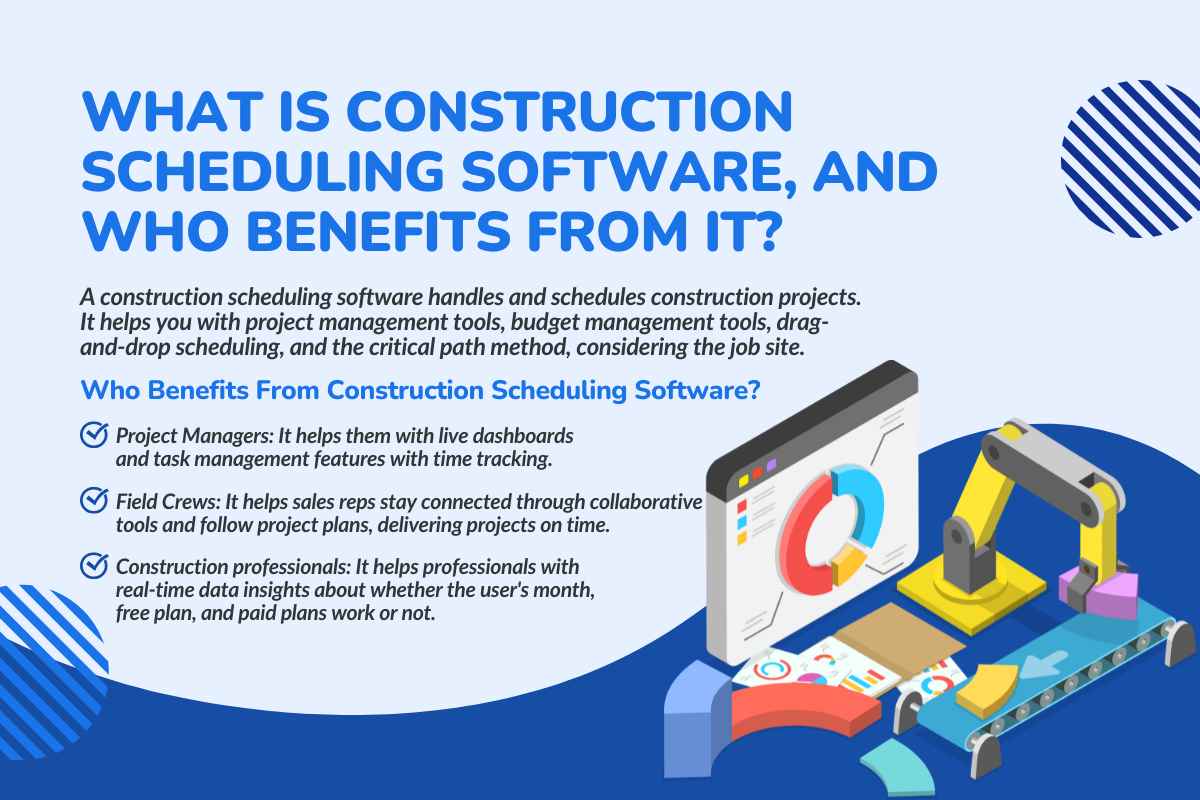
A construction scheduling software handles and schedules construction projects. It helps you with project management tools, budget management tools, drag-and-drop scheduling, and the critical path method, considering the job site.
The North American Region accounts for approximately 35–40% of the worldwide construction software market; this is also the most significant region for scheduling and Project Management Tools.
Who Benefits From Construction Scheduling Software?
- Project Managers: It helps them with live dashboards and task management features with time tracking.
- Field Crews: It helps sales reps stay connected through collaborative tools and follow project plans, delivering projects on time.
- Construction professionals: It helps professionals with real-time data insights about whether the user's month, free plan, and paid plans work or not.
Why Construction Projects Need Real-Time Scheduling Visibility?
Benefit 1: Offers Clarity That Removes Uncertainty
Construction scheduling software offers you real-time tracking and lead capturing, where you can log each and every client interaction and remove the uncertainty of guesswork.
It also provides construction scheduling tools where you can instantly book an appointment in just a few clicks.
See the Difference With Construction Scheduling Software and Learn how it offers real-time visibility and live dashboards for better clarity.
Benefit 2: Provides Live Project Tracking for Faster Action
It has time tracking features along with general project management software for faster response and lead capturing. It provides quick solutions for better decision-making and reports with graphs, helping with a steep learning curve for greater clarity.
Benefit 3: Generate Stronger Coordination Across All Teams
Field teams and office team members work on the same project schedule and project timelines. The construction-specific features, such as location tracking, inventory management, and collaboration, help the team stay in touch with real-time insights.
To understand how construction teams proactively manage timelines, explore 5 Strategies to Prevent Construction Project Delays.
How Construction Scheduling Software Fixes the Scheduling Problems in 2026?
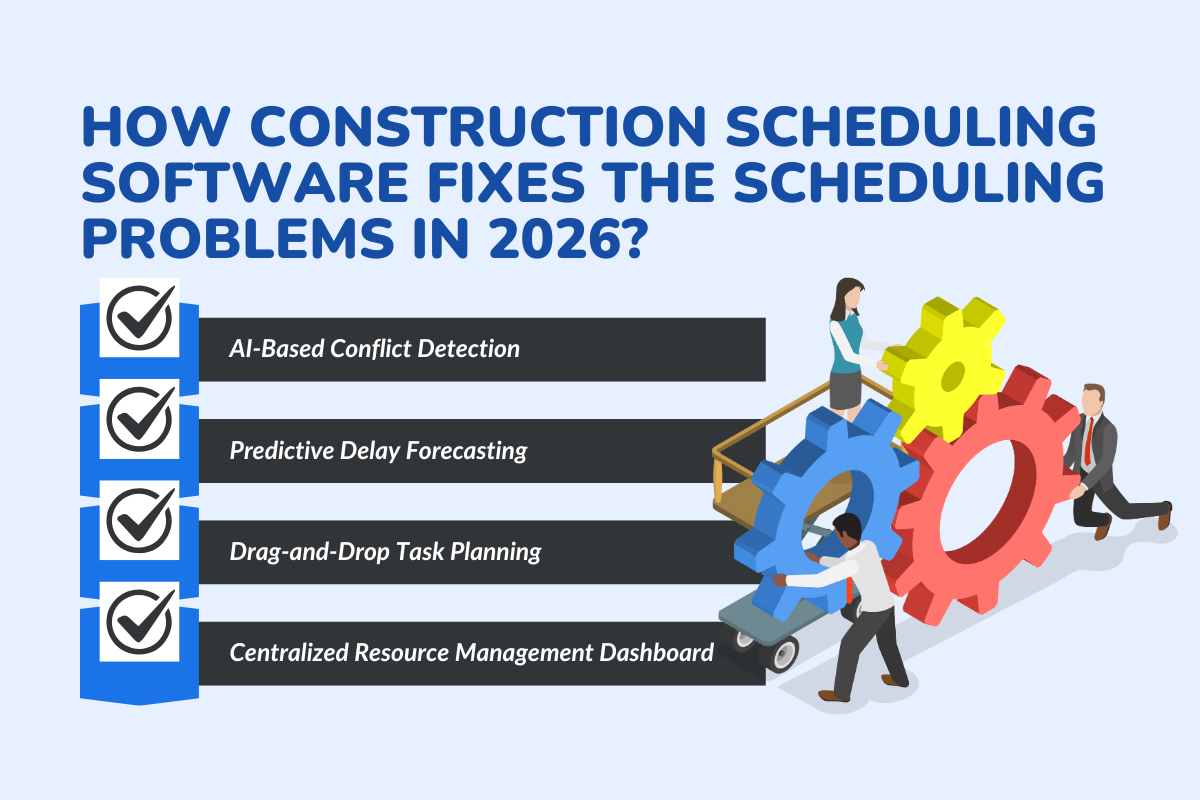
We have seen the reasons behind manual scheduling failure and watched the benefits of using digital tech tools. Now, let us understand how the digital tool fixes the scheduling issues:
I. AI-Based Conflict Detection: Catching Issues Before They Disrupt the Day
What usually goes wrong:
Two crews get booked for the same equipment. A subcontractor is scheduled when they’re already tied up elsewhere. You don’t realize it until someone is standing on-site with nothing to do.
What the software does differently:
Instead of waiting for someone to spot the conflict, the system checks availability, dependencies, and workloads in the background. If something overlaps or doesn’t line up, it flags it immediately.
Why that matters:
You fix problems while you’re still at your desk, not after crews have already lost half a day. That means crews stay productive instead of losing hours on-site waiting for issues to be sorted out.
II. Predictive Delay Forecasting: Knowing What’s at Risk Before It Slips
What usually goes wrong:
Most delays don’t start as big problems. They begin as small slips—one task running long, one dependency not completed on time.
What the software does differently:
By looking at task dependencies and progress patterns, scheduling software highlights where delays are likely to happen, not just where they already happened.
Why that matters:
You get a chance to rebalance crews, adjust priorities, or shift timelines before a small issue turns into a project-wide delay.
III. Drag-and-Drop Task Planning: Making Schedule Changes Less Painful
What usually goes wrong:
When plans change, updating schedules becomes a chore. Different versions float around, and field teams work off outdated information.
What the software does differently:
You can adjust tasks visually—move them, reassign them, shift dependencies—and everyone sees the update instantly.
Why that matters:
Schedules stay realistic and usable. Teams stop guessing which version is the “latest one.”
IV. Centralized Resource Management: Finally Seeing the Full Picture
What usually goes wrong:
Office teams don’t always know what’s happening on-site, and field teams don’t always know what’s changing in the office. That gap creates idle time and poor coordination.
What the software does differently:
Everything—tasks, crews, equipment, progress—lives in one place. Anyone who needs visibility has it, without chasing updates.
Why that matters:
Decisions become faster, resources are used better, and fewer hours are lost simply because information wasn’t shared in time.
Did you know? Data-driven scheduling reduces project delays by nearly 20–25%.
How Smart Scheduling Transforms Daily Operations?
| Role | What They Gain | How Smart Scheduling Improves Their Day |
|---|---|---|
| Project Managers | Clear control and planning confidence | Full visibility across timelines, tasks, crews, and equipment. Better sequencing. Stronger grip on daily progress. |
| Site Supervisors | Live schedules with zero guesswork | Mobile access to tasks, instructions, and notes ensures clarity at each shift, with instant adjustments to the field. |
| Field Teams | Direct clarity on tasks and priorities | Balanced workloads that cut idle hours. Crews know what to do next. Task transitions become smoother. Productivity rises without extra effort. |
| Clients & Stakeholders | Predictable delivery and reliable updates | Consistent progress reports, clear handover expectations, and increased confidence in project pace and execution. |
The Best KPIs to Track With Construction Scheduling Software
The following KPIs will give a clear view to project managers about how well project management tools are working and whether dependent tasks are completed on time, etc.
A. Task Completion Variance
- It helps you compare the estimated completion date with the actual completion of construction projects.
- It helps us detect any delays or hurdles before we lose our profit margin.
B. Crew Utilization Rate
- It measures how efficiently your crew works on the job site.
- It detects the idle working hours and reduces them by efficiently managing the workflow of construction projects.
C. Equipment Idle Hours
- It tracks how effectively the equipment works and which rep is working where.
- It reduces the idle time and wastage that occurs due to wrong resource allocation.
D. Dependency Delay Frequency
- It helps with stating the delayed projects and how they impacted other tasks.
- It improves task sequencing and enhances customer experience.
Integrating Scheduling With Your Existing Construction Tech Stack
A modern construction team works on multiple projects at once. They need the right scheduling software to work more efficiently and generate high-quality leads. Let us see how to integrate scheduling software with your existing tools:
Step 1: Map Your Current Tools and Data
Identify each and every platform that your team members use, such as accounting software, task management tools, Microsoft Project management software, etc.
Step 2: Define the Workflows That Need Syncing
Select which workflow the scheduling system will look after, such as construction schedules, resource management, or assigning tasks.
Step 3: Connect Your Scheduling Tool With Key Platforms
Use real-time tracking and collaborative tools for keeping clients and team members updated with real-time insights about project schedules and progress.
Step 4: Test, Train, and Roll Out Across Projects
You can start by testing small teams with the chosen CRM integration, monitoring results, and then rolling it out to various projects.
Read in-depth about the Best Construction Scheduling Software that helps you save money and time.
How to Choose the Right Construction Scheduling Software?
Choosing the best construction scheduling software is one of the most important factors every construction company owner faces. Let us walk through the checklist and feature list while choosing one for your company:
| Selection Criteria | What to Look For | Why It Matters in Real Projects | Problems It Prevents | What to Check During a Demo |
|---|---|---|---|---|
| AI-Driven Automation | Automatic conflict detection, delay forecasting, dependency awareness | Flags risks before crews are impacted, not after delays occur | Overlapping tasks, missed dependencies, and last-minute rescheduling | Does the system warn you before a conflict happens or only after? |
| Real-Time Field Sync | Live updates from site teams, instant schedule changes | Keeps office and field aligned even when plans change mid-day | Crews working off outdated schedules, miscommunication | Update a task from the field—does it reflect instantly everywhere? |
| Resource Allocation Engine | Labor, equipment, and subcontractor tracking in one view | Balances workloads and reduces idle time across crews | Labor downtime, equipment bottlenecks | Can you see who is overbooked or underutilized in seconds? |
| Ease of Use | Simple UI, minimal clicks, intuitive workflows | Adoption depends on how easy it is for field teams to use | Resistance to software, manual workarounds | Can a field supervisor use it without training? |
| Mobile-First Coordination | Full mobile access to tasks, updates, drawings, and instructions | Schedules are only useful if crews can access them on-site | Phone calls, delays, missing instructions | Does the mobile app mirror desktop functionality? |
| Scalability | Handles multiple projects, sites, and growing teams | Prevents outgrowing the software as projects expand | Costly migrations, fragmented systems | Can it support 2 projects today and 20 next year? |
| Multi-Crew Visibility | All crews and schedules are visible in one dashboard | Enables smarter sequencing and workload balancing | Crew conflicts, blind spots in planning | Can you see all crews’ workloads on one screen? |
| Overbooking Prevention | Automatic checks against labor and equipment limits | Stops double-booking before it reaches the job site | Crews waiting, equipment shortages | Does the system block or warn against overbooking? |
| Dependency & Critical Path Tracking | Visual task dependencies and critical path logic | Helps teams understand what must happen next | Chain-reaction delays | Can you see which tasks directly affect delivery dates? |
| Reporting & KPIs | Schedule variance, crew utilization, and delay trends | Turns scheduling into a measurable performance tool | Repeating mistakes, guesswork decisions | Are reports actionable or just static charts? |
| Integration Capability | Syncs with project management, accounting, and CRM tools | Eliminates duplicate data entry and siloed systems | Data inconsistencies, admin overload | Does it integrate with tools you already use? |
Conclusion: Structure Your Projects with Smarter Construction Scheduling
Construction projects tend to move faster and smoothly when your scheduling system is working well. A smart and automated scheduling system helps your team stay aligned with business goals through real-time tracking and one centralized platform.
With construction scheduling software, you see how high-quality leads are generated in just a few clicks. This digital CRM not only improves your client relationships but also helps you with long-term client retention through gamified dashboards, real-time location tracking, etc.
Turn Scheduling Complexity into Predictable Project Delivery with ConstructionBase
Curious about how to deliver more projects with zero double bookings and with clear communication between field teams and office staff?
Book a demo with us and watch how automated scheduling improves your sales conversions.
FAQs
Q.1 What features should I look for in construction scheduling software?
Key features include real-time updates, resource allocation, dependency tracking, mobile access for field teams, AI-based conflict detection, and reporting on schedule performance.
Q.2 What is the most popular scheduling software?
ConstructionBase, MS Project, Primavera P6, and many other tools are widely used for scheduling and follow-ups, and also support mid-sized firms to large construction enterprises.
Q.3 How does construction scheduling software reduce project delays?
It reduces delays by identifying task dependencies, detecting conflicts early, and updating schedules in real time when conditions change. This allows teams to fix issues before they impact crews or timelines.
Q.4 What’s the biggest mistake teams make when choosing scheduling software?
Choosing tools that don’t reflect real job-site workflows. Software must adapt to changing conditions, not force teams into rigid schedules that break under pressure.
Q.5 What is the most popular method for scheduling construction projects?
The Critical Path Method (CPM) is considered the most used method. This method identifies which tasks must be completed before other tasks can begin, determines which tasks take more time to complete a project, and allows the project manager to determine the possibility of any delays and their effect on the overall completion of the project.
Have questions or need personalized advice?
Talk to an Expert Today and let our construction specialists guide you to success.
Related Posts
Building Construction Project Software: Key Integration Points You’re Missing





